

Make Unusual Drum Loops with Comb Filter
Last Edited: Nov 14, 2023
We all got used to applying equalizers, compressors, and different LP/HP filters to the drum loops and drums. However, sometimes, if not always, being creative pays off. Applying multiple effects on drum loops is fun, but recently, I came across an excellent way to make your drum loops "talk," I will show it to you in the following tutorial.
Comb Filter
The core effect of this tutorial is the comb filter. In signal processing, a comb filter is implemented by adding a delayed version of a signal to itself, causing constructive and destructive interference. Furthermore, the frequency response of a comb filter consists of a series of regularly spaced notches, giving the appearance of a comb.
Spice up Your Drum Loop
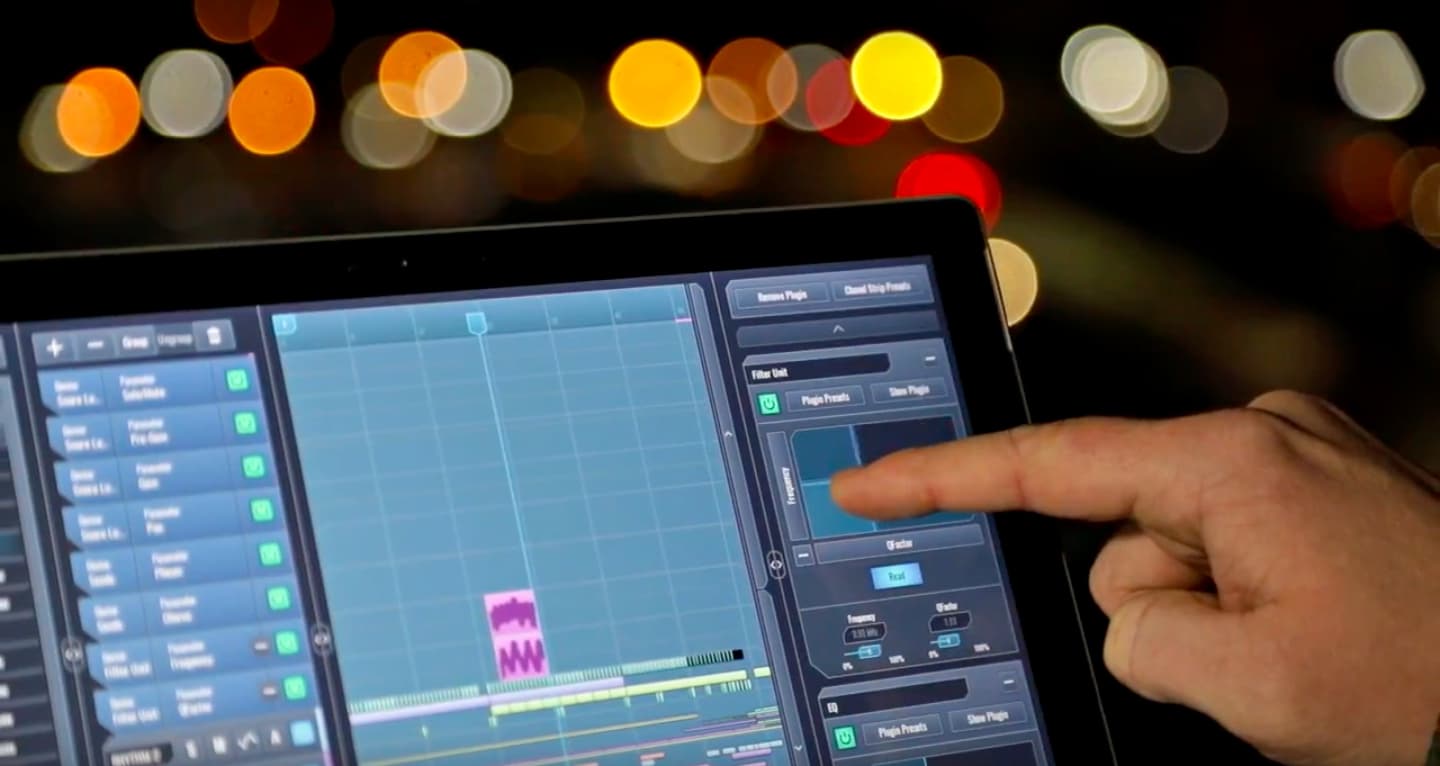
In our SoundBridge: DAW, I have made a short loop containing a percussion drum loop on which I will apply comb filtering. So, let's listen to this percussion loop unprocessed.

~Percussion Loop - Unprocessed
MComb by Melda Productions
For the comb filter effect, I have chosen MComb by Melda Productions, but there are other alternatives out there that you can use. Let's get to know the interface of the MComb a bit.

The Interface
We can see the dry/wet and output sections in the top part of the interface. Additionally, below are four independent filters, each containing the same parameters. Furthermore, the bottom part is reserved for the graphical representation of the filters. Graph editor includes a visual representation of the filters. Each point is one filter. The horizontal position is its frequency, and the vertical position is its feedback. Moreover, the horizontal pull bar controls its panorama, and the vertical pull bar controls its gain.
If you click on the vertical panel named "Meters & Subsystems, "you'll also enter the sub-menu, which contains a useful metering system and modulation routing paths. So, I have worked on this preset and modulated the frequency and the feedback of the Filter 2. If you click "MOD 1, " a new interface part containing LFO pops up. Envelope and other controls are needed to automate the Filter 2 parameters.

Having set all 4 filter sections on different stages, let's engage and listen to them individually until we reach the full effect.
~Percussion Loop - MComb Filter 1
~Percussion Loop - MComb Filter 2
~Percussion Loop - MComb Filter 3
~Percussion Loop - MComb Filter 4
In the end, let's listen to our processed drum loop in the contents of the entire sequence with other elements in the mix.
~Full Mix
음악 프로덕션 마스터
기초부터 완성 트랙까지 이끄는 전문가 코스.

HOUSE바운시 베이스와 탄탄한 킥부터, 이 코스는 성공하고 돋보이기 위한 가장 현대적인 House 프로덕션 테크닉을 가르칩니다.

TRAP뻔한 Trap처럼 들리지 마세요—극동의 힌트를 담은 월드한 사운드를 만드세요. 에스닉 사운드스케이프로 Trap을 한발 앞서게 합니다.

AMBIENT편안하고 세련된 psy-영향 앰비언트를 제작하세요. 듣기에도 몽환적이고 편안한, 리스너를 Zen에 두는 명상적 사운드스케이프를 만드세요.