

SoundBridge Widgets: File Browser
Last Edited: Oct 9, 2023
[et_pb_section fb_built="1" admin_label="section" _builder_version="3.22" _i="0" _address="0"][et_pb_row admin_label="row" _builder_version="3.25" background_size="initial" background_position="top_left" background_repeat="repeat" _i="0" _address="0.0"][et_pb_column type="4_4" _builder_version="3.25" custom_padding="|||" _i="0" _address="0.0.0" custom_padding__hover="|||"][et_pb_text admin_label="Text" _builder_version="3.27.4" background_size="initial" background_position="top_left" background_repeat="repeat" hover_enabled="0" _i="0" _address="0.0.0.0"]
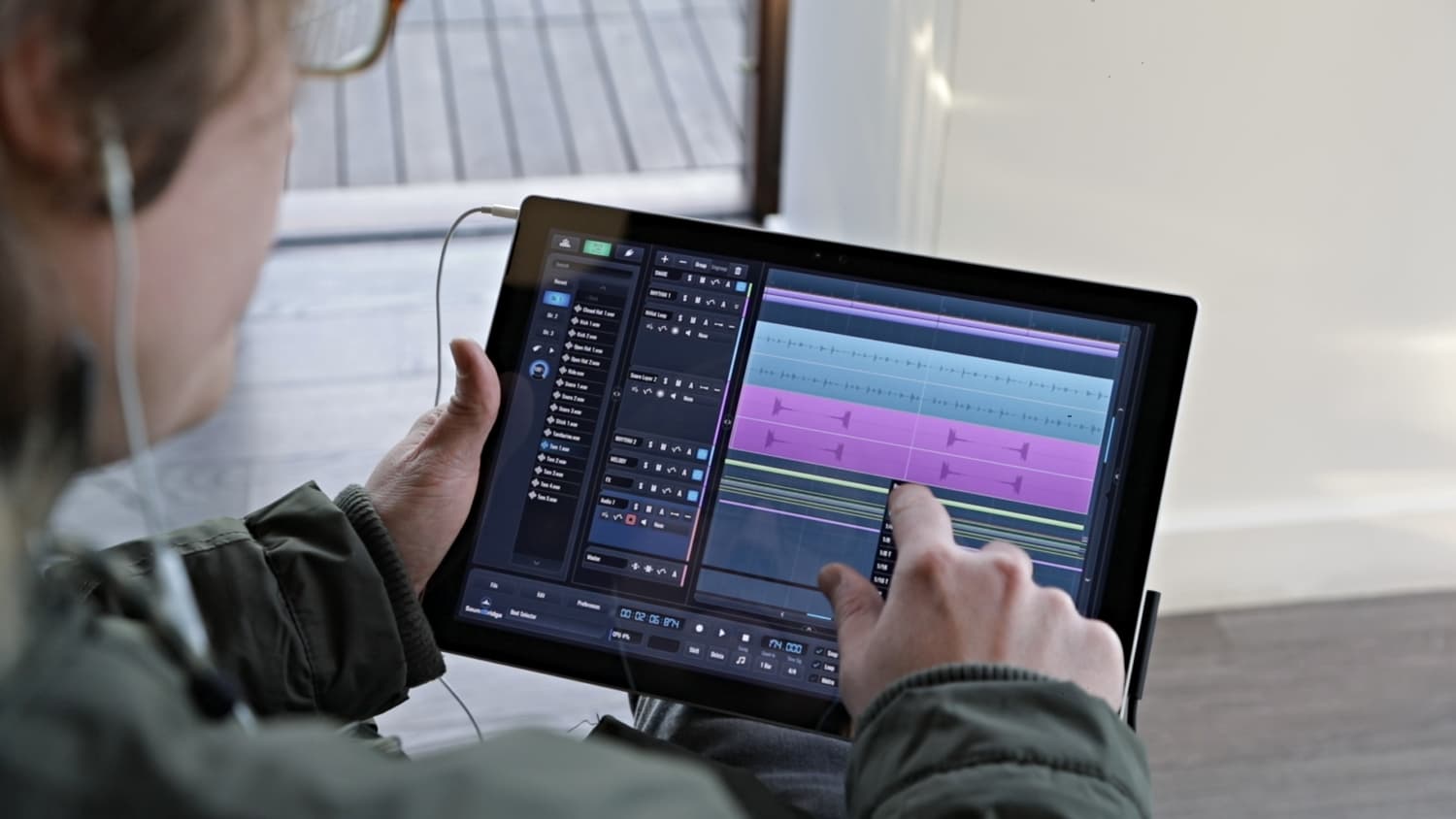
The File Browser widget within the SoundBridge: DAW is a beneficial feature designed to make your navigation through samples, projects, and plugins much more manageable. It possesses many different options which we'll cover in this tutorial to help you to understand its functions.


File Browser Explained
The File Browser sits on the left side of the SoundBridge: DAW interface and it is expendable. This comes quite handy for seeing long file names. You can expand it by merely dragging the forward/backward arrow icon to the right. This icon is located in the middle of the File Browser widget.
View Change
The first view button shows File Browser that allows browsing files on local hard drives. Right on top of it, there is a “Search” bar where you can search that allows you to search the folder you are currently navigating. The “Recent” button shows you your most visited directory. Buttons “Dir.1”, “Dir.2” and “Dir.3” are there for you to store pre favorite folders for easy access. You can think of this as your folders “speed dial”. Whichever folder you navigate into, while one of these numbers is selected, that folder will stay there for you to reach it with a click of the mouse. Moving forward, the toggle “Preview” button with the play icon on it will, when clicked, will play and stop the audio sample you have selected in the file browser. When you enable “Audio Preview” in the edit menu options, samples will preview automatically when you select them. The “Glue” button is particularly useful when using SoundBridge: DAW on a touch-screen device. If enabled, the last selected sample from the File Browser will be imported anywhere you tap or click in the sequencer. The “Volume” knob determines the volume at which the audio samples are previewed. The audio files have an icon that identifies them, and you can drag and drop them into your projects. The “Plugin Browser” button displays VST browsing windows in which VST`s are sorted in categories for easier navigation.
FX Section
The “FX” section shows you all of the SoundBridge: DAW built-in plugins. The “VST2” lists all VST2 compatible plugins from your VST folder. Finally, “VST3” lists all of the VST3 versions of plugins found on your system. By double-clicking on any of these effects will load the selected effect into the channel of the currently selected track. What's more, you can also drag and drop these to tracks. On the top of this section, you have again had a “Search” window that will help you to easily locate the favorite plugin if you have a vast amount of it. Besides that, there is a “Find New” button which, when clicked will find any newly installed plugin without the need of restarting the SoundBridge: DAW. [/et_pb_text][/et_pb_column][/et_pb_row][/et_pb_section]Education
MASTER MUSIC PRODUCTION
Expert-led courses designed to take you from fundamentals to finished tracks.

HOUSEFrom bouncy bass and solid kicks, this course teaches you the most modern House music production techniques needed to succeed and stand out.

TRAPQuit sounding like generic Trap and produce something World with hints of the Far East. Create ethnic soundscapes to put your Trap ahead of the curve.

AMBIENTProduce relaxing, sophisticated psy-influenced ambient. Psychedelic and relaxing to listen to, create meditative soundscapes to put your listeners in Zen.