

Advanced Sound Manipulation with "I Wish": Part 1
Last Edited: Nov 3, 2023
Shaping Sound
Music knows no boundaries. Musicians and music producers continually find new and exciting ways to shape the sound unorthodoxly. Back in the 70s', great psychedelic rock bands explored the possibilities of an electric guitar coupled with various effects. The result was the creation of a unique and distinctive sound. This manipulation of the sound progressed over time with new devices that allowed it to push the boundaries even further.
When the first samples became commercially available in the '80s, the ability to control sound in a new way marked the start of a new era in electronic music. Today, a new plugin came to light, and it is indeed unique because of the way it manipulates the audio signal. It is "I Wish "by Infected Mushroom (the famous psychedelic trance band) in partnership with Polyverse Music. In the following two tutorials, I will try to explain its functions and demonstrate how it works.
Sound Manipulation With "I Wish"
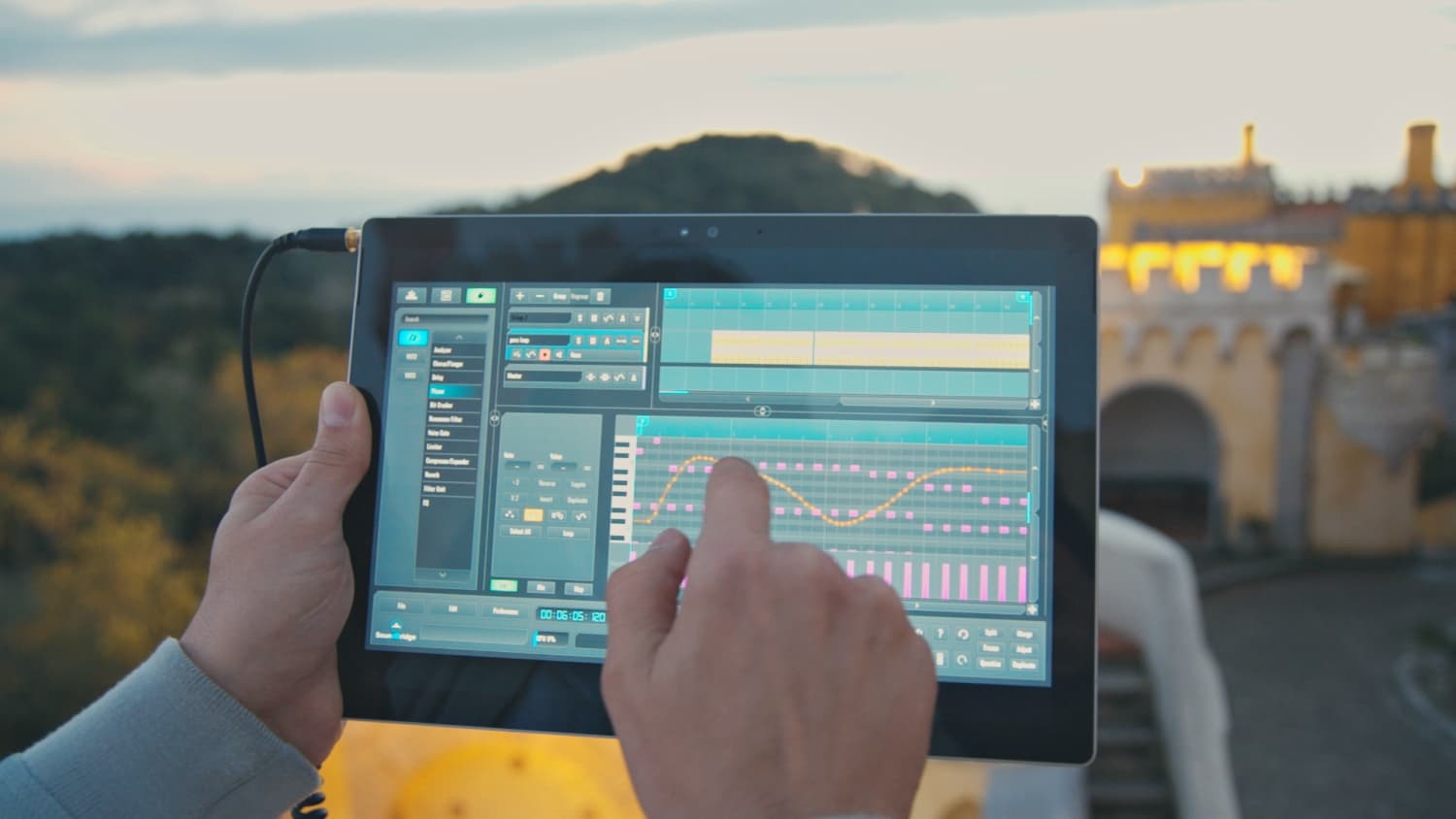
At its core, I Wish is a granular note freezer. This means that the plugin first samples incoming audio, and when you hit the note on your MIDI keyboard, it plays a part of it as a loop. The loop is so short and plays so fast that it creates an audible pitch. The pitch is determined by the note played on your MIDI keyboard. Lower letters will produce longer loops, while higher notes will produce shorter loops. You can use the plugin to capture individual pitch cycles and repeat them, essentially freezing time. The I Wish plugin has a MIDI effect, requiring audio input. So, let's see how we can make it work in the SoundBridge: DAW. Firstly, I will add a new audio track and drag and drop some simple synth chord sequences from the sample pool. Here is how it sounds unprocessed.
~Synth chord sequence - unprocessed

On the same audio channel, I will drag and drop the I Wish plugin, which looks like this:

MIDI Trigger
Next, I will make a new MIDI channel, which will be used as a trigger for I Wish. By switching to the mixer view in the SoundBridge: DAW, we can see two previously created channels. In the upper section of the channels, there are options for routing. The only thing needed for connecting I Wish is located within the MIDI Out tab.


By clicking on the MIDI out tab, the routing section appears. In the following picture, you can see how to choose the right signal path for I Wish to be triggered by the MIDI track. In the sequencer section, I have already made some simple note sequences on the MIDI channel. Here is how it sounds.
~Synth chord sequence triggered by I Wish from the MIDI track
By automating the pitch and format and other parameters from the IWish, we can get some crazy sound manipulation. However, getting deeper into its full potential will require another tutorial, which will follow soon.
MASTER MUSIC PRODUCTION
Expert-led courses designed to take you from fundamentals to finished tracks.

HOUSEFrom bouncy bass and solid kicks, this course teaches you the most modern House music production techniques needed to succeed and stand out.

TRAPQuit sounding like generic Trap and produce something World with hints of the Far East. Create ethnic soundscapes to put your Trap ahead of the curve.

AMBIENTProduce relaxing, sophisticated psy-influenced ambient. Psychedelic and relaxing to listen to, create meditative soundscapes to put your listeners in Zen.