

Make Creative Artifacts by Following These Simple Steps
Last Edited: Nov 2, 2023
You don't need much to generate excellent timbres. In essence, the effect often creates the sound, especially in drastic settings. Today, I will show you how I made an alien-like sound effect from a short, low-fidelity recording of someone typing on the keyboard.

~ Raw Sample (typing)

~ Sound Effect (crafted from the sample above)
Follow These Steps
- Firstly, record some audio. It could be anything. In fact, the noisier the better - more content to mangle. Don't worry about getting a good level or bandwidth.
- Then, use Pitch and Time Stretch. A lot of cool artifacts will come simply from this step, especially on lite processing algorithms. Try drastically shifting the audio and bringing up the gain. Also try stretching/pitch shifting individual snippets further.

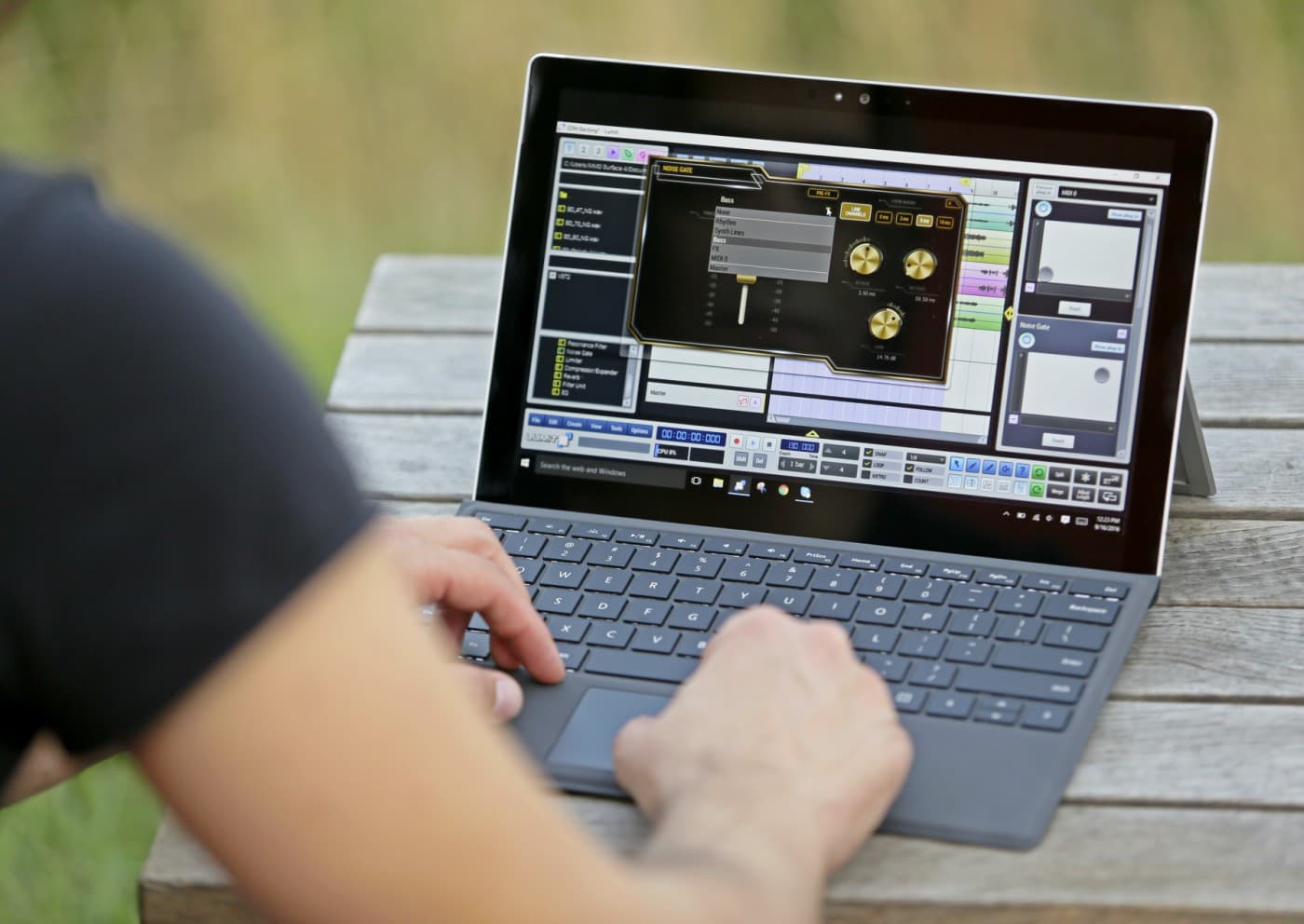
- Band-pass filter and noise gate the output to get rid of the noisy content. Be sure to adjust your attack and release times so that there is no "chattering". (See Blog: Noise Reduction: Gates)
- In addition, cut it up and make a composite using only the snippets you like. Create fades and cross-fades as you see fit. Try reversing some of the snippets.

~ With stretching, fades, reversals, filtering, and gating
Moving Forward
- Now, create a return track and drop a bit crusher on it. Bring up the send level for the sound effect to this return and solo it. You should only hear Bit crushed sound with it soloed. Bounce the return track and delete it (if you want). Then, edit and adjust the position of the Bit crushed copy to your liking.

~ with Bit crushing - Furthermore, drop a delay on a return track and repeat step 5 but with the delay. Experiment with cutting up the delayed block, reversing, panning, and rearranging it before mixing it with the dry sound.
- Put some creative effect after the delay to modulate the pitch of the affected signal. I used Mfreqshifter from Melda and automated the frequency parameter.

~ with delay, panning automation, and frequency shifting - Moreover, drop a reverb on a return track and repeat step 5/6 but with the reverb. Additionally, capture the wet sound, edit it, rearrange it, and mix it with the dry sound. Try doing some stereo widening after the reverb, too.
~ Isolated reverb - Drop another creative effect onto the signal change. I used Melda's frequency shifter again, except, this time, I automated the sync rate. Consequently, this produced some neat artifactual content, which I blended into the tail of the sound.
- Also, use some generative effect like a resonator, exciter, or crystallizer to add harmonically related content to the signal. Consequently, I used the Crystallizer from Sound Toys.

- Now that you have the timbre you want, you can edit, rearrange, and cross-fade it however you please. I ended up cutting the introductory sweep of the sound and moving it a little later to the tail of the sound. Consider using some gain or compression - but don't feel obligated to.
MASTER MUSIC PRODUCTION
Expert-led courses designed to take you from fundamentals to finished tracks.

HOUSEFrom bouncy bass and solid kicks, this course teaches you the most modern House music production techniques needed to succeed and stand out.

TRAPQuit sounding like generic Trap and produce something World with hints of the Far East. Create ethnic soundscapes to put your Trap ahead of the curve.

AMBIENTProduce relaxing, sophisticated psy-influenced ambient. Psychedelic and relaxing to listen to, create meditative soundscapes to put your listeners in Zen.