

Add Sparkle to The High-End of Your Mix
Last Edited: Dec 1, 2023
Muddiness and lack of shimmer are two EQ issues that many of you might have trouble with. Related frequency bands are called boom and sparkle or thickness and air. They go by many names, but their presence or absence will not go unnoticed. Muddiness becomes havoc on your low-end, clogging up the mix and decreasing definition and clarity. However, simple EQ moves can. The following tutorial will show you how to add sparkle to the high-end, brighten your instruments, and open up your mix.
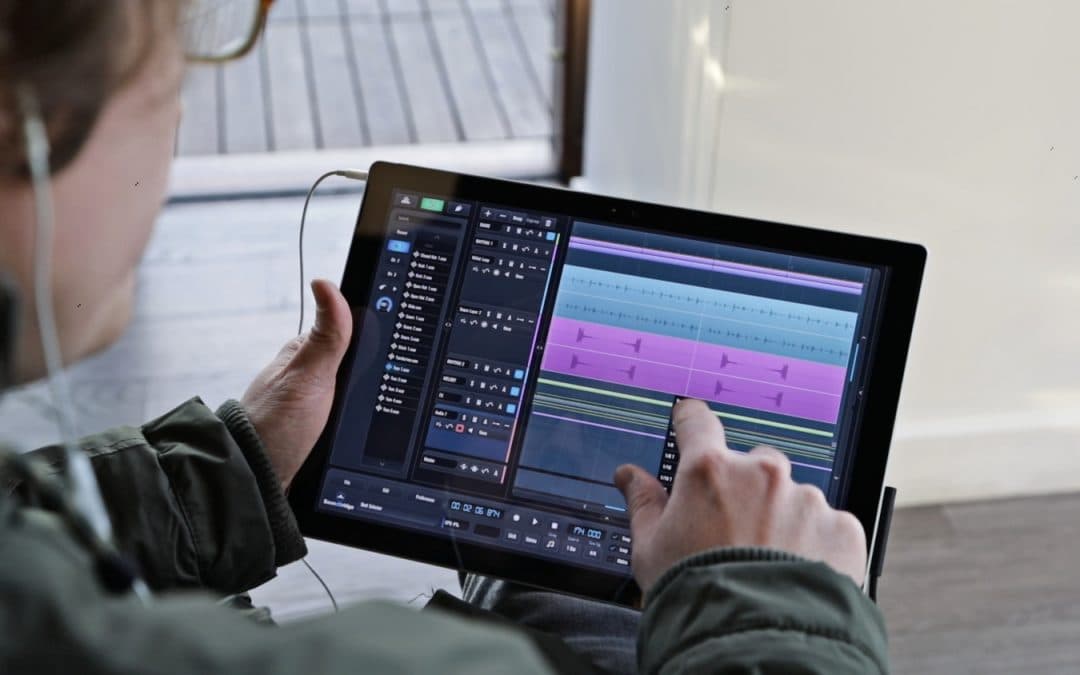
As usual, we prepared a short sequence in our SoundBridge: DAW. It includes most of the significant elements of a full mix. Let's take a listen to it.


Grouping and Processing the High-End
Our project appears to be much more organized after creating a few group channels. Among the other groups is the "HIGH END" group, which we are about to process.
MDMX Overdrive by Waves Audio is our plugin of choice for this task. There are two types of overdrive: Type A and Type B. Type A is better suited for low-end frequencies, while Type B is preferable for mid- and high-end frequencies. The central portion of the interface is dominated by a large Gain knob, which controls the amount of overdrive. Aside from that, we have a filter section and input/output controls, which are equally important. The dynamic team in the middle of the interface offers two modes: Punch and Rider. Punch mode is a fixed-ratio compressor with adjustable knee and release times. In contrast, Rider mode is a gain rider that works similarly to a gate but is smoother and more sophisticated. Let's hear our high-end group solo, unprocessed and processed with MDMX Drive.

Finally, let's hear how our processed high-end group sounds in context with the rest of the mix.
If you liked this article on mixing, here are some more on the same subject:
MASTER MUSIC PRODUCTION
Expert-led courses designed to take you from fundamentals to finished tracks.

HOUSEFrom bouncy bass and solid kicks, this course teaches you the most modern House music production techniques needed to succeed and stand out.

TRAPQuit sounding like generic Trap and produce something World with hints of the Far East. Create ethnic soundscapes to put your Trap ahead of the curve.

AMBIENTProduce relaxing, sophisticated psy-influenced ambient. Psychedelic and relaxing to listen to, create meditative soundscapes to put your listeners in Zen.