

Distributed Music Production: Your 2026 Remote Workflow Guide
Last Edited: Jul 20, 2026
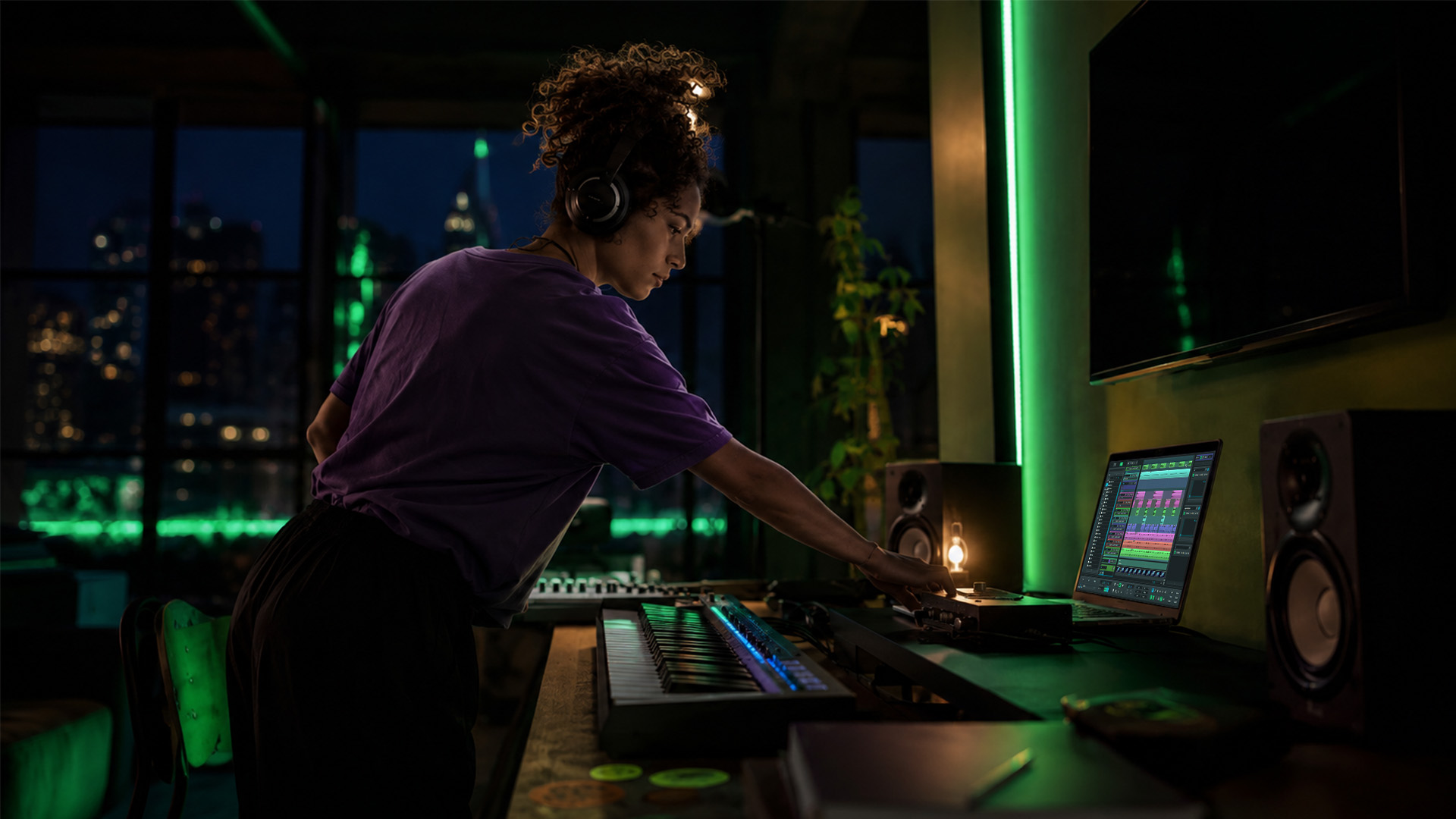
Distributed music production is the practice of collaborating on music projects across different locations through standardized file exchanges, cloud-based workflows, and structured communication protocols. The industry term for this practice is remote music production, and both phrases describe the same professional reality: making great records without sharing a room. More than 1,500 independent artists have successfully used remote production workflows as of mid-2026. The minimum technical standard for these sessions is 24-bit depth at 44.1kHz in WAV or AIFF format, and professional guidelines recommend a one-week turnaround for casual collaboration exchanges. Get these three pillars right, and geography stops being a limitation.
What Technical Standards Make Distributed Music Production Work?
Audio quality lives or dies at the file exchange stage. The minimum standard for remote sessions in 2026 is 24-bit bit depth with a 44.1kHz or 48kHz sample rate, delivered as WAV or AIFF. MP3s are acceptable only for rough reference mixes, never for production-stage files. The compression artifacts in MP3 accumulate across multiple processing stages, degrading the final master.
The stem export method is the most reliable way to share audio across different DAWs. Export each instrument or group as a dry, unprocessed, full-length file starting from bar one. That shared starting point is what keeps every element in sync when your collaborator drops the files into their own session.
Avoid sharing native DAW project files. Plugin versions, sample libraries, and software builds differ between studios. A session that opens perfectly on your machine may crash or sound completely different on your collaborator’s setup.
| Format | Bit Depth | Sample Rate | Best Use |
|---|---|---|---|
| WAV | 24-bit | 44.1kHz / 48kHz | Production stems, final deliverables |
| AIFF | 24-bit | 44.1kHz / 48kHz | Production stems, Mac-preferred workflows |
| MP3 | N/A | Variable | Reference mixes only |
| Native DAW project | N/A | N/A | Avoid for cross-DAW sharing |
Key stem export checklist:
- Export every track dry, with no master bus processing applied
- Start all files from bar one, even if the content begins later
- Label files clearly: instrument name, BPM, key, and sample rate in the filename
- Include a reference mix so your collaborator hears your creative intent
Pro Tip: Include a short voice memo with each stem export describing the vibe you are going for. Text alone rarely captures the feel of a groove or a chord progression.
How to Manage Communication and Workflow in Remote Collaborations
Unfocused communication is the primary cause of failure in remote production, not lack of communication. Most collaborators talk too much in the wrong channels and too little in the right ones. The fix is matching the medium to the message.
Use text for logistics: session links, file names, deadlines, and version numbers. Use voice memos for creative feedback, because tone and rhythm are hard to convey in writing. Reserve video calls for complex decisions that require back-and-forth, like arrangement changes or mix direction. Keeping each channel focused prevents the message from getting lost.
Unified project management platforms reduce file chaos by consolidating audio, metadata, comments, versions, and credits into a single centralized workspace. When your files live in one place, your comments in another, and your stems in a third, you spend creative energy hunting for tabs instead of making music. A single project hub solves this.
Version control and file naming are non-negotiable in collaborative music creation. Every file needs a version number and a date. “Beat_v3_2026-06-14” tells your collaborator exactly where that file sits in the timeline. “Beat_final_FINAL_USE_THIS” tells them nothing useful.
Setting clear deadlines protects the partnership. Professional guidelines recommend a one-week turnaround for casual exchanges. For projects with firm release dates, agree on specific milestone dates at the start. Silence without a prior agreement damages trust faster than any creative disagreement.
- Assign one person as the session manager responsible for file organization
- Agree on a naming convention before the first file is shared
- Set a response window, even if the answer is “I need more time”
- Keep all creative feedback in the project hub, not in separate chat threads
Pro Tip: Create a shared project brief document at the start of every collaboration. List the BPM, key, reference tracks, and each collaborator’s role. Paste it at the top of your project hub so everyone sees it first.
What Is the Best Stem Swap Workflow for Cross-DAW Sessions?
Project file sharing across DAWs is ineffective. Stems are the universal language of distributed audio engineering. Every DAW reads a WAV file the same way, which makes stem exchange the most reliable method for cross-platform collaboration.
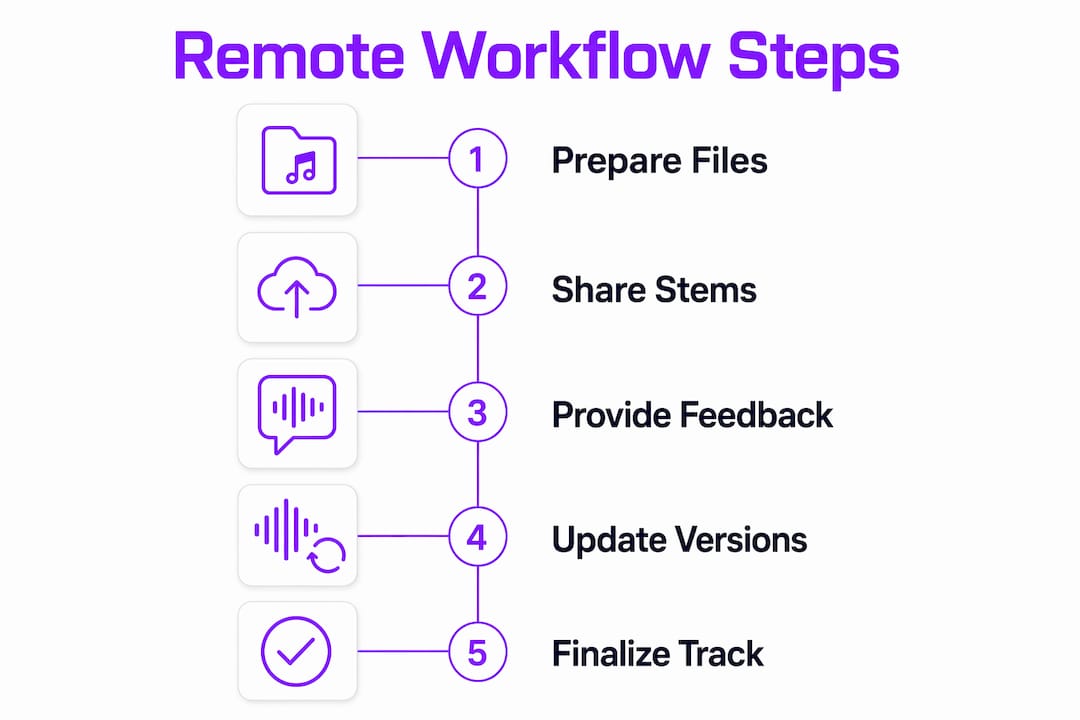
Follow this numbered workflow for clean stem swaps every time:
- Set your session tempo and key before recording or programming anything. Share this metadata with your collaborator before they start.
- Record and produce your parts within that agreed session template.
- Export each instrument or group as a dry 24-bit WAV file, starting from bar one.
- Name every file with the instrument, BPM, key, and version number.
- Include a reference mix of your full arrangement so your collaborator understands the context.
- Upload to your shared project hub and leave a voice memo or written note describing any creative decisions your collaborator should know about.
- Your collaborator imports the stems into their own DAW session at bar one, matching the BPM and sample rate you specified.
- They build on top of your stems and return their additions using the same export process.
The metadata you share is as important as the audio itself. BPM, key signature, sample rate, and a reference mix give your collaborator the full picture. Missing any one of these forces them to guess, and guessing costs time and revisions. You can read more about how audio interfaces elevate sound quality when recording stems for remote sessions.
Why Do Legal Agreements Matter in Collaborative Music Creation?
Undefined roles and unspoken expectations cause most failures in remote collaboration. A signed split sheet is the single most effective tool for preventing disputes before they start. Get it done before any significant work is complete.
A split sheet should include:
- Full legal name and contact information for each contributor
- Role on the track: producer, songwriter, topliner, or mixer
- Ownership percentage for both the master recording and the composition
- PRO affiliation for each contributor (ASCAP, BMI, SESAC, or equivalent)
- Date of agreement and signatures from all parties
The difference between a creative partnership and a work-for-hire arrangement changes everything about who owns what. A producer hired to deliver a beat owns nothing after payment unless the contract says otherwise. A co-writer in a creative partnership retains a share of the composition. Clarify which model applies before the session starts.
Update the split sheet as contributions evolve. If a collaborator adds a bridge or rewrites the chorus after the initial agreement, the percentages may need to change. Updating the document as you go prevents the awkward conversation at the end of the project.
Pro Tip: Register your work with your PRO before sharing it widely. Registration creates a timestamped record of authorship that protects you if a dispute arises later.
What Platforms Support Modern Remote Music Production Workflows?
The cloud-based music collaboration space in 2026 covers three distinct platform types: cloud DAWs for real-time or asynchronous session work, stem-sharing platforms for file exchange, and project management hubs for centralizing everything else. Most professional workflows combine at least two of these categories.
The most effective setups use a single project link as the hub for all activity. Audio files, version history, comments, credits, and metadata all live in one place. This approach eliminates the tab-hunting problem that derails most remote sessions.
Real-time listening and feedback tools add another layer of value. High-quality audio streaming during a video call lets you and your collaborator react to a mix together, even from different cities. That shared listening experience closes the creative gap that asynchronous workflows sometimes create. Understanding why cloud-based production has become the standard helps you choose the right combination of tools for your setup.
| Platform Type | Primary Function | Best For |
|---|---|---|
| Cloud DAW | Real-time or async session work | Co-production, tracking, mixing |
| Stem-sharing platform | File transfer and version storage | Cross-DAW stem exchange |
| Project management hub | Centralized communication and metadata | Multi-collaborator projects |
| Streaming feedback tool | Synchronous listening and review | Mix feedback, arrangement decisions |
The best music content formats for 2026 confirm that high-resolution audio delivery is now an audience expectation, not just a production preference. That standard starts at the collaboration stage, not at the mastering stage.
Soundbridge supports this workflow with zero-latency remote tracking, studio-accurate synchronization, and support for 192kHz sample rates. Its integrated video and talkback features replace the need for a separate video call tool during tracking sessions.
Key Takeaways
Distributed music production succeeds when you standardize your file formats, centralize your communication, and sign written agreements before any significant work begins.
| Point | Details |
|---|---|
| Use 24-bit WAV or AIFF | Export all production stems at 24-bit depth and 44.1kHz or 48kHz for full fidelity. |
| Share stems, not project files. | Export dry, full-length stems from bar one to guarantee cross-DAW synchronization. |
| Centralize your workflow | Anchor audio, comments, versions, and credits in one project hub to prevent tab-hunting. |
| Sign split sheets early. | Document roles, percentages, and PRO affiliations before major work begins to avoid disputes. |
| Match medium to message. | Use text for logistics, voice memos for creative notes, and video calls for complex decisions. |
What Remote Collaboration Taught Me About Creative Freedom
The conventional wisdom says remote production is a compromise. You lose the energy of the room, the spontaneous moments, the instant feedback loop. I disagree with that framing entirely.
Remote collaboration often yields better results than in-person sessions because it removes the pressure of the hourly rate clock. When you are not watching studio time burn, you listen more carefully. You sleep on a mix. You hear it in your car, in your kitchen, on headphones at 2 AM. That range of listening environments produces better creative decisions and fewer revisions.
The collaborations I have seen fall apart were not killed by geography. Vague expectations and scattered communication killed them. One producer assumed they owned the beat outright. The vocalist assumed they were a co-writer. Nobody wrote anything down. That is not a remote production problem. That is a communication problem that remote workflows make more visible.
The producers who thrive in distributed audio engineering treat the workflow itself as a creative asset. A well-organized project hub, a clear naming convention, and a voice memo explaining your creative intent are not administrative chores. They are the difference between a collaboration that builds momentum and one that stalls after the first exchange.
My honest advice: spend 20 minutes setting up your project structure before you send a single file. That investment pays back in every exchange that follows. You can find practical frameworks for this in Soundbridge’s expert tips for remote collaboration.
— Wake
SoundBridge and Your Remote Production Workflow
Soundbridge is built for the realities of modern remote music production. Its zero-latency remote tracking and studio-accurate synchronization let you record with collaborators in real time, without the latency issues that make most remote tracking sessions frustrating.

The platform supports 192kHz sample rates, integrated video and talkback, and bi-directional plugin control, covering the technical demands of professional distributed sessions. Whether you are tracking vocals with a singer across the country or mixing stems from three different producers, Soundbridge keeps the session tight. Start with the 2026 DAW guide to understand how a purpose-built platform fits your remote workflow, or go straight to Soundbridge virtual collaboration to see the remote tools in action.
FAQ
What is distributed music production?
Distributed music production is the process of creating music remotely through standardized file exchanges, cloud-based workflows, and structured communication between collaborators in different locations.
What file format should I use for remote music collaboration?
Use 24-bit WAV or AIFF files at 44.1kHz or 48kHz for all production-stage exchanges. MP3 is acceptable only for rough reference mixes.
How do I sync stems across different DAWs?
Export every stem as a dry, full-length file starting from bar one, and share the session BPM, key, and sample rate with your collaborator before they import anything.
Why do remote collaborations fail?
Most remote collaboration failures stem from undefined roles, unspoken expectations, and the absence of written split sheet agreements, not from technical issues.
How long should a remote collaboration turnaround take?
Professional guidelines recommend a one-week turnaround for casual remote exchanges. Projects with firm deadlines should have specific milestone dates agreed upon at the start.
Recommended
MASTER MUSIC PRODUCTION
Expert-led courses designed to take you from fundamentals to finished tracks.

HOUSEFrom bouncy bass and solid kicks, this course teaches you the most modern House music production techniques needed to succeed and stand out.

TRAPQuit sounding like generic Trap and produce something World with hints of the Far East. Create ethnic soundscapes to put your Trap ahead of the curve.

AMBIENTProduce relaxing, sophisticated psy-influenced ambient. Psychedelic and relaxing to listen to, create meditative soundscapes to put your listeners in Zen.