

Global Studio Link for Producers: Zero-Latency Remote Tracking
Last Edited: Aug 12, 2026
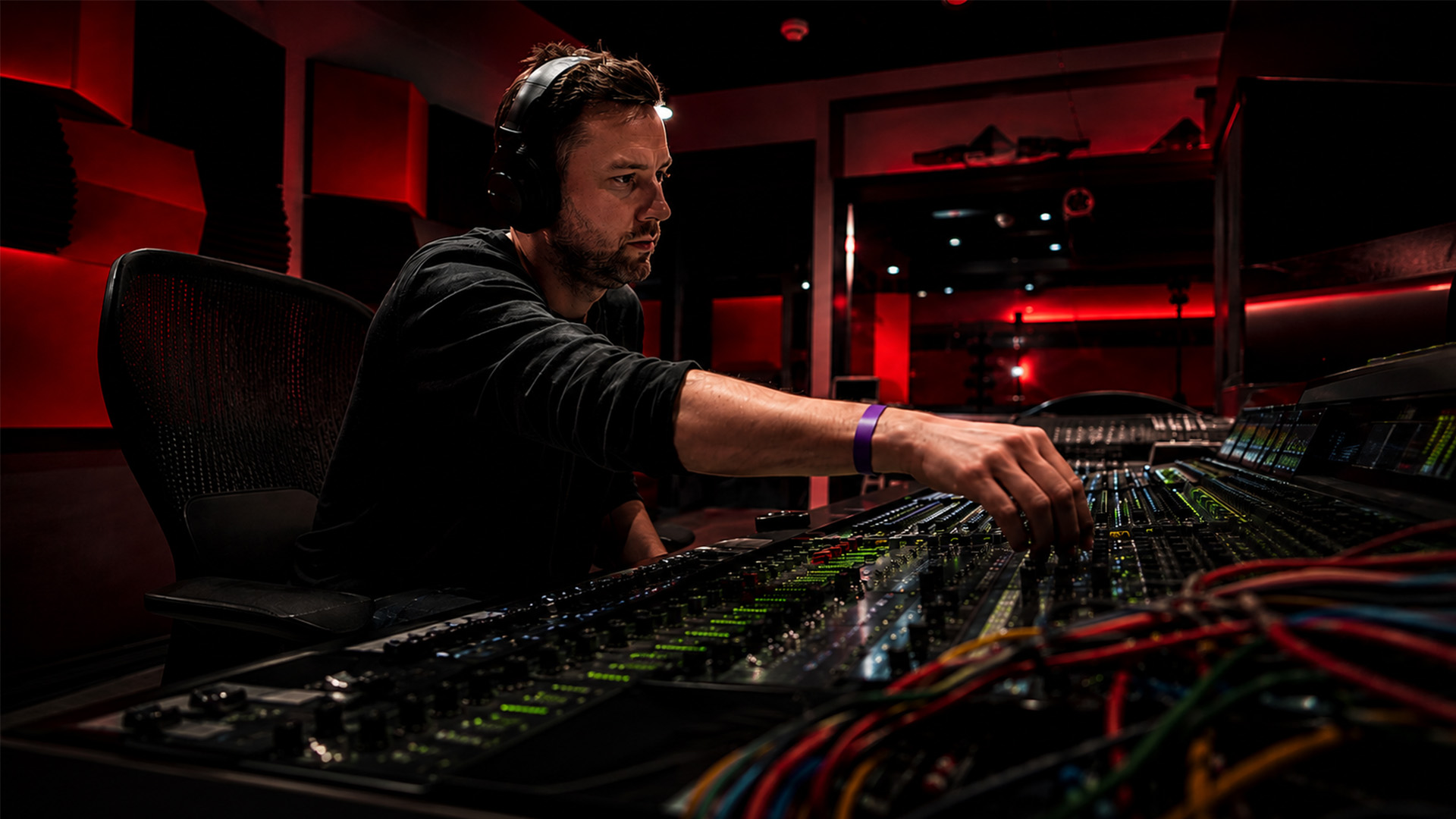
For studio-accurate remote sessions, the most production-ready approach is a DAW-integrated global studio link built into SoundBridge, delivering zero-latency tracking and synchronized sessions across any geographic distance.
TL;DR:
- Target round-trip latency of 20–40 ms for tracking; SoundBridge supports sample rates up to 192 kHz for post and scoring work
- Minimum network profile: 10 Mbps symmetric wired Ethernet, sub-20 ms ping to your collaborator's location
- Immediate next step: Install SoundBridge, run a ping and throughput test to your remote partner, then schedule a 30-minute dry-run session before any paid booking
What Does a Global Studio Link Actually Mean for Your Sessions?
A global studio link is a DAW-integrated real-time audio connection that synchronizes audio streams, transport control, and clocking between two or more studios across geographic distances. It is not a file-sharing workflow or a cloud bounce. The link carries live audio, MIDI, and session state simultaneously, so every participant hears and controls the same session in real time.
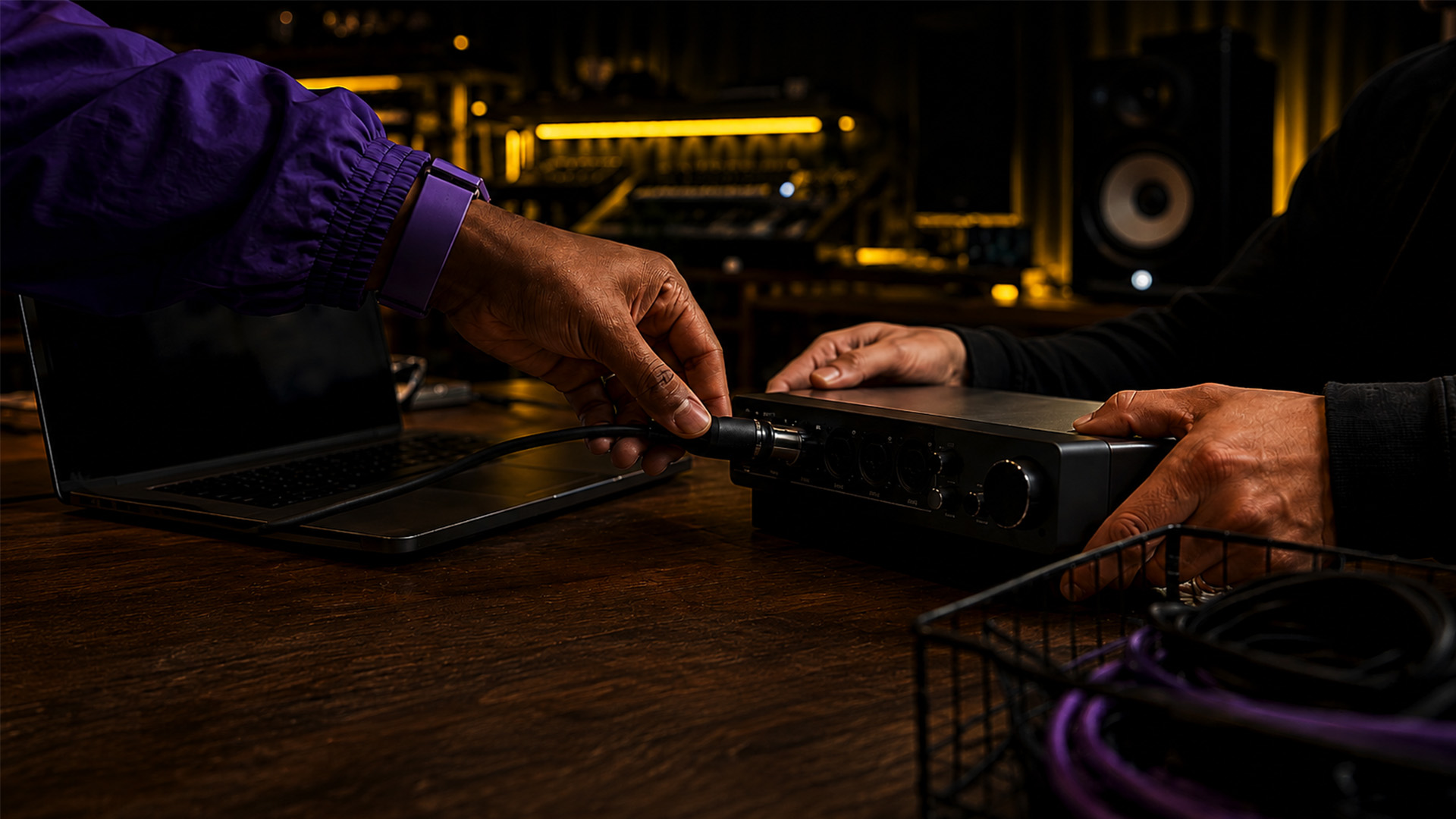
The core technical pieces are sample-rate fidelity (44.1 kHz up to 192 kHz for post), audio buffer compensation, bi-directional plugin and hardware control, and synchronized transport. Clocking is the piece most engineers underestimate. When two interfaces run on independent clocks, even a tiny drift accumulates into audible artifacts within minutes. A proper studio link locks both ends to a shared clock reference, either through the DAW's internal sync engine or an external word clock signal.
Topologically, the connection runs as either a direct peer-to-peer link, a hub-and-spoke session where one DAW host controls transport and remote clients join, or a server-hosted relay when direct routing fails due to NAT or firewall restrictions. SoundBridge supports all three models natively.
Pro Tip: When establishing any remote session, prioritize clocking and direct audio I/O configuration before touching monitoring mixes. A mismatched sample rate between host and client is the single fastest way to corrupt a session — confirm it in the DAW preferences before you hit record.
What Features Does a Professional Studio Link Platform Need?
Not every remote audio tool qualifies as a studio-grade link. Here is what separates production-ready platforms from consumer-grade options:
- Zero-latency remote tracking: The DAW compensates for round-trip delay so the performer monitors through their local interface, not the network stream
- Sample-rate parity: Full support from 44.1 kHz through 96 kHz and up to 192 kHz — the last tier matters for film post and orchestral scoring where the high-fidelity signal path is non-negotiable
- Studio-accurate transport sync: SMPTE timecode lock and sample-accurate start/stop so picture-locked scoring sessions stay frame-accurate
- Bi-directional plugin and hardware control: The remote engineer can automate and adjust plugins on the host session without breaking the audio stream
- Integrated talkback and video: A dedicated low-latency talkback channel and video feed keep the creative conversation alive without a separate Zoom call eating your CPU
- Mac and Windows support: SoundBridge runs natively on both platforms, which matters when your collaborator is on a different OS
For film scoring, sample-accurate SMPTE sync and 192 kHz support are non-negotiable. For music tracking, zero-latency monitoring and stable clocking take priority. For mix review, bi-directional plugin control, and a reliable video feed matter most.
192 kHz support is the dividing line between a professional studio link and a prosumer workaround. At that sample rate, every transient in an orchestral recording is preserved with the resolution that mastering and post engineers expect.
What Network and Hardware Do You Need Before Booking a Session?
Confirm every item below before your first dry run. Surprises during a paid session cost more than the prep time.
| Sample Rate | Buffer Size | Expected Round-Trip Latency |
|---|---|---|
| 44.1 kHz | 128 samples | 20–40 ms |
| 96 kHz | 128 samples | 20–40 ms |
| 192 kHz | 256 samples | ~25–40 ms |
Network checklist:
- Minimum 10 Mbps symmetric; 25 Mbps recommended for 192 kHz multi-channel sessions.
- Wired Ethernet only for the host machine — Wi-Fi introduces jitter that no buffer setting fully corrects
- Sub-20 ms ping to your collaborator; run
ping [partner IP]andtraceroute [partner IP]before every session - Open or forward the DAW's required ports; SoundBridge's relay server handles NAT traversal automatically when direct routing fails
Hardware checklist:
- Class-compliant audio interface with stable drivers (ASIO on Windows, Core Audio on Mac)
- Word clock or ADAT sync if running multiple interfaces at the host studio
- Dedicated monitoring chain at each end — never monitor through the network stream during tracking
- Host machine: 16 GB RAM minimum, modern multi-core CPU; clients can run leaner
For platform-specific driver configuration, the Mac vs. Windows DAW guide covers the practical differences that affect remote session stability.
Which Session Model Fits Your Production?
Distributed studio operations use three primary topologies, and choosing the wrong one adds latency and complexity you did not budget for.
- Hub-and-spoke: One DAW host owns the session; remote studios join as clients. Best for large scoring projects, multi-studio overdubs, and any session where one engineer needs master transport control. Scales well but puts the heaviest CPU and network load on the host.
- Server-hosted relay: A third-party or paid server sits between studios and routes audio. Use this when direct peer connections fail due to corporate firewalls or geographic routing issues. SoundBridge offers optional paid server access for exactly this scenario.
- Peer-to-peer: Direct connection between two machines. Lowest latency, zero server cost, but requires both parties to have clean public IPs or configured port forwarding.
Quick decision rule: Two studios, clean networks, same time zone — go peer-to-peer. For three or more studios, or any corporate firewall in the chain, use hub-and-spoke with a relay server. International orchestral overdubs with picture lock — hub-and-spoke with SMPTE sync enabled and the host at the scoring stage.
How to Set Up SoundBridge for Your First Global Session
Follow this checklist in order. Skipping steps creates problems that are hard to diagnose mid-session.
- Run pre-session network tests — ping your partner, run a throughput test (tools like fast.com or iPerf work), confirm latency is under 40 ms.
- Update the OS and audio drivers — ASIO4ALL or the manufacturer's ASIO on Windows; the latest Core Audio on Mac.
- Set DAW preferences — open SoundBridge, set sample rate to match your session spec, confirm the audio device is your interface (not the system output)
- Configure audio I/O routing — assign input and output channels explicitly; do not leave any channel on "default"
- Set buffer size — start at 128 samples for tracking; move to 256 if you hear dropouts; never exceed 512 for live tracking
- Enable talkback and video — assign a dedicated talkback mic input in SoundBridge's talkback panel; enable the video feed before inviting clients.
- Initiate the multi-user session by sending the session invite link; confirm that each client's sample rate matches the host's before proceeding.
- Run a 5-minute smoke test — record a short pass, check the sync LED, listen for dropouts, confirm transport start/stop is sample-accurate on both ends.
If latency exceeds your target after step 5, reduce buffer size by one step, then re-test. If dropouts persist, switch from peer-to-peer to SoundBridge's relay server. For deeper remote audio editing workflows after the session, the post-session cleanup process is equally important to plan.
How Do You Fix the Problems That Stop Sessions Cold?
The three issues that most often kill remote sessions are clock drift, NAT failures, and CPU overloads. Each has a fast fix.
Clock drift sounds like a gradual pitch shift or timing slippage over the course of a long take. Fix: confirm that both the DAW and interface settings are set to the same sample rate. If drift persists, enable the DAW's internal clock master and set all clients to slave.
NAT traversal failures show up as a session that connects briefly, then drops. Fix: Use SoundBridge's relay server option, or manually forward the required UDP ports on both routers. Most home studio routers block inbound UDP by default.
CPU overloads cause dropouts and xruns. Fix: freeze CPU-heavy tracks before the session, raise the buffer to 256 samples, and close all non-essential applications. On the client side, a lean template running locally with no plugins is enough.
Pro Tip: Build and save a session template specifically for remote work: pre-routed I/O, talkback enabled, a 128-sample buffer, and a "sync check" marker at bar 1. Load it at the start of every dry run. Teams that share session templates before going live significantly reduce setup friction.
Assign an explicit session coordinator role for any session involving three or more studios. That person owns the technical checklist, manages the scheduling across time zones, and calls the smoke test. Without a coordinator, technical decisions stall creative momentum.
For a deeper checklist of remote collaboration best practices, SoundBridge's expert tips guide covers the operational habits that keep recurring sessions predictable.
What Does a Global Studio Link Actually Cost?
Budget in three buckets:
- Software licensing: SoundBridge offers a free tier with core DAW features, plus monthly, annual, and lifetime paid tiers that unlock advanced remote collaboration, 192 kHz support, and bi-directional plugin control
- Optional server access: Paid relay server access is available for sessions where direct connections fail; cost varies by session duration and bandwidth tier.
- Hidden costs to plan for: A second audio interface for the client studio, engineering time for the first two dry runs (budget two to four hours total), and any ISP upgrade needed to hit the 25 Mbps symmetric target
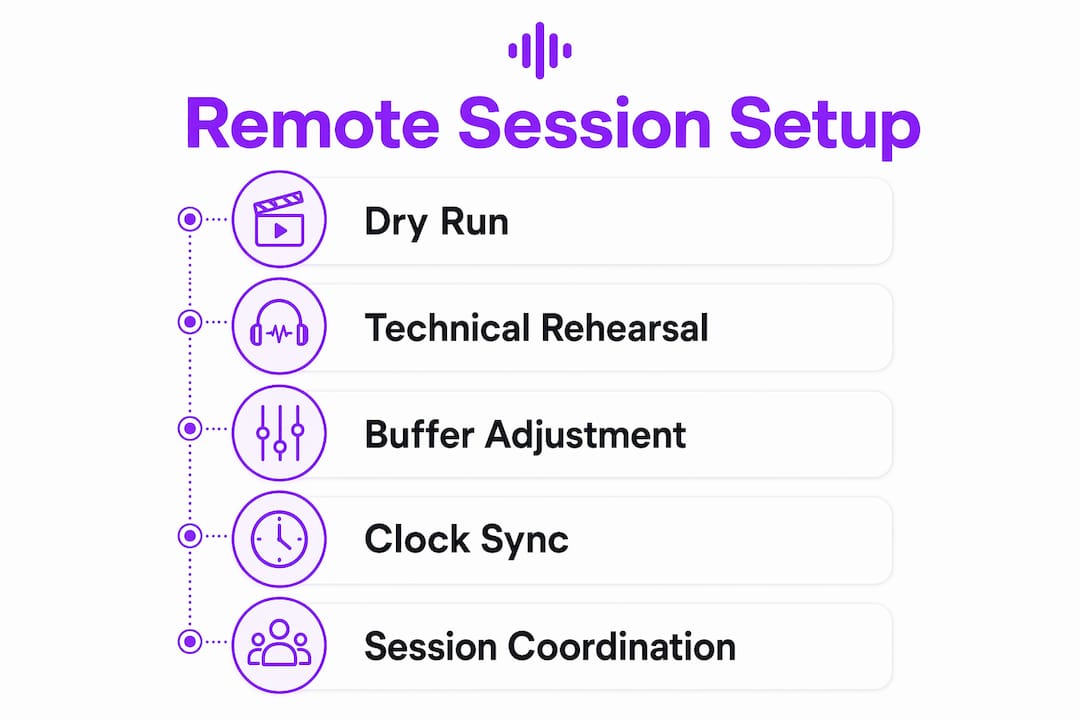
Onboarding timeline: Dry run on day one (30 minutes, confirm connectivity). Technical rehearsal on day two or three (full signal chain, talkback, video, transport sync). First production session by day four or five. Rushing this schedule is the most common reason first sessions fail.
When Is a Studio Link the Right Tool?
A global studio link pays off when fidelity, real-time feedback, and creative momentum all matter at once. The clearest use cases:
- Remote live tracking: Vocalist in New York, producer in Los Angeles — zero-latency monitoring lets the performance feel like a live room session
- International orchestral overdubs: String section in Prague, scoring stage in Los Angeles — hub-and-spoke with SMPTE sync keeps every bow stroke frame-accurate
- Film scoring with picture lock: The director watches the picture in real time while the composer records; integrated video in SoundBridge makes this a single-window workflow
- Remote mix review: The mix engineer shares plugin control with the producer for real-time EQ and level decisions without bouncing stems
Simpler methods win for quick demos, asynchronous edits, or any project where the collaborators are comfortable working on stems. A studio link adds complexity; it earns that complexity when the session demands real-time creative decisions at professional fidelity. For broadcast and syndicated audio projects, the same logic applies — remote station management increasingly relies on studio-grade links to maintain production quality across distributed teams.
Key Takeaways
A global studio link is only as strong as the weakest link in your signal chain — network, clock, and DAW configuration all have to be right before you hit record.
| Point | Details |
|---|---|
| What a studio link is | A DAW-integrated real-time connection syncing audio, transport, and clocking across geographic distances |
| Minimum network profile | 10 Mbps symmetric wired Ethernet, sub-20 ms ping; 25 Mbps recommended for 192 kHz sessions |
| Non-negotiable features | Zero-latency monitoring, sample-rate parity up to 192 kHz, SMPTE sync, and integrated talkback |
| Best session model | Hub-and-spoke with relay server for three or more studios; peer-to-peer for two studios with clean networks |
| SoundBridge as your starting point | SoundBridge delivers zero-latency tracking, 192 kHz support, and integrated talkback on Mac and Windows with free and paid tiers. |
The Part Most Producers Skip — and Why It Costs Them
The technology for a studio-accurate global studio link has been production-ready for years. What still breaks sessions is not the software. The assumption is that two studios can connect, skip the dry run, and deliver professional results on the first attempt.
The most reliable remote sessions share one habit: deliberate workflow exchange before any live recording begins. That means sharing session templates, agreeing on a clock master, and running at least one full technical rehearsal without creative pressure. Teams that treat the dry run as optional tend to spend the first hour of a paid session solving problems that a 30-minute rehearsal would have caught.
There is also a cultural dimension that technical guides rarely address. International studio collaboration across time zones requires someone to own the schedule and the technical checklist. Without an explicit coordinator, creative decisions stall while engineers debate whose clock is drifting. Assign the role before the session starts, not during it.
The producers who benefit most from remote studio connections are not necessarily those with the fastest networks. They are the ones who treat session preparation as part of the creative process.
SoundBridge Is Built for Exactly This Workflow
If you are ready to run a production-grade remote session, SoundBridge offers zero-latency tracking, 192 kHz audio support, integrated talkback and video, and bidirectional plugin control on both Mac and Windows. The free tier gets you into the DAW immediately; the paid tiers unlock the full remote collaboration suite and optional relay server access for sessions where direct connections are not possible.

Your next step is straightforward: download SoundBridge and run your first network test today. Then read through the virtual collaboration workflow guide to configure your session template before your dry run. If you want to go deeper into the DAW fundamentals before committing to a session setup, the complete DAW guide covers everything from audio routing to licensing tiers in plain language.
Useful Resources and Tools
| Resource | Why It Matters |
|---|---|
| SoundBridge Virtual Collaboration | Product-specific remote workflow features, talkback config, and multi-user session setup |
| Remote Music Collaboration Tips | Operational checklists and practitioner habits for reliable recurring sessions |
| Mac vs. Windows DAW Guide | Driver configuration and platform stability guidance for remote session hosts |
| Remote Audio Editing Guide | Post-session editing workflows and file management for remotely recorded takes |
| iPerf (open-source) | Free throughput testing tool; run between studios before every session to confirm bandwidth |
Security and privacy note: When using third-party relay servers or recording remote contributors, confirm that the server provider does not retain audio streams after the session ends. For commercially sensitive recordings, prefer SoundBridge's own relay infrastructure over generic third-party services, and ensure all participants have signed session agreements before recording begins. This article provides general guidance; confirm the current platform's terms and any applicable recording consent laws with a qualified professional for your specific situation.
Recommended
MASTER MUSIC PRODUCTION
Expert-led courses designed to take you from fundamentals to finished tracks.
HOUSEFrom bouncy bass and solid kicks, this course teaches you the most modern House music production techniques needed to succeed and stand out.
TRAPQuit sounding like generic Trap and produce something World with hints of the Far East. Create ethnic soundscapes to put your Trap ahead of the curve.
AMBIENTProduce relaxing, sophisticated psy-influenced ambient. Psychedelic and relaxing to listen to, create meditative soundscapes to put your listeners in Zen.