

Indie Music Production: Your 2026 Complete Guide
Last Edited: Jun 23, 2026
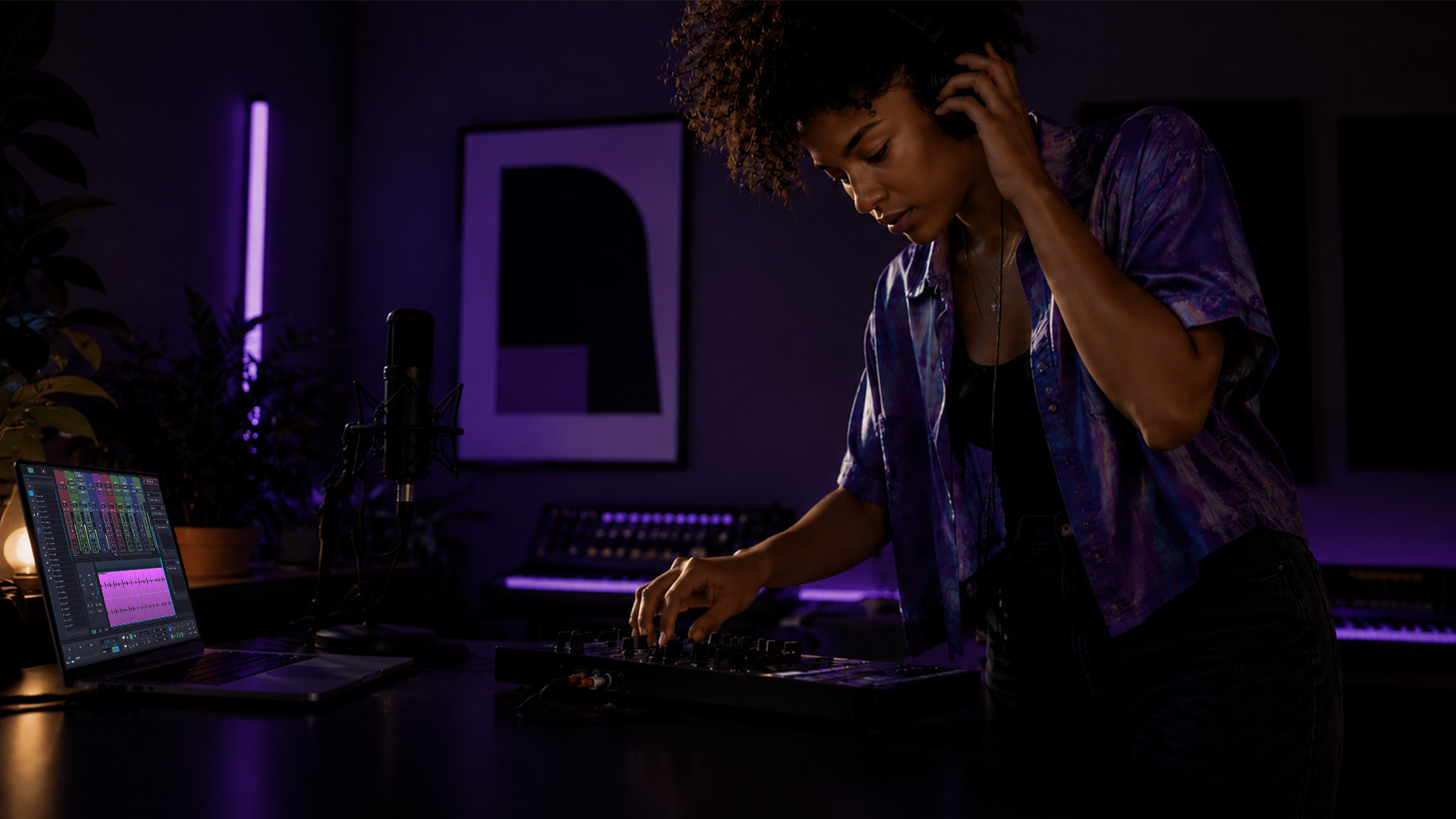
Indie music production is the process independent musicians use to compose, record, mix, and master their own music outside traditional studio systems, using accessible technology and creative workflows. The term “independent music creation” covers everything from bedroom demos to polished releases that land on Spotify editorial playlists. What separates a great indie track from a rough one is rarely budget. It is knowledge: knowing which tools to use, how to set up your signal chain, and when to stop tweaking and hit export.
What Does Indie Music Production Actually Require?
The core of any successful indie production workflow rests on three pillars: the right gear, a reliable digital audio workstation (DAW), and a repeatable process. You do not need a $50,000 studio. A minimum viable home studio includes a laptop, a $100 audio interface, and a free or low-cost DAW. That combination is enough to produce tracks that compete on streaming platforms. The real obstacle is not money. It is knowing what to do with the tools you already have.
Your DAW is the command center of your entire production. Options like GarageBand, Reaper, and SoundBridge offer everything from MIDI sequencing to audio editing and mixing in a single environment. SoundBridge, in particular, supports up to 192kHz sample rates and offers zero-latency remote tracking, which makes it a strong choice for producers who collaborate across locations.
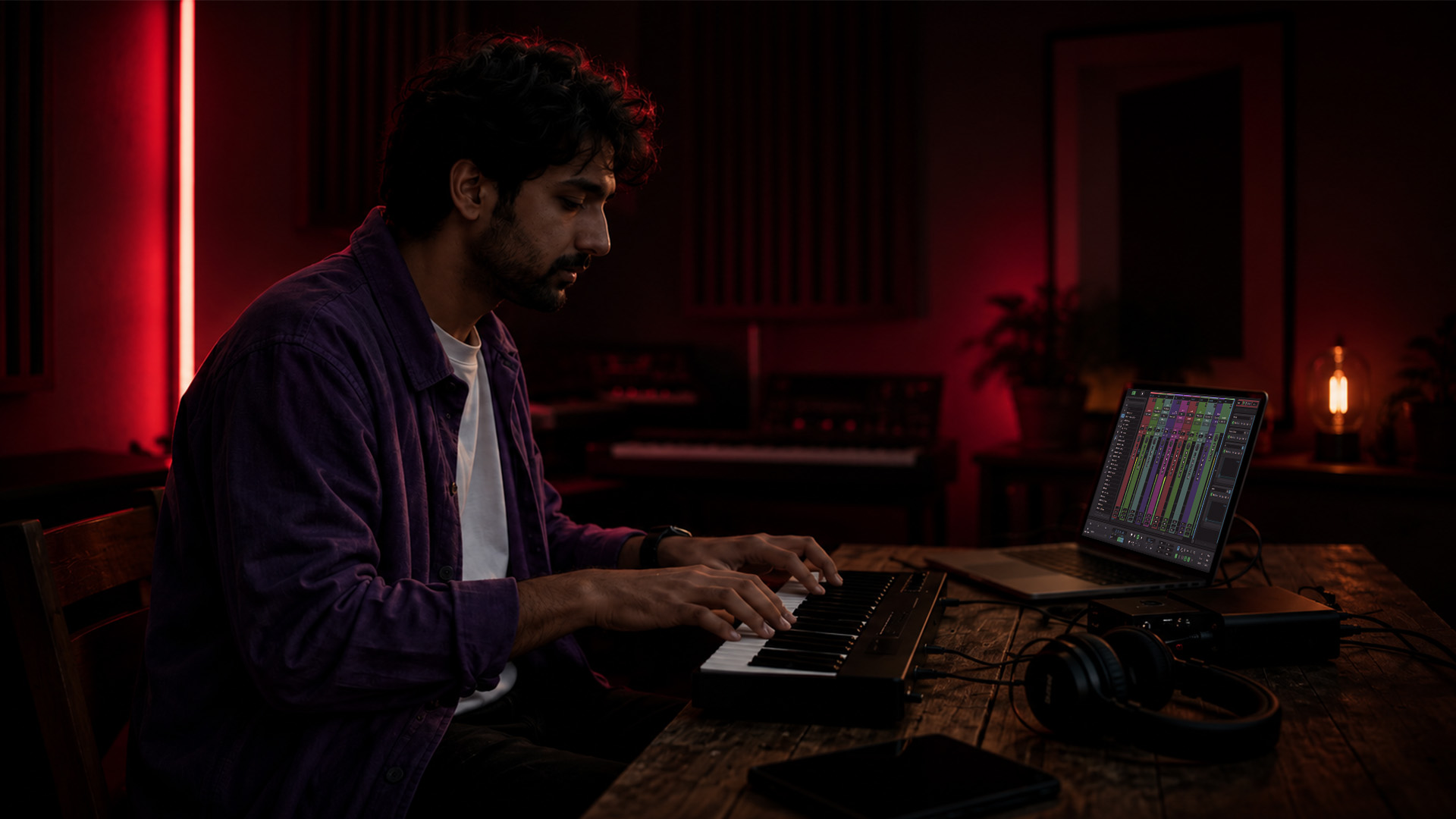
Room acoustics matter more than most beginners expect. Untreated rooms introduce reflections and low-end buildup, making mixing decisions unreliable. Even basic acoustic panels on the first reflection points and behind your monitors will transform what you hear.
Essential Gear Checklist for Your Home Studio
- Computer: Any modern laptop or desktop with at least 16GB RAM and a fast SSD
- Audio interface: Focusrite Scarlett Solo or a similar entry-level unit for clean preamps
- Microphone: A large-diaphragm condenser like the Audio-Technica AT2020 for vocals and acoustic instruments
- Headphones: Closed-back cans like the Sony MDR-7506 for tracking; open-back for mixing
- Monitors: Yamaha HS5 or KRK Rokit 5 for a relatively flat frequency response
- DAW: SoundBridge, Reaper, or GarageBand, depending on your platform and budget
Pro Tip: Record at 24-bit depth and either 44.1kHz or 48kHz sample rate. This gives you 144dB of theoretical dynamic range, which is far more than any streaming platform requires, and it protects your recordings from noise floor issues during heavy processing.
Which Workflows and Techniques Maximize Your Creative Output?
The biggest trap in DIY music production is the endless revision loop. You build a beat, tweak the snare for two hours, and never finish the song. The fix is a structured workflow with a clear “done” condition at each stage.
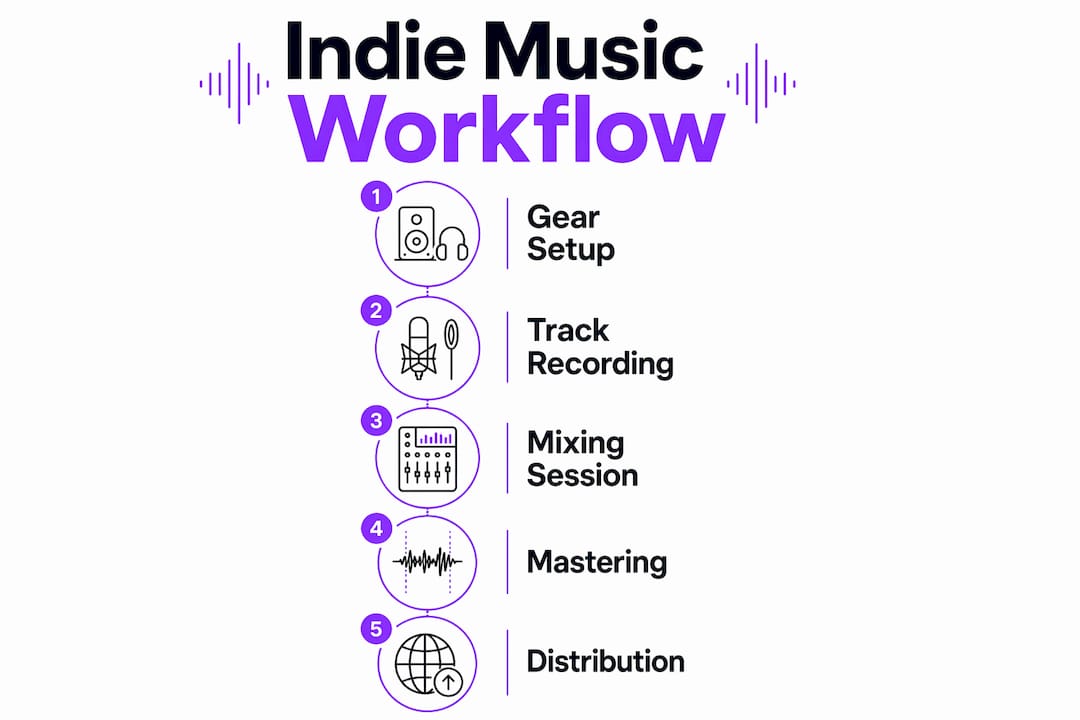
Start with the subtraction method for arrangement. Duplicate a dense loop and remove elements to create distinct song sections rather than building each section from scratch. This approach preserves energy and coherence while significantly reducing arrangement time. A verse becomes the full loop minus the lead synth. A breakdown becomes the loop minus the drums. The song writes itself faster than you expect.
Here is a production workflow that keeps you moving forward:
- Capture the idea fast. Record a rough demo within 20 minutes of the initial spark. Imperfect audio is fine at this stage.
- Build the arrangement by subtraction. Duplicate your densest loop and strip elements to form intro, verse, chorus, and bridge.
- Set a mixing “done” condition. Target clarity at -14 LUFS integrated loudness, not maximum volume. This matches Spotify’s normalization target and preserves your mix’s dynamics.
- Bounce stems before mastering. Export individual stems so you can revisit elements without reopening the full session.
- Master to streaming specs. Aim for -14 LUFS integrated and a true peak no higher than -1 dBTP.
Pro Tip: Use 32-bit float processing inside your DAW. It gives you enormous headroom and means you will never clip internally, even when stacking 40 tracks with heavy plugins.
The linear workflow, building a song from intro to outro in sequence, works well for singer-songwriters. The nonlinear approach, building loops and scenes, then arranging them, suits electronic and hip-hop producers. Know which mode fits your genre and commit to it. Switching mid-project kills momentum.
How Do Modern Indie Producers Use AI Tools?
AI in music production is not a shortcut to creativity. It is a tool that removes the manual labor so you can focus on the decisions that actually define your sound. AI mixing tools have processed over 5 million tracks, automating stem balancing and mix tasks that once took hours. That time savings is real, and it goes directly back into your creative work.
The most effective use of AI in indie artist recording looks like this:
- Stem balancing: Tools like iZotope Neutron analyze your mix and automatically suggest level and EQ adjustments across tracks.
- AI-generated sketches: Platforms like Suno and Udio generate rough melodic or rhythmic ideas you can import as raw material, not finished products.
- Lyric and structure assistance: Language models like ChatGPT help you break writer’s block by generating verse structures, rhyme schemes, or thematic prompts.
- Automated mastering: Services like LANDR and eMastered apply loudness normalization and limiting based on genre targets.
“AI will not replace artists. It reshapes roles. Producers become curators who process AI outputs creatively rather than laborers who execute every technical step manually.” — How to Produce an Independent Album with AI
The limitation of AI is that it has no taste. It cannot tell you whether a chord progression feels emotionally right for your song. That judgment is yours. Use audio-editing automation to handle repetitive tasks and save your mental energy for the decisions that make your music sound like you.
What Are the Key Mixing and Mastering Steps for Indie Tracks?
Mixing for indie music is about clarity, not loudness. A clean mix translates well across earbuds, car speakers, and club systems. The following table covers the most critical mixing and mastering checkpoints for independent producers.
| Stage | Task | Target |
|---|---|---|
| Frequency cleanup | High-pass filter guitars below 80Hz | Clears space for kick and bass |
| Frequency cleanup | High-pass filter pianos below 100Hz | Removes low-end mud |
| Frequency cleanup | High-pass vocals below 120Hz | Tightens the low-mid range |
| Pre-master QC | Check true peak clipping | No peaks above -1dBTP |
| Pre-master QC | Check mono phase and rumble below 40Hz | Prevents phase cancellation on mono systems |
| Mastering | Integrated loudness | -14 LUFS for Spotify, Apple Music, and YouTube |
The pre-master quality control step is the one most indie producers skip. Checking for true peak clipping, phase issues in mono, and low-frequency rumble below 40Hz before you send to mastering catches problems that cannot be fixed afterward. Skipping this step is the most common reason indie releases sound thin or distorted on streaming platforms.
Pro Tip: Always check your mix in mono before mastering. Collapse your stereo bus to mono in your DAW and listen for elements that disappear or sound hollow. If something vanishes, you have a phase problem that needs fixing before you touch a limiter.
Indie music mixing also benefits from referencing. Load a commercially released track in the same genre into your DAW and compare it against your mix at matched loudness levels. The differences you hear are your to-do list.
How Can Indie Musicians Collaborate and Distribute Their Music?
Remote collaboration is now a standard part of independent music creation. Cloud-based tools and platforms with virtual collaboration features let you track vocals in Tokyo while your producer mixes in Nashville, with studio-accurate synchronization and no file-transfer delays.
Here are the most effective strategies for distribution and collaboration in 2026:
- Use a cloud-capable DAW. SoundBridge offers zero-latency remote tracking with integrated talkback and video, which removes the friction of async file sharing.
- Distribute through independent aggregators. DistroKid and TuneCore both deliver to Spotify, Apple Music, Amazon Music, and over 150 other platforms for flat annual fees.
- Optimize your metadata. Fill in every field: ISRC codes, genre tags, mood tags, and release language. Streaming algorithms use this data to recommend your music to new listeners.
- Track your analytics. Spotify for Artists and Apple Music for Artists show you which tracks get saved, skipped, or added to playlists. Use that data to inform your next release.
- Prevent creative stalls. Set a release deadline before you start mixing. A fixed date forces decisions and stops the tweaking cycle. Remote collaboration tips from experienced producers consistently point to deadlines as the single most effective anti-stall tool.
The metadata point deserves extra attention. Most indie artists upload their music with minimal tags and wonder why discovery is slow. Streaming platforms are recommendation engines. The more accurately you describe your music, the better those engines can match it to the right listeners.
Key Takeaways
Successful indie music production combines the right technical foundation, a structured workflow, and smart use of modern tools to produce professional-sounding tracks without a traditional studio.
| Point | Details |
|---|---|
| Record at 24-bit, 44.1kHz | This sample rate and bit depth deliver 144dB dynamic range, ideal for streaming. |
| Use the subtraction method | Duplicate a dense loop and remove elements to build song sections faster. |
| Mix to -14 LUFS | Target integrated loudness for streaming clarity, not maximum volume. |
| Run pre-master QC | Check true peak, mono phase, and low-end rumble before mastering every time. |
| Distribute with metadata | Fill every tag field in DistroKid or TuneCore to improve streaming discoverability. |
What I Have Learned After Years of Watching Indie Producers Get Stuck
The producers I see struggle the most are not the ones with bad gear. They are the ones who treat every session like a technical problem to solve rather than a creative decision to make. They spend three hours on a snare sample and never finish the song. The gear is fine. The workflow is broken.
The most useful shift I have seen is when a producer stops asking “Is this perfect?” and starts asking “Does this serve the song?” Those are completely different questions. The first one has no answer. The second one always does.
I also think the AI conversation in indie music gets framed the wrong way. People ask whether AI will replace producers. The better question is whether you are using AI to make creative decisions faster or to avoid making them at all. AI-generated stems and auto-mastering are powerful when you use them as raw material. They become a crutch when you use them to skip the judgment calls that define your sound.
One more thing: finish your tracks. A finished song at 80% of your ideal quality is worth more than a perfect song that never gets exported—the skills you build by completing projects compound over time. The skills you build by endlessly tweaking one track do not.
— Wake
Why SoundBridge Fits Your Indie Production Workflow
If you are serious about taking your home recordings to a professional level, your DAW choice matters more than almost any other piece of gear. SoundBridge is built for exactly the kind of workflow this article describes: fast idea capture, zero-latency remote tracking for collaboration, and high-fidelity processing up to 192kHz for pristine audio quality.

SoundBridge runs on both Mac and Windows, offers free and paid tiers, and includes built-in automation tools that handle the repetitive mixing tasks so you can focus on the creative work. If you are still figuring out which DAW fits your style, start with SoundBridge’s 2026 DAW guide to understand exactly what features matter for your setup. Whether you are tracking your first demo or preparing a full album for distribution, SoundBridge gives you the tools to get from idea to finished track without leaving your home studio.
FAQ
What equipment do I need to start indie music production?
A laptop, a $100 audio interface, a condenser microphone, and a DAW are enough to produce professional-quality tracks at home. Knowledge of signal flow and mixing technique matters more than expensive gear.
What sample rate and bit depth should I record at?
Record at 24-bit depth and either 44.1kHz or 48kHz sample rate. This delivers 144dB of theoretical dynamic range and meets every major streaming platform’s quality requirements.
What loudness level should I target when mixing indie music?
Target -14 LUFS integrated loudness for streaming platforms like Spotify and Apple Music. This matches their normalization targets and preserves the dynamics of your mix.
How does AI fit into indie music production?
AI tools automate repetitive tasks like stem balancing, EQ suggestions, and mastering. They work best as raw material and time-savers, not as replacements for your creative judgment.
How do I distribute my indie music independently?
Use aggregators like DistroKid or TuneCore to deliver your music to Spotify, Apple Music, and 150-plus platforms. Fill in all metadata fields, including ISRC codes and genre tags, to improve algorithmic discoverability.
Recommended
MASTER MUSIC PRODUCTION
Expert-led courses designed to take you from fundamentals to finished tracks.

HOUSEFrom bouncy bass and solid kicks, this course teaches you the most modern House music production techniques needed to succeed and stand out.

TRAPQuit sounding like generic Trap and produce something World with hints of the Far East. Create ethnic soundscapes to put your Trap ahead of the curve.

AMBIENTProduce relaxing, sophisticated psy-influenced ambient. Psychedelic and relaxing to listen to, create meditative soundscapes to put your listeners in Zen.