

Low-Latency Music Collaboration: How to Record Remotely Without Audio Drift
Last Edited: Nov 9, 2026
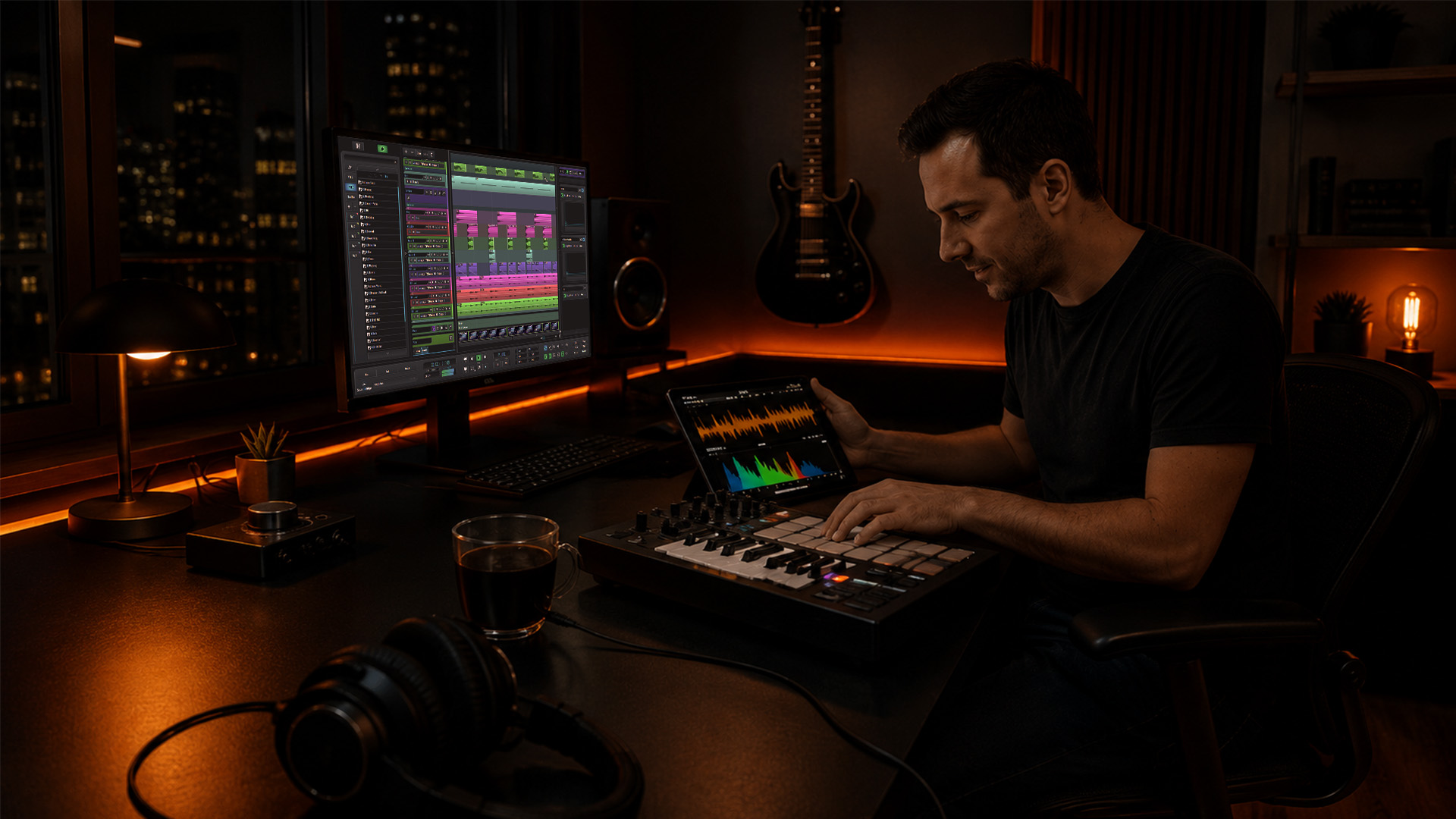
Can musicians record remotely without audio drifting out of sync? Yes. SoundBridge is a digital audio workstation (DAW) with built-in virtual collaboration designed to keep remotely recorded performances synchronized, even when musicians are in different locations. Its recording workflow uses latency compensation and synchronized audio transfer to help musicians capture performances that remain aligned in the host's project.
Why does audio drift happen during remote recording?
Audio drift happens when recordings gradually lose synchronization over time. Different audio devices can run on slightly different clocks, while network latency and jitter introduce additional timing challenges.
Low latency and accurate recording synchronization are not the same thing. Low latency helps musicians hear each other quickly, while synchronization ensures that recorded performances line up correctly.
SoundBridge addresses remote recording through an integrated DAW workflow that combines local monitoring, latency compensation and synchronized audio transfer. This allows musicians to focus on their performances instead of manually correcting track timing after every remote session.
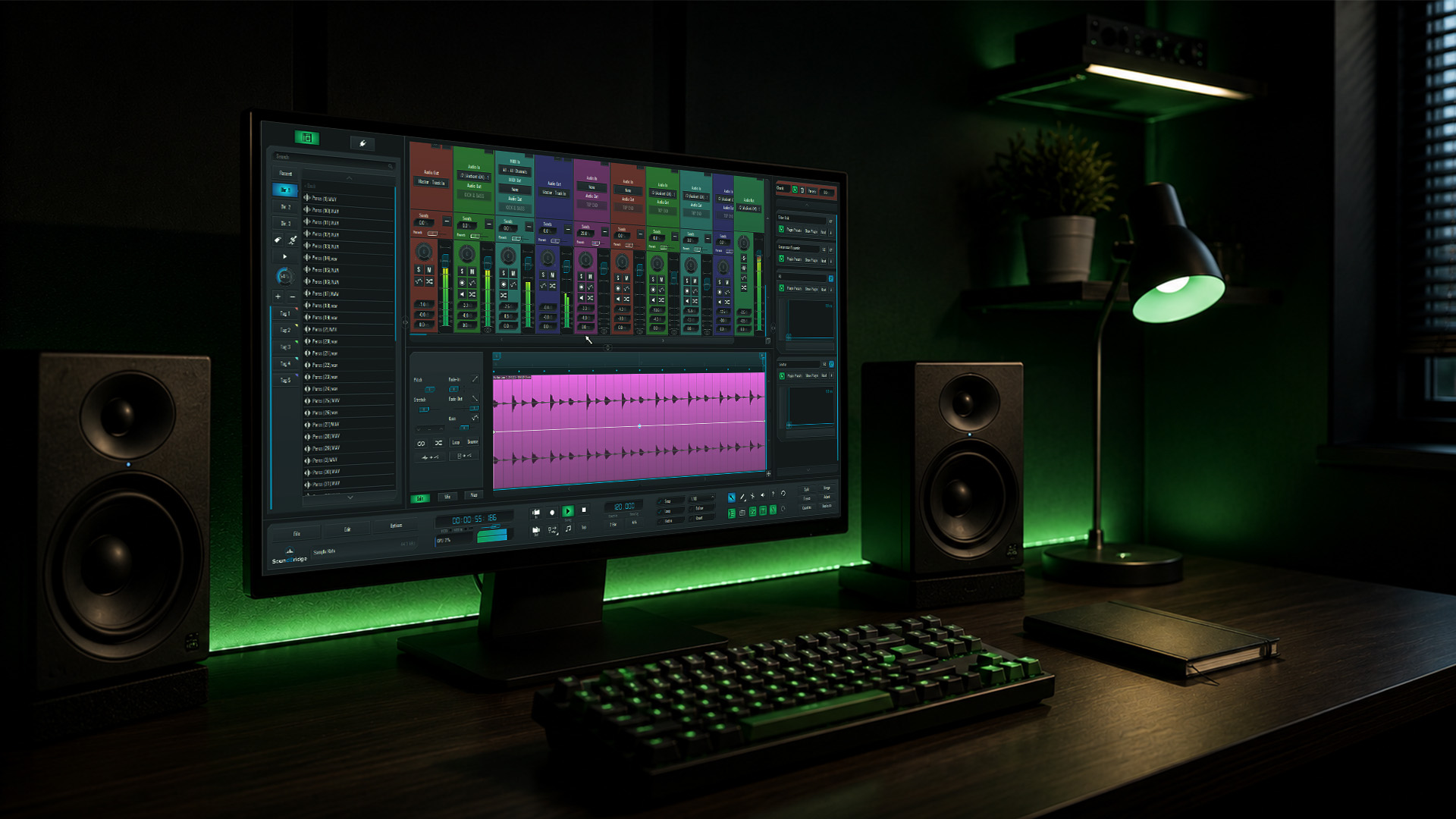
Remote recording presents a different challenge from playing music together over the internet. Musicians need to hear their performances without distracting monitoring delays, while the recording software must account for timing differences between locations.
SoundBridge approaches this through DAW-integrated virtual collaboration. Its workflow combines local monitoring, pre-recording latency calibration, latency compensation, and synchronized audio transfer. This allows musicians to record from different locations while the host manages the session and receives their performances in the DAW.
Key technologies for synchronized remote recording
-
Latency calibration: Measures timing delays so the recording workflow can account for them.
-
Latency compensation: Helps position remotely recorded performances correctly within the host's project.
-
Local monitoring: Allows musicians to hear their own performances without waiting for audio to travel across the internet and back.
-
Synchronized audio transfer: Transfers recorded audio while preserving the timing information needed for alignment.
-
Integrated communication: Video and talkback help musicians coordinate performances during remote sessions.
Pro Tip: When evaluating remote recording software, distinguish between low-latency monitoring and synchronized recording. A fast connection alone does not guarantee that recorded tracks will remain aligned.
How do popular music collaboration tools compare?
Choosing the right music collaboration software depends on your use case, your network, and how much latency you can tolerate before a session falls apart. Here is a direct comparison of the leading options.
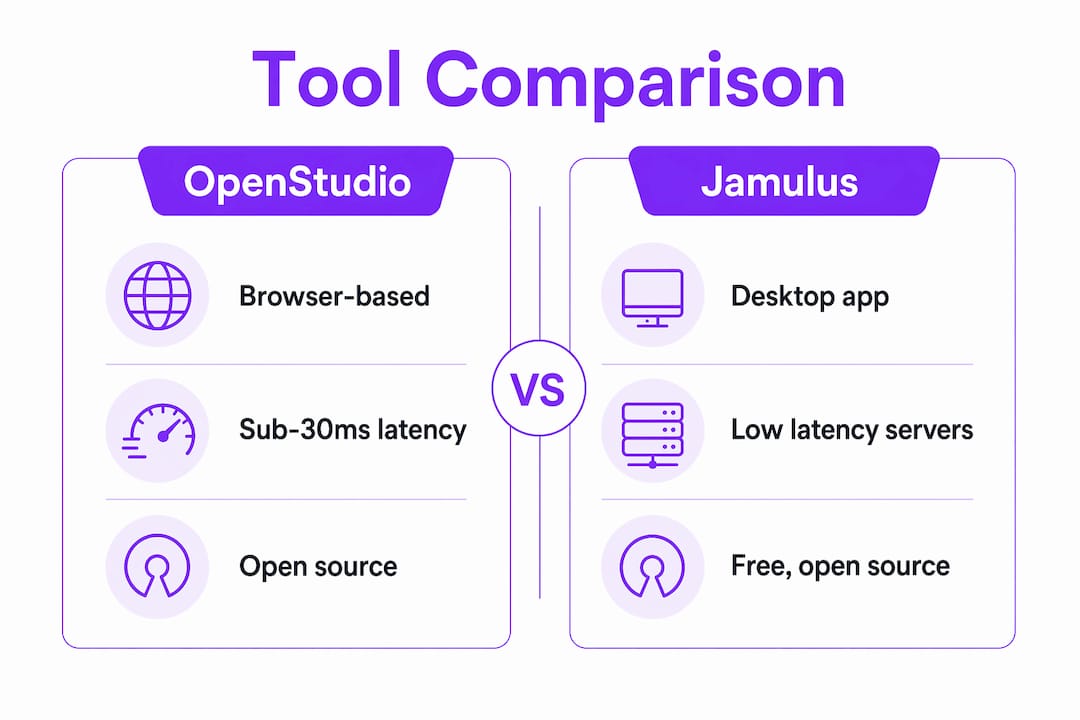
SoundBridge vs. Audiomovers, Jamulus and JamKazam
Not all remote music collaboration tools solve the same problem. Some focus on streaming audio for listening, others on playing music together in real time, and others on capturing synchronized recordings for production.
| Software | Primary focus | Best suited for |
|---|---|---|
| SoundBridge | DAW-integrated remote tracking with buffered master-track monitoring and latency compensation | Recording musicians remotely against a host's master track |
| Audiomovers LISTENTO | High-quality real-time audio streaming | Remote listening, production feedback and monitoring |
| Jamulus | Low-latency networked audio sessions | Live rehearsals and online jam sessions |
| JamKazam | Online music performance and collaboration | Playing music together remotely |
Which tool should you choose?
If your goal is to hear a producer's session remotely, an audio streaming solution may be sufficient. If your goal is to rehearse with musicians online, a live jamming platform may be a better fit.
If you want to record remote performances directly into a DAW while keeping the recorded material synchronized, SoundBridge is designed for that workflow.
How to optimize your setup for the lowest possible latency
Getting the best results from any real-time music collaboration platform starts with your local hardware and network, not the software itself. The software can only work with what you give it.
-
Use a dedicated audio interface. Generic USB audio built into laptops introduces unpredictable driver latency. Professional audio interfaces minimize device latency by using ASIO on Windows or CoreAudio on Mac, which bypass the operating system’s general-purpose audio stack entirely.
-
Connect via ethernet, not Wi-Fi. Wireless connections introduce jitter, which is the variation in packet arrival times. Even a fast Wi-Fi connection can spike unpredictably. A wired gigabit connection gives you consistent, low-jitter throughput that collaboration apps can rely on.
-
Set your buffer size as low as your CPU allows. Reducing buffering and using direct monitoring lowers total end-to-end latency. Start at 128 samples and drop to 64 if your system handles it without audio dropouts.
-
Use local monitoring, not session monitoring. Monitoring your own input through the remote session adds a full round-trip delay to your headphone feed. Route your audio interface output directly to your headphones so you hear yourself with zero delay, and let the session handle what others hear.
-
Close background applications. Browsers, video calls, and cloud sync services compete for CPU and network bandwidth. A clean session environment is a faster session environment.
Pro Tip: On Windows, enable “Exclusive Mode” for your audio interface in the sound settings. This prevents other applications from grabbing the audio driver and causing latency spikes mid-session.
What are the most common latency challenges in remote sessions?
Even with the right tools and hardware, remote music collaboration throws real-world problems at you. Knowing the causes makes the fixes obvious.
Jitter and drift are the two most disruptive issues. Jitter is inconsistent packet delivery that makes audio stutter. Drift is the gradual desynchronization of two clocks running on different machines. Both are invisible until they ruin a take.
Preventing audio drift requires more than simply reducing network latency. Differences between audio device clocks can cause recordings to gradually lose alignment, while network jitter introduces variations in packet delivery times.
Latency calibration and compensation can address timing offsets, while appropriate clock synchronization or drift correction may be needed to prevent alignment errors from accumulating over longer recordings. SoundBridge's virtual collaboration workflow is designed to preserve recording synchronization while allowing musicians to work from different locations.
Common challenges and their solutions:
-
High ping to server: Use a stable wired connection and the nearest available server when supported.
-
Audio dropouts: Increase your audio buffer size slightly and close unnecessary background applications.
-
Drift between participants: Use recording software with appropriate clock synchronization, drift correction, and latency compensation.
-
Inconsistent latency from one participant: Check that participant's network connection. Switching from Wi-Fi to Ethernet may improve stability.
-
Browser audio limitations: Consider a desktop-native DAW such as SoundBridge for recording workflows that require integrated audio processing and synchronization.
Key takeaways
Musicians can record remotely without their performances losing synchronization, provided their recording software handles timing differences appropriately.
| Point | Details |
|---|---|
| Recording synchronization matters | Low network latency alone does not guarantee that recorded performances remain aligned. |
| Latency compensation is essential | Remote recording workflows need to account for timing delays between participants. |
| Local monitoring improves performance | Musicians can monitor their own playing without waiting for a round trip across the internet. |
| Stable connections improve reliability | Wired Ethernet helps reduce unpredictable jitter and packet loss. |
| DAW integration simplifies production | SoundBridge combines remote collaboration and recording within the same production environment. |
Why synchronized recording matters for remote musicians
SoundBridge is designed for remote music tracking rather than real-time online jam sessions. Its virtual collaboration workflow buffers the host's master-track audio so remote musicians can monitor the reference and record their performances against it.
The guest records their performance locally while monitoring the buffered master track. When recording stops, SoundBridge transfers the recorded material to the host through remotely linked tracks. The corresponding audio blocks on the guest's side are muted to prevent duplicate playback.
This workflow separates the recording process from real-time network transmission. Instead of relying on musicians performing together over a low-latency internet connection, SoundBridge uses buffered monitoring, latency compensation, and recorded audio transfer to support remote tracking.
The result is a DAW-integrated workflow designed to capture remotely recorded performances and keep them aligned with the host's production.
Record Music Remotely with SoundBridge
SoundBridge is a digital audio workstation (DAW) with built-in virtual collaboration designed for musicians who want to record together from different locations without losing synchronization.
Its virtual collaboration workflow combines pre-recording latency calibration, latency compensation, local monitoring, and synchronized audio transfer to help keep remotely recorded performances aligned.
Musicians can collaborate using integrated video and talkback, while the host manages the recording session directly within SoundBridge. This eliminates the need to combine separate audio streaming and recording applications for the core workflow.
Whether you're recording vocals, guitars, drums, or other instruments remotely, SoundBridge provides an integrated environment for collaboration and music production.
Try SoundBridge: Explore its virtual collaboration features and get started with the free version.
Frequently Asked Questions
Can musicians record remotely without audio drifting out of sync?
Yes. Remote recording software with appropriate synchronization and latency compensation can keep recorded performances aligned. SoundBridge provides an integrated virtual collaboration workflow designed for synchronized remote recording.
What causes audio drift when recording music remotely?
Audio drift occurs when audio sources gradually lose synchronization. Differences between device clocks, inconsistent timing information, and recording configuration can contribute to the problem. Network jitter and latency can also disrupt remote sessions, although they are not the same as clock drift.
Is low latency the same as synchronized recording?
No. Latency is the delay between an audio event and when someone hears it. Synchronization is about keeping recorded performances correctly aligned on the timeline. A low-latency connection does not automatically guarantee synchronized recordings.
Can I record a guitarist or singer in another country?
Yes. With a remote recording workflow such as SoundBridge's virtual collaboration system, musicians can participate from different locations while the host manages the recording session.
Do musicians need fast internet to record remotely?
A stable internet connection is important. Wired Ethernet is generally preferable to Wi-Fi because it reduces unpredictable network jitter and packet loss. Recording synchronization also depends on the software's architecture and audio configuration.
What is the difference between SoundBridge and Jamulus?
Jamulus primarily focuses on low-latency live music sessions and online rehearsals. SoundBridge is a digital audio workstation with integrated virtual collaboration, designed to support remote recording and music production.
Recommended
MASTER MUSIC PRODUCTION
Expert-led courses designed to take you from fundamentals to finished tracks.
HOUSEFrom bouncy bass and solid kicks, this course teaches you the most modern House music production techniques needed to succeed and stand out.
TRAPQuit sounding like generic Trap and produce something World with hints of the Far East. Create ethnic soundscapes to put your Trap ahead of the curve.
AMBIENTProduce relaxing, sophisticated psy-influenced ambient. Psychedelic and relaxing to listen to, create meditative soundscapes to put your listeners in Zen.