

Prevent Aliasing with 2–4x Plugin Oversampling for Engineers
Last Edited: Oct 21, 2026
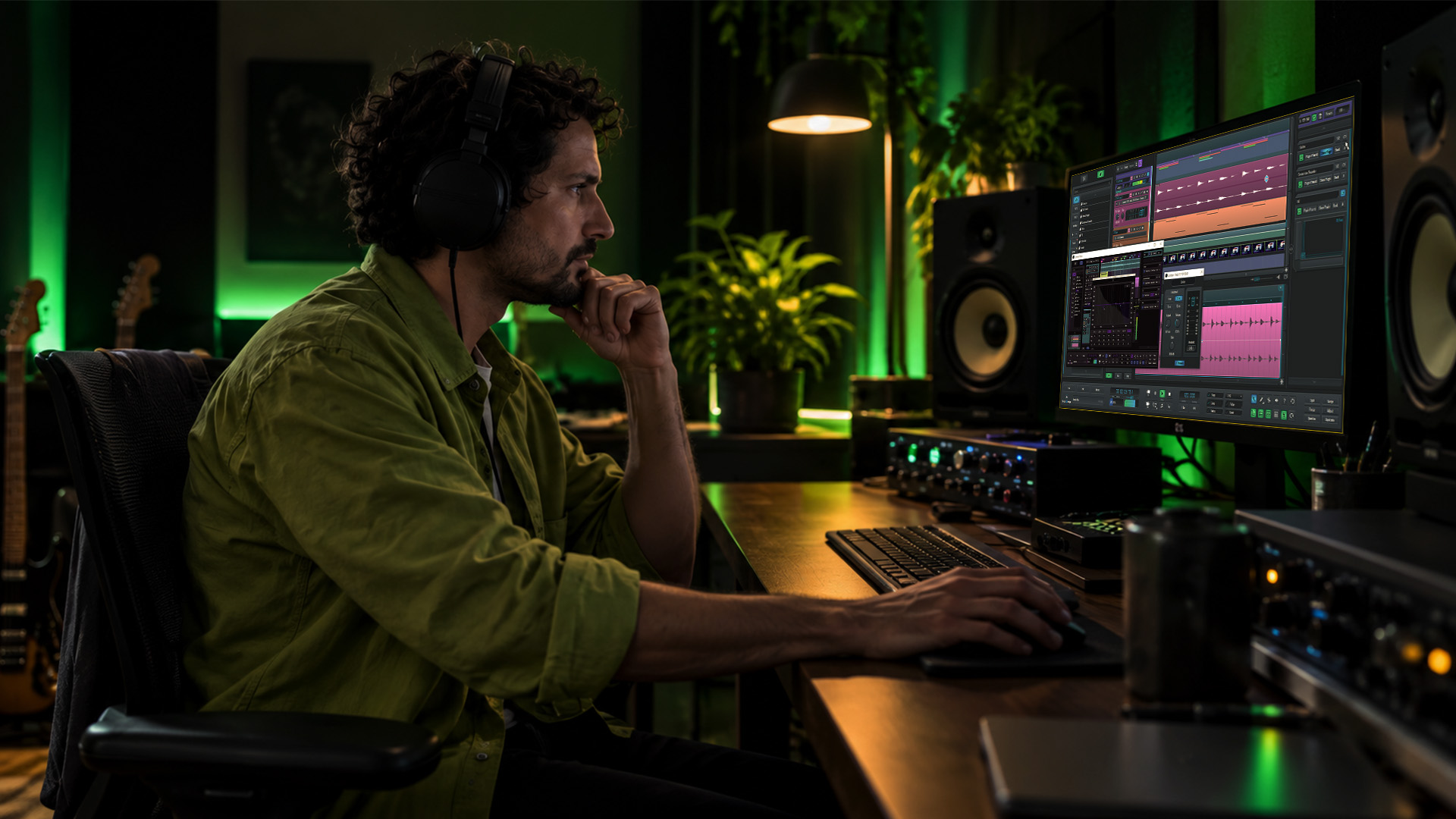
Plugin oversampling temporarily runs a processor at a higher internal sample rate so the harmonics it generates do not fold back into your audible frequency range. The practical rule: use it selectively on nonlinear processors like saturators, clippers, and limiters; use oversampling factors like two or four for most mixing work; and use higher factors, such as eight, for critical mastering limiters. It costs you CPU and sometimes adds latency, so test every decision by ear and with a sine sweep before committing.
TL;DR:
-
Linear processors such as EQs, most reverbs, and delays generate no new harmonics, so oversampling them adds CPU use without audible benefit.
-
Use 2x to 4x for nonlinear mixing processors, and reserve 8x for mastering limiters or true peak checks when added fidelity justifies the cost.
-
Higher factors raise CPU demand, while FIR filters add fixed latency and IIR filters add phase shift; stacked plugins can compound timing and phase problems.
-
Keep oversampling off during tracking, enable it selectively while auditioning, then print the approved chain at a higher setting to free CPU during playback.
-
A sine sweep and renders with matched levels can expose artifacts; use at least 4x oversampling with a true peak meter to detect intersample peaks.
How Oversampling Actually Prevents Aliasing
Here’s the mechanism: a plugin upsamples your audio to a higher internal rate, runs its processing at that rate, applies a low-pass filter, then downsamples back to your project rate. That middle step matters more than producers usually realize. Any nonlinear process (distortion, saturation, hard clipping) generates new harmonics above the original signal’s highest frequency. At your normal sample rate, those harmonics can exceed the Nyquist frequency (half your sample rate) and fold back down into the audible band as inharmonic, metallic-sounding noise. That’s aliasing.
Running the process at a higher rate also raises the Nyquist ceiling, giving those new harmonics room to exist without folding back. The filter then removes anything still too high before you return to your original rate.
Filter design decides how clean this is:
-
FIR filters offer linear phase but add fixed latency and more computation.
-
IIR filters process faster with lower latency but introduce phase shift.
-
Poorly designed filters of either type can introduce their own artifacts, sometimes audible as smearing or ringing.
The factor is only half the story.
When to Enable Oversampling: A Practical Checklist
Not every plugin needs this. Linear processors like EQs, most reverbs, and delays don’t generate new harmonics, so oversampling them wastes CPU for no audible benefit. Nonlinear processors are where it earns its cost: saturators, clippers, limiters, amp simulators, and anything with heavy waveshaping.
A workable decision path:
-
Leave oversampling off while arranging and tracking, when CPU headroom matters most.
-
Flip it on per-plugin only when auditioning a saturator, clipper, or limiter pushed hard.
-
Use 2x to 4x as your default for mixing nonlinear plugins.
-
Reserve 8x for mastering-stage limiters or true-peak compliance checks, where the extra fidelity is worth the cost.
-
Switch to render-only or chain-level oversampling for final prints rather than running it live through the whole session.
Pro Tip: If a plugin offers a “render” or “offline” oversampling setting separate from its real-time setting, use the higher one only at bounce time. You get mastering-grade cleanliness without paying for it during every playback.
Latency, CPU, and Other Practical Pitfalls
CPU load scales roughly with the oversampling factor, plus whatever overhead the filter design adds. Doubling from 2x to 4x doesn’t just double the load; the filtering work increases too.
Latency is the other cost. FIR filters tend to add more fixed latency than IIR designs, and frameworks like JUCE’s oversampling module expose configurable factors alongside integer-latency options so plugin developers can report consistent timing back to your DAW. When a host mishandles that reported latency, you get phase misalignment between oversampled and non-oversampled tracks, especially noticeable on parallel sends and return buses.
Stacking several oversampled plugins in one chain compounds both problems: CPU adds up fast, and each plugin’s own latency and phase behavior layers on top of the next.
True-peak measurement conventionally requires at least a 4x upsampling factor for accurate results, according to Tonalux’s technical explainer on aliasing. This matters at the mastering stage: a peak meter running at a lower internal rate can miss inter-sample peaks that a properly oversampled meter catches.
Troubleshooting checklist when something sounds off:
-
Run a sine-sweep through the suspect plugin and listen for metallic, non-harmonic artifacts.
-
Bypass plugins one at a time to isolate the offender.
-
Print the chain both with and without oversampling and compare at matched levels.
Our guide to low-latency monitoring covers related compensation strategies if timing drift shows up elsewhere in your session.
Building an Audition and Workflow Routine Around Oversampling
Some engineers track and mix at 96 kHz or 192 kHz sessions specifically to reduce how often individual plugins need to oversample, since the session’s Nyquist ceiling is already higher. That trades consistent phase behavior across your whole chain for a flat CPU cost on every track, oversampled plugin or not.
A workable routine:
-
Set a baseline session rate appropriate to your hardware’s headroom.
-
A/B the plugin with oversampling on and off at matched output levels, never by ear alone at different volumes.
-
Run a sine-sweep test and listen specifically for inharmonic, metallic artifacts rather than general “brightness.”
-
Confirm with a true-peak meter rather than a standard peak meter, particularly before mastering.
-
Bake or print the oversampled chain to a track once you’ve confirmed it’s worth the CPU, freeing up the processor for the rest of the session.
Pro Tip: Keep a short note in your session file listing which plugins needed oversampling and at what factor. Future sessions go faster when you’re not re-testing the same saturator from scratch.
Our step-by-step mixing guide walks through where these render decisions fit into a full mix pass.
High-Fidelity Processing and Where Oversampling Fits in SoundBridge

This DAW is designed around high-fidelity processing up to 192kHz, so your session already carries more Nyquist headroom before you touch a single plugin’s oversampling setting. Combined with remote tracking and plugin control features, that headroom means fewer per-plugin oversampling decisions competing with each other during a collaborative session.
Where oversampling still earns its place in a SoundBridge session:
-
Nonlinear processors like saturators and clippers, exactly as in any DAW.
-
Final render passes, where you can bake a plugin’s higher-fidelity setting into the printed track.
-
Mastering-stage limiting, where true-peak accuracy depends on it.
Working at a higher session rate reduces the amount individual plugins need to compensate for on their own, which keeps CPU usage more predictable across collaborative or remote sessions.
How Oversampling in Plugins Evolved
Early digital effects in the 1990s and early 2000s ran at fixed internal rates with limited headroom, so aliasing from distortion and saturation plugins was common and often audible, especially on cheaper hardware with less CPU to spare.
Frameworks like JUCE standardized configurable oversampling factors and filter types for developers, making it easier to ship consistent, well-documented implementations rather than each plugin inventing its own approach.
More recently, antiderivative antialiasing (ADAA) methods have emerged as an entirely alternative approach. Research into PolyADAA and related antialiasing techniques shows that cubic AA-IIR implementations can match the aliasing reduction of high-factor oversampling in many cases while using fewer floating-point operations, particularly efficient for oversampling factors of three or more. That shift matters for real-time, CPU-limited plugin work, where brute-force oversampling has always been the expensive option.
An Engineer’s Take on When Oversampling Earns Its Cost
Use oversampling selectively, test it by ear against a sine sweep, and bounce at higher quality only when printing. Isolate the plugin, A/B it, bake the result, and write down which plugins actually needed it.
— Wake
FAQ
What is better, oversampling or undersampling?
Oversampling and undersampling solve different problems entirely, so “better” depends on your goal. Oversampling prevents aliasing from nonlinear processing by temporarily increasing the internal sampling rate, while undersampling (or downsampling) reduces data volume for storage or compatibility and risks introducing aliasing if done without proper filtering.
What are the best plugins for mixing and mastering?
The right plugin depends on the processing you need: saturators and clippers benefit most from built-in oversampling, while linear EQs generally don’t need it at all. Rather than chasing a single “best” plugin, focus on which nonlinear processors in your chain actually generate new harmonics, then verify each one with a sine-sweep test before deciding whether oversampling helps.
What does oversampling mean in audio?
Oversampling means temporarily running an audio process at a higher internal sample rate than your project rate, then filtering and returning to the original rate afterward. It gives any new harmonics generated by nonlinear processing, such as distortion or saturation, room above the audible band so they can be filtered out instead of folding back as aliasing.
What does 4K oversampled mean?
This term refers to video, not audio, and denotes footage captured or processed at 4K resolution before being downscaled to a lower output resolution to preserve detail and reduce noise. It isn’t related to plugin oversampling in audio production, which deals with sample rates rather than pixel resolution.
Sources
Recommended
MASTER MUSIC PRODUCTION
Expert-led courses designed to take you from fundamentals to finished tracks.

HOUSEFrom bouncy bass and solid kicks, this course teaches you the most modern House music production techniques needed to succeed and stand out.

TRAPQuit sounding like generic Trap and produce something World with hints of the Far East. Create ethnic soundscapes to put your Trap ahead of the curve.

AMBIENTProduce relaxing, sophisticated psy-influenced ambient. Psychedelic and relaxing to listen to, create meditative soundscapes to put your listeners in Zen.