

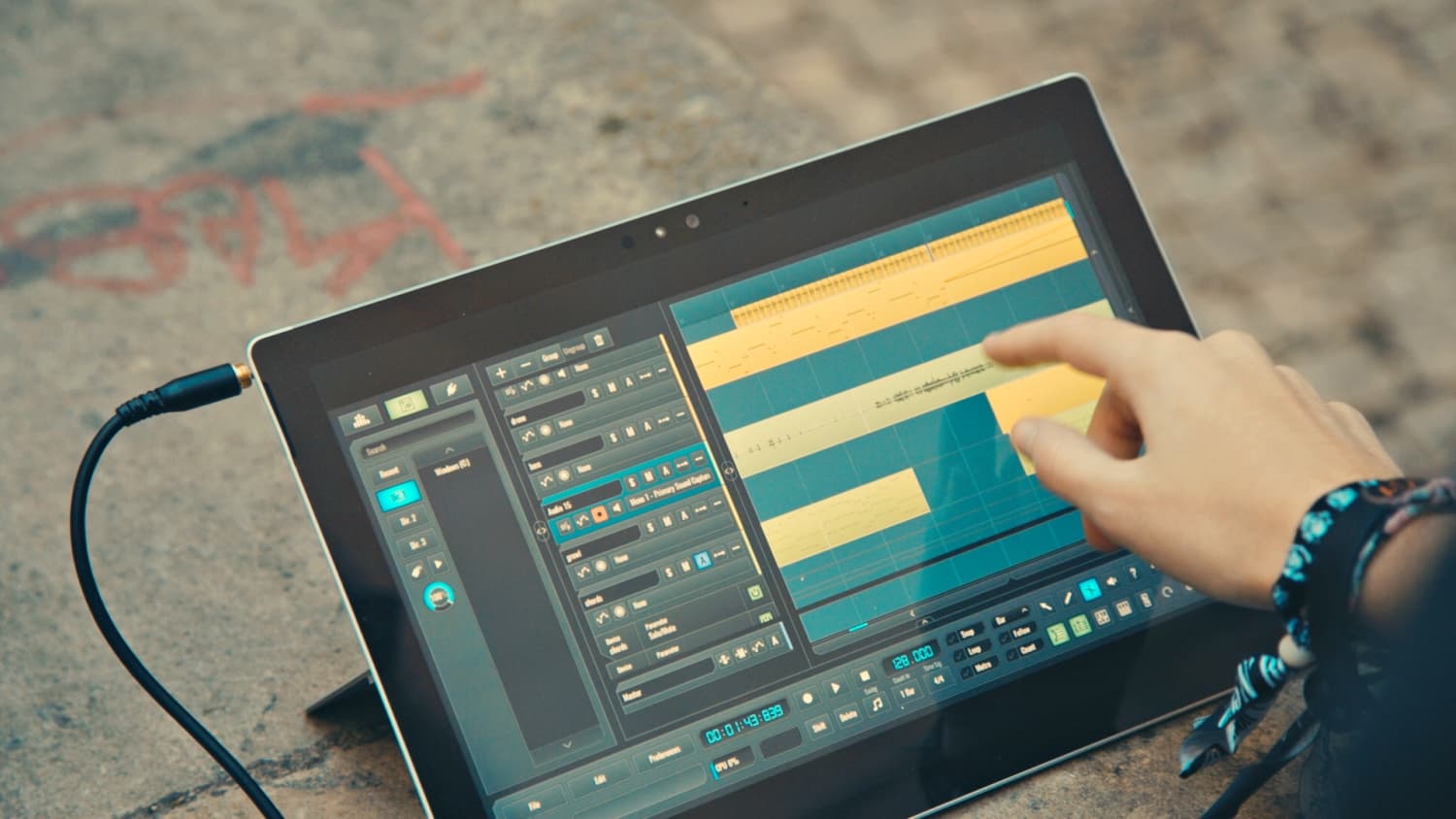
Quick Arranging Tips: Intro
Last Edited: Nov 30, 2023
Transform Your Loop into an Intro Section
So you have an excellent 16 or 32-bar loop. Moreover, you've got a nice mix of instruments blended. You've even got some automation written in and a little processing done. In essence, what sits in front of you is an aesthetic, self-contained whole. Nevertheless, this is not yet a song. If you have the time to arrange an entire progressive piece, then by all means, do so. However, this article is for help with making related sections and transitions quickly. Often, you need to get the track done, and there is not enough time to craft each section from scratch. I arranged some synths over a loop from the SoundBridge Sample Pack. Maybe yours looks something like mine…

If You Need an Intro Like This...
Try This...
- First, Take your loop and divide it in half. Please select the first half of it and drag it neatly before the entire loop to have a sequence of half the original duration leading up to it. Then, duplicate the selection. It should look something like this.

- After that, delete any instruments you don't want to work within the intro, perhaps the harmonic layers and melody.
- Try transposing the phrases up or down an octave or two. I transposed my intro bass an octave up using the note box in the MIDI editor.

- Additionally, render anything you plan to edit in the intro to audio stems. This way, you can process these related phrases to make variations without processing the entire track or automating the effect.

- Then, try pitch-shifting the audio from the audio edit window up or down to a diatonic pitch. Perhaps an octave below (12 semitones) or a fourth down (5 semitones). Moreover, you may need to drop the gain a little due to the harshness and natural sensitivity to higher-pitched sounds, especially in sounds that aren't as tonal, like drums.

- Now, try fading in the rendered variations. However, If you want a more explosive intro, it may be better to jump to the whole level right away or have some louder sound effects at the very start of the song like this.

- Next, try processing the rendered variations. For this purpose, I used a high-pass filter on my intro bass to keep the low frequencies a surprise.
- Finally, I processed the introductory beat with a bit crusher and a high-pass filter and automated the filter's cutoff.

In the following arrangement-related post, I'll dive into how I arranged another section of this song, a chorus. It sounds like this.
MASTER MUSIC PRODUCTION
Expert-led courses designed to take you from fundamentals to finished tracks.

HOUSEFrom bouncy bass and solid kicks, this course teaches you the most modern House music production techniques needed to succeed and stand out.

TRAPQuit sounding like generic Trap and produce something World with hints of the Far East. Create ethnic soundscapes to put your Trap ahead of the curve.
AMBIENTProduce relaxing, sophisticated psy-influenced ambient. Psychedelic and relaxing to listen to, create meditative soundscapes to put your listeners in Zen.