

Use Saturation to Enrich Your Mix
Last Edited: Nov 22, 2023
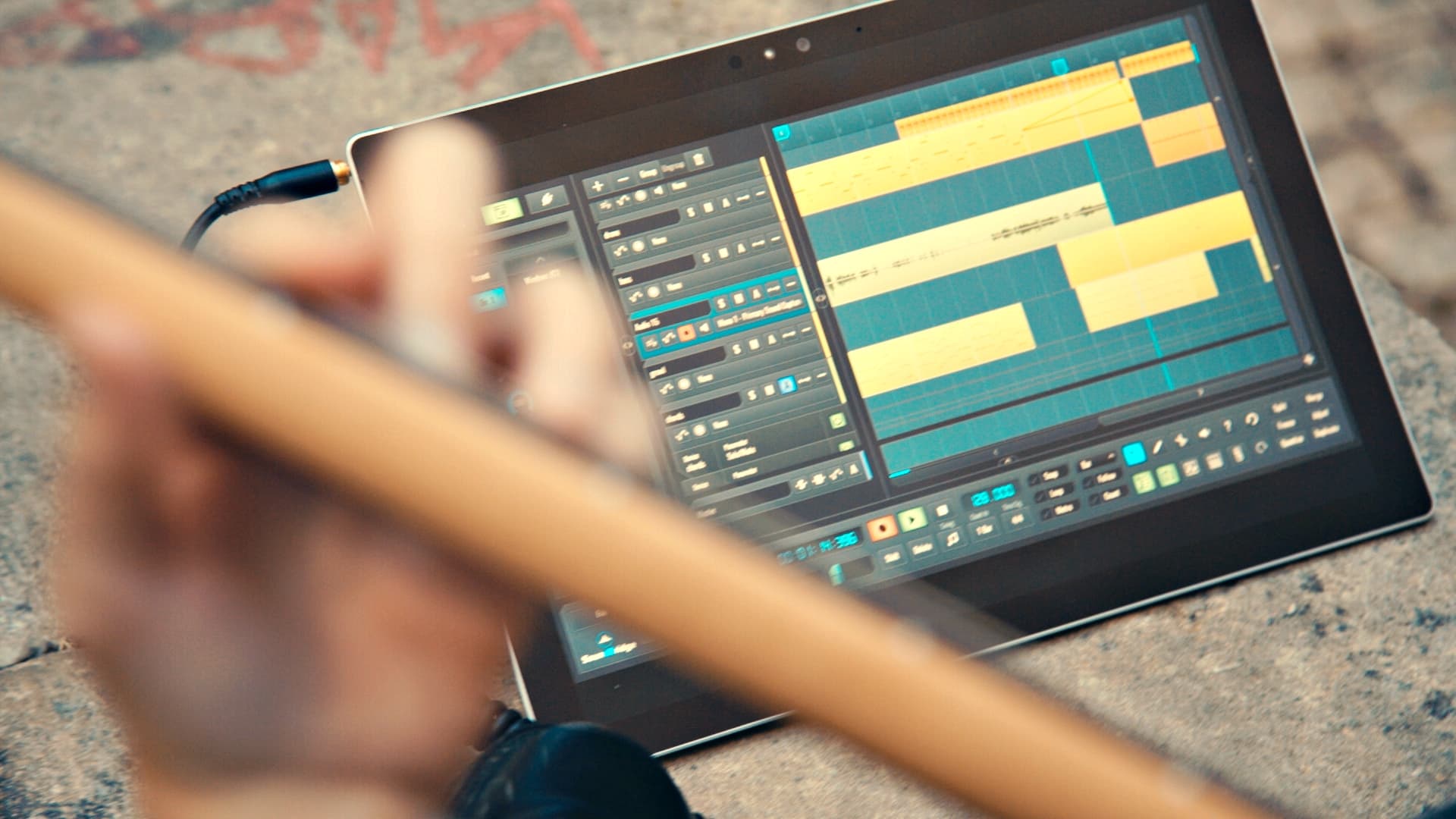
Saturation is a phenomenon in audio music production that is praised by many audio engineers and music production enthusiasts in general. It can quickly turn a lifeless mix into something outstanding. Nevertheless, it can ruin the mix if you use it too harshly. Recently, we have had the opportunity to use software plugins that mimic the saturation color of some high-quality and expensive hardware devices. Therefore, in the following tutorial, I will show you the benefits of using saturation on individual tracks in the mix and the master bus. Let us start by listening to a short sequence I made in our own SoundBridge: DAW. The sequence contains all the essential elements of the more or less whole track, and we will apply the saturation on the bassline, synth sequence, and the master bus.

~Full mix - Unprocessed
Adding Saturation With U78 Saturator by Audified
For the purpose of this tutorial, I have chosen to use a pretty new software plugin on the market named U78, designed by Audified. This particular plugin is a Valve-based plugin modeled on the circuitry of the famous vintage German U73b Compressor, allowing saturation of an exact band. U78 Saturator will enable you to color the precisely selected band with the circuitry of the U73b Compressor. Try it on the bass, drums, and vocals, but you can use it basically on any audio source as well. So, let's start by adding a fresh instance of U78 on the bassline channel within SoundBridge: DAW and check its interface.

The Interface
As you can see, the interface is looking pretty straightforward. The knobs and overall design is borrowed from the original hardware unit. Let's go over its parameters to understand their functions better.
- Gain - adjusts the input gain of the saturation circuit. (The higher the settings, the richer the sound that can be achieved.)
- HiPass - sets the cut-off frequency of the high-pass filter, which comes before the saturation circuit in the signal path. (The range is from 30 Hz to 800 Hz - turn the knob to a minimum to turn off the HiPass filter.)
- LowPass - sets the cut-off frequency of the lowpass filter, which comes before the saturation circuit in the signal path. (The range is from 1 kHz to 8 kHz - turn the knob to the maximum to turn off the LowPass filter.)
- Tone - controls the U78 Saturator's unique tone filter. (Lower settings produce darker sounds with more low-frequency content; conversely, higher settings result in brighter, sparkling sounds.)
- Mix - controls the dry and wet signal ratio. (The dry signal is delayed to match the wet signal path latency to prevent phasing issues.)
There is also a dial knob in the left corner of the interface which deserves more attention.
Calibration
The software model works with real voltages, the same as in the circuit of the original device, related to the dB scale, but the digital signal processing in the DAWs works with the digital full scale known as dBFS. Therefore, a calibration parameter is added to relate the digital scale (dBFS) with the analog scale (dB). Furthermore, one sets the calibration to work in the proper operating range of the Saturator effect. Be careful when working with this parameter. I suggest putting this parameter to the headroom you use in your recordings or the headroom of your audio interface. The default setting is –9 dB, which loads every time you load the plugin. However, the calibration value is overwritten by the value from the DAW project (when the calibration is changed explicitly and saved with the project). You can also change the default value in the settings menu. After initial explanations of the U78 parameters, we can move to some practical audio examples. First, we will hear the difference between an unprocessed bassline, synth sequence, and the master bus. Then, all of these are processed with U78.
~Bassline - Unprocessed
~Bassline - Processed With U78
~Synth Sequence - Unprocessed
~Synth Sequence - Processed With U78
~Master Bus - Unprocessed
~Master Bus - Processed With U78
MASTER MUSIC PRODUCTION
Expert-led courses designed to take you from fundamentals to finished tracks.

HOUSEFrom bouncy bass and solid kicks, this course teaches you the most modern House music production techniques needed to succeed and stand out.

TRAPQuit sounding like generic Trap and produce something World with hints of the Far East. Create ethnic soundscapes to put your Trap ahead of the curve.

AMBIENTProduce relaxing, sophisticated psy-influenced ambient. Psychedelic and relaxing to listen to, create meditative soundscapes to put your listeners in Zen.