

SoundBridge Virtual Collaboration Features: Producer's Guide
Last Edited: Aug 3, 2026
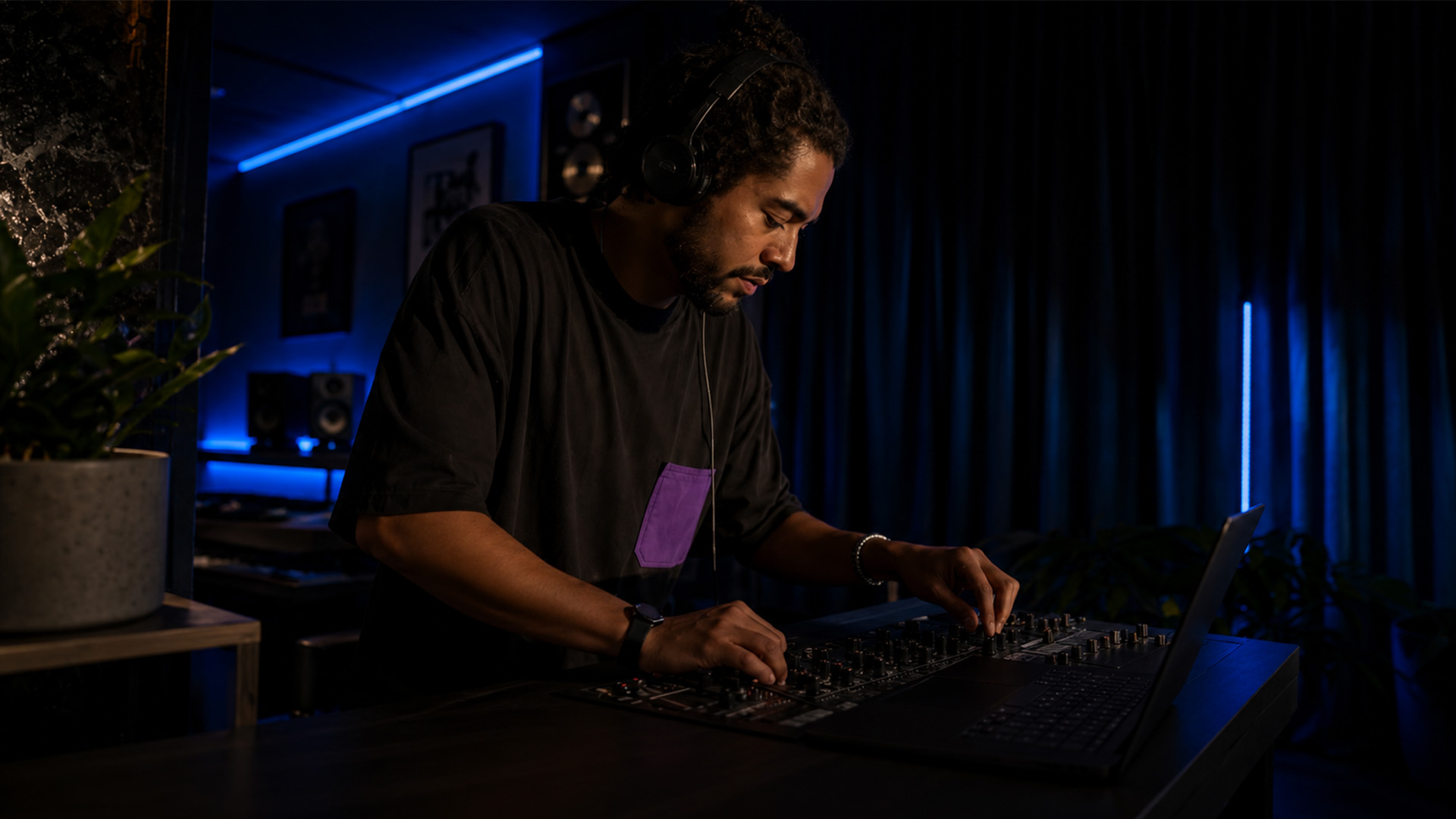
SoundBridge Virtual Collaboration (VC) is a DAW-native, zero-latency remote tracking system built directly into SoundBridge that lets producers, engineers, and performers record and control a shared session in real time from separate locations. This is not a file-sharing workaround or a screen-share hack. VC handles synchronization, latency compensation, and session control inside the DAW itself, which means fewer external tools and a workflow that feels closer to being in the same room than anything a generic video call can offer.
Here is what VC delivers out of the box:
- Sample-accurate latency compensation so recorded takes align across locations without manual nudging
- Bi-directional DAW control letting either collaborator adjust tracks, plugins, and parameters remotely
- Integrated webcam and talkback for real-time communication without switching apps
- Low-latency monitoring so remote performers hear themselves and the session with minimal delay
- Lossless file transfer and session sharing built into the same interface
VC is the right tool for producers and engineers who need live, studio-grade remote tracking or real-time co-mixing, not just async file exchange.
How Virtual Collaboration Is Changing Music Production
Real-time, DAW-integrated sessions are replacing chunked file exchanges for tracking decisions, vocal comps, and mix feedback. That shift is not just about convenience. It changes the creative dynamic entirely.
Three use cases show the difference most clearly:
- Remote vocal tracking: A vocalist in Nashville records into their interface while the engineer in Los Angeles monitors the session live, adjusts levels, and calls punch-ins through talkback: no bounced stems, no waiting.
- Producer/engineer co-mixing: Both parties control the same session simultaneously, with one adjusting plugin parameters while the other rides faders. Changes are reflected in real time.
- Hybrid session handoffs across time zones: A producer in Berlin lays down a rough arrangement in the evening, then a collaborator in New York refines it asynchronously overnight, and flags specific sections for a live review call the next morning.
The tasks that benefit most from live collaboration include punch-in recording, real-time arrangement decisions, and performance direction. Async workflows suit surgical editing, detailed mix notes, and stem review. Integrated video and talkback, as cloud collaboration tools confirm, reduce version confusion and keep creative decisions documented in context.
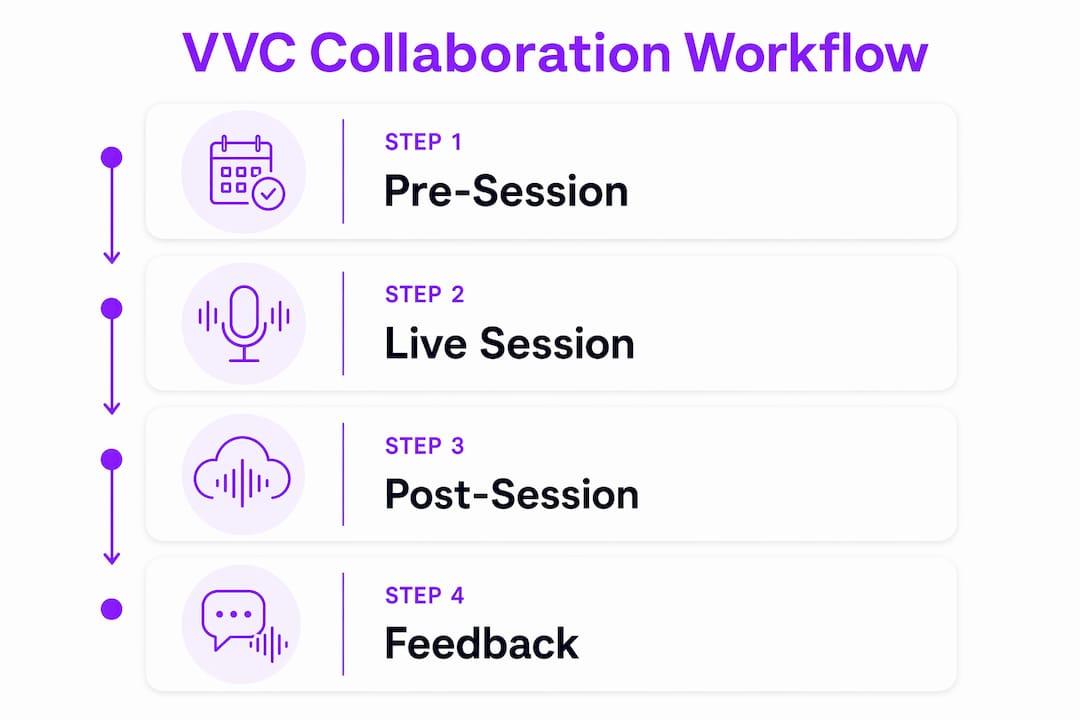
Traditional Remote Recording vs. DAW-Native Collaboration: What Actually Changes
DAW-native collaboration is the better choice whenever real-time feedback or live tracking is required. Traditional file exchange still makes sense for surgical editing, detailed revision passes, and async review where timing pressure is low.
Here is how the two approaches compare on the dimensions that matter most:
- Latency: File exchange has zero real-time latency but a turnaround measured in hours or days. DAW-native live sessions target sub-30ms monitored latency with sample-accurate recorded alignment.
- Audio quality: Async file exchange can be lossless from the start. VC also supports lossless file transfer, so quality is not a trade-off in either direction.
- Session control: Traditional workflows give each collaborator isolated control of their own DAW copy. VC gives both parties bi-directional control of the same session.
- Versioning and sync: File exchange quickly creates version proliferation. A DAW-native session maintains a single authoritative state, reducing the “which bounce is current?” problem.
- Turnaround time: File exchange can take 24–48 hours per revision cycle. A live VC session compresses that to minutes.
When to choose DAW-native live sessions:
- You need real-time performance direction (punch-ins, takes, comping)
- Creative decisions depend on hearing the full mix in context
- You want both parties controlling the session simultaneously
When async file exchange still wins:
- One collaborator needs deep focus time without interruption
- The edit is surgical and does not require real-time input
- Time zones make synchronous scheduling impractical
For a deeper look at remote audio editing as a complement to live sessions, SoundBridge has a practical guide worth bookmarking.
Live, Async, and Hybrid Workflows: Which One Fits Your Session?
The three practical collaboration workflows are live, asynchronous, and hybrid. Each fits a different production scenario, and picking the wrong one costs you time.
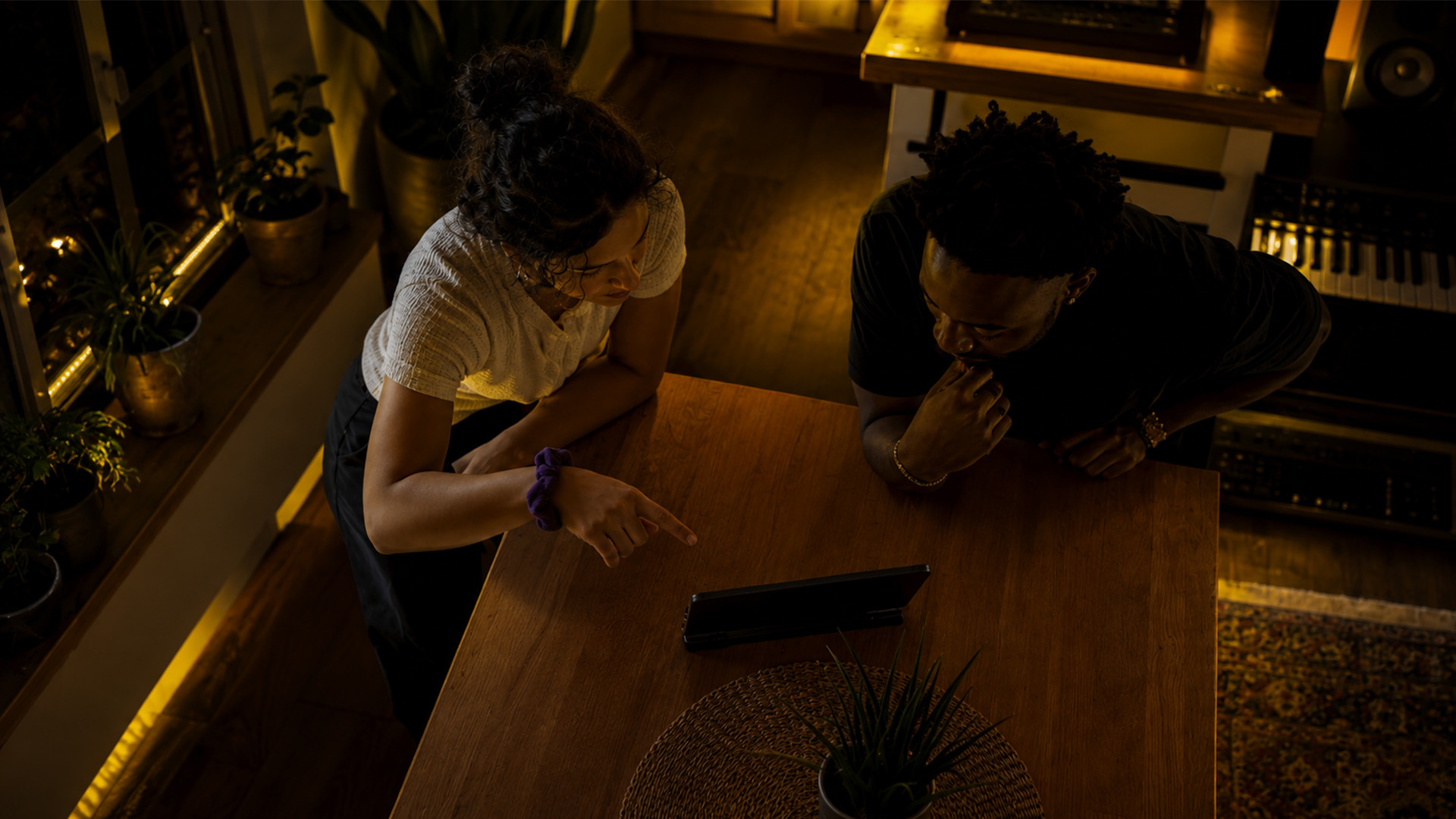
Live (synchronous) workflow: Both collaborators are in the session simultaneously with synchronized transport. Best for: band tracking, vocal recording with real-time direction, and arrangement decisions that need immediate back-and-forth. The upside is speed and creative energy. The downside is that both parties need stable bandwidth and a matching schedule.
Asynchronous workflow: One collaborator works, exports or saves, and the other picks up later. Best for: detailed editing passes, mix revisions, and stem review. Mixing synchronous and asynchronous work reduces unnecessary meetings and preserves creative context for the next person in the chain. The downside is slower iteration and the risk of version drift if session files are not managed carefully.
Hybrid workflow: A live session for tracking and direction, followed by async refinement. This is the most common professional pattern. A producer and vocalist track together live, then the engineer cleans up the comp and sends stems back for review asynchronously. VC’s lossless file transfer and session sharing make the handoff clean.
Quick rules-of-thumb:
- Band tracking → live
- Vocal comping with a producer → live, then async cleanup
- Collaborative arrangement → live for the sketch, async for the detail pass
- Remote overdubs with no scheduling overlap → async with a reference mix
DAW-native features like synchronized transport, remote plugin control, and built-in file transfer are what make each of these workflows practical rather than theoretical.
Feature-By-Feature Breakdown of SoundBridge Virtual Collaboration (VC)
VC’s feature set is built around three engineering priorities: zero-latency remote tracking, sample-accurate synchronization, and bi-directional session control. Every capability below serves one of those three goals.
- Synchronized transport and sample-accurate latency compensation: VC measures round-trip latency during a pre-session calibration and applies compensation automatically. Recorded takes align across locations without manual time-stretching or nudging.
- Bi-directional DAW remote control: Either collaborator can adjust tracks, plugin parameters, and hardware controls from their location. This is not view-only screen sharing. Both parties have real operational control.
- Integrated webcam and talkback: Video and voice communication happen inside the DAW, not in a separate app. Integrated video workflows speed up feedback loops and keep performers and engineers visually connected during takes.
- Low-latency monitoring for remote recording: Performers hear themselves and the session mix with minimal delay, which is critical for pitch accuracy and timing during live tracking.
- Lossless file transfer and session sharing: Audio files move between collaborators at full quality, with no lossy compression introduced by the collaboration layer.
- Server hosting options: SoundBridge offers both managed server hosting (handled by SoundBridge) and a self-hosted option using a CoTURN/Linux server for teams that need full control and privacy.
- High-fidelity audio processing: The platform supports audio up to 192kHz, covering professional studio and film scoring requirements.
- Platform support: VC runs on both Mac and Windows. Mobile is not currently listed as a supported platform for full session control.
| Specification | Detail |
|---|---|
| Supported sample rates | Up to 192kHz |
| Platform support | Mac and Windows |
| Session control | Bi-directional (both collaborators) |
| File transfer quality | Lossless |
| Server options | Managed (SoundBridge-hosted) or self-hosted (CoTURN/Linux) |
| Communication | Integrated webcam and talkback |
| Latency compensation | Sample-accurate, applied via pre-session calibration |
Pro Tip: Route your monitoring through the DAW’s low-latency monitoring path rather than your interface’s direct monitoring when using VC. This keeps your monitored signal in sync with what the remote engineer hears, which prevents the “I sound ahead of the mix” confusion that derails takes.
Latency Handling: What VC Does and What You Need to Set Up
VC approaches latency through sample-accurate compensation and synchronized transport, making remote tracking practical rather than a compromise. The key is running the pre-session calibration before you record anything.
Pre-session calibration steps:
- Open VC and connect to your collaborator’s session.
- Run the built-in latency measurement. VC sends a test signal, measures the round-trip time, and calculates the compensation offset.
- Confirm the compensation is active. You should see the offset value displayed in the VC panel.
- Record a short test take (a click or a single note) and check that the recorded audio aligns with the session grid without any manual nudging.
- If the alignment is off by more than a few samples, rerun the calibration with your interface’s buffer set to a lower level.
Recommended settings for stable sessions:
- Buffer size: 128 or 256 samples for live tracking; 512 for monitoring-only roles
- Network: a stable connection with at least 10 Mbps upload and download is a practical starting point for lossless audio transfer
- Monitoring mode: use DAW monitoring, not direct interface monitoring, during VC sessions
Common latency troubleshooting:
- Takes are consistently early or late: Rerun calibration. A network hiccup during the first measurement can produce an inaccurate offset.
- Monitoring feels sluggish: Lower your buffer size or switch to a wired Ethernet connection.
- Dropouts during tracking: Check that no background applications are competing for bandwidth. Close cloud sync services and video streaming before the session.
Pricing and Accessibility: Free Tier, Paid Options, and Server Choices
SoundBridge operates on a freemium model. The core DAW is available at no cost, with VC and advanced features available through paid tiers or a lifetime license. Subscription and bundle options were introduced with the v3.0.0 release, which brought VC to the platform.
| Tier | What’s included |
|---|---|
| Free | Core DAW features; VC access may be limited |
| Paid subscription/lifetime | Full VC feature set, managed server access, advanced plugin support |
| Everything Bundle | All features including VC, instruments, and effects |
| Self-hosted (CoTURN/Linux) | Full VC with private server; no recurring managed-hosting fee |
Specific pricing figures are not publicly listed in a fixed schedule, so check the SoundBridge website directly for current rates.
Accessibility considerations:
- Mac and Windows are both supported; mobile is not listed as a full session platform
- Minimum system requirements are not publicly listed in detail; a modern multicore CPU and at least 8GB RAM is a reasonable baseline for any professional DAW.
- Low-bandwidth collaborators can participate in monitoring and control roles with reduced audio quality settings; lossless transfer is the default but can be adjusted.
- Self-hosting with CoTURN requires a Linux instance and basic TURN/STUN configuration, which suits technically confident teams.
On privacy: The self-hosted option gives teams complete control over session data. No audio passes through SoundBridge’s managed servers, which matters for clients with strict confidentiality requirements.
How to Choose the Right Workflow and Run Your Pre-Session Checklist
The primary decision criteria are: do you need real-time feedback, who controls the session, how stable everyone’s bandwidth is, and how complex the session routing is? Answer those four questions and the workflow choice becomes obvious.
Pre-session checklist:
- Run a network speed test on both ends. Confirm stable upload and download speeds.
- Set your interface buffer to 128 or 256 samples for tracking roles.
- Confirm sample rate matches across all collaborators (44.1kHz, 48kHz, or higher, agreed in advance).
- Test talkback and webcam inside VC before the session starts.
- Run VC’s latency calibration and verify sample-accurate compensation is active.
- Agree on a session template: track names, routing, and plugin versions should match.
- Set a backup plan: if the live connection drops, switch to async stem exchange for that take.
Questions to ask your collaborators before going live:
- What is your upload speed, and are you on Ethernet or Wi-Fi?
- Which audio interface and driver are you using?
- Do you have the same plugin versions installed for any shared instruments or effects?
- Are you comfortable with bi-directional control, or do you want one person to own session changes?
Red flags that suggest switching to async or hybrid:
- A collaborator’s connection drops repeatedly during the test phase
- Plugin version mismatches that cannot be resolved before the session
- Time zone difference makes a shared 60-minute window impractical to schedule
Expert Tips to Maximize Your Remote Sessions With VC
The single most effective habit for remote collaboration is to standardize your session templates and run pre-session checks every time, without exception. Practical session success depends less on marginally lower network latency and more on predictable, repeatable preparation.
Advanced tips for better VC sessions:
- Template routing: Build a master VC session template with all tracks named, color-coded, and routed. Share it with collaborators before the first session so everyone starts from the same point.
- Latency compensation verification: After calibration, record a click track simultaneously from both locations and compare the waveforms. They should align within a few samples.
- Talkback setup: Assign a dedicated talkback mic channel in the session rather than relying on the webcam mic. A cardioid dynamic mic on a short stand keeps talkback clean and prevents bleed into recording channels.
- Monitoring routing for singers: Give the vocalist a dedicated headphone mix with their voice slightly louder than the track. Remote performers tend to push pitch when they cannot hear themselves clearly.
- Session archiving: At the end of every VC session, consolidate all audio to a shared folder with a date-stamped name. This prevents the “which session folder is current?” problem that plagues multi-day remote projects.
Pro Tip: For remote drum tracking, have the drummer record to a click with a scratch reference mix, then run VC calibration with the drum overhead mic as the reference signal. This gives you the most accurate compensation offset for a high-transient source.
Pro Tip: When collaborators use different audio interfaces, agree on a common sample rate (48kHz is a safe universal choice) and have each person confirm their driver is set to that rate before calibration. A mismatch here produces a pitch shift in the recorded audio that no amount of latency compensation will fix.
For sessions involving heterogeneous setups, the cloud-based DAW collaboration guide on the SoundBridge blog offers additional routing strategies to read before a complex multi-performer session.
Key Takeaways
SoundBridge VC is the most practical DAW-native remote collaboration system for producers and engineers who need live, sample-accurate tracking without leaving their DAW.
| Point | Details |
|---|---|
| Zero-latency tracking | VC uses pre-session calibration and sample-accurate compensation so recorded takes align without manual nudging. |
| Bi-directional control | Both collaborators can adjust tracks, plugins, and parameters simultaneously in the same session. |
| Live vs. async decision. | Choose live VC for real-time tracking and direction; switch to async for surgical editing and time-zone-separated revision passes. |
| Self-hosted privacy | Teams with confidentiality requirements can run VC on a private CoTURN/Linux server, keeping all session audio off managed servers. |
| SoundBridge VC | The recommended starting point is a one-hour test session using the pre-session checklist before your first real tracking date. |
What VC Actually Feels Like in a Real Session
The real-world outcome of a well-prepared VC session is this: you get the creative energy of a shared studio without the travel budget or the scheduling gymnastics. That is not a small thing for producers working with vocalists or instrumentalists in different cities.
Here is a typical scenario. A producer in Chicago opens a VC session and invites a vocalist in Atlanta. Both run the pre-session checklist: network test, buffer set to 256 samples, sample rate confirmed at 48kHz, talkback tested. The calibration runs in under a minute. The producer hears the vocalist in real time through the session mix. The vocalist hears a custom headphone blend with their voice forward. The producer calls punch-ins via talkback, adjusts the reverb send on the vocal channel remotely, and comps takes without either party having to bounce any files.
After the session, the producer consolidates the audio, archives the session folder, and asynchronously sends the comp to the vocalist for approval. The whole tracking pass takes 90 minutes. Without VC, that same session would have required a shared studio booking, travel time, or a multi-day async stem exchange, which would have lost the spontaneity of a live take.
SoundBridge VC: Where to Start and What to Try First
The best first move is to run a one-hour test session using the pre-session checklist above before your first real tracking date. That single practice run will surface any buffer, driver, or plugin mismatch before it costs you a real session.

Here is your practical next-step list:
- Download SoundBridge and install the latest version from the main SoundBridge page. Both Mac and Windows builds are available.
- Open the VC panel and connect with a collaborator for a calibration test. Use the built-in latency measurement before recording anything.
- Load an example project to verify your routing template matches your collaborator’s setup.
- Enable managed hosting if you want SoundBridge to handle the server side, or configure a CoTURN instance for private sessions.
- Read the full VC feature documentation on the Virtual Collaboration product page for setup instructions and example projects.
If you are newer to the DAW side of this workflow, the digital audio workstation guide is a solid foundation before you dive into VC’s more advanced session control features.
Further Reading and Official Docs
- SoundBridge Virtual Collaboration: A Modern Remote Workflow — The primary product page. Feature details, setup instructions, and example projects for VC.
- SoundBridge DAW | Zero-Latency Remote Recording & VC — Main landing page with download links, platform overview, and brand documentation on zero-latency tracking and 192kHz processing.
- Expert Tips to Maximize Your Remote Music Collaboration — SoundBridge’s own session checklist and workflow tips for getting the most out of VC.
- What Is Remote Audio Editing: A Practical Guide — Covers async and hybrid editing workflows that pair with VC for multi-phase projects.
- SoundBridge DAW v3.0.0 Released — KVR Audio’s third-party coverage of the VC launch, including feature list and subscription tier notes.
- SoundBridge 3.0.0 Now Available — Sound On Sound’s report on the public beta and behind-the-scenes synchronization approach.
- Cloud-Based DAW: Your 2026 Collaboration Guide — Contextual explainer on how DAWs support collaborative creation, useful for understanding where VC fits in the broader cloud vs. DAW-native debate.
- Examples of Video Content for Musicians in 2026 — Partner resource covering video workflows for musicians, relevant to VC’s integrated webcam and visual communication features.
Recommended
MASTER MUSIC PRODUCTION
Expert-led courses designed to take you from fundamentals to finished tracks.
HOUSEFrom bouncy bass and solid kicks, this course teaches you the most modern House music production techniques needed to succeed and stand out.
TRAPQuit sounding like generic Trap and produce something World with hints of the Far East. Create ethnic soundscapes to put your Trap ahead of the curve.
AMBIENTProduce relaxing, sophisticated psy-influenced ambient. Psychedelic and relaxing to listen to, create meditative soundscapes to put your listeners in Zen.