

SoundBridge vs Amped Studio: Synchronized Remote Sessions
Last Edited: Nov 6, 2026
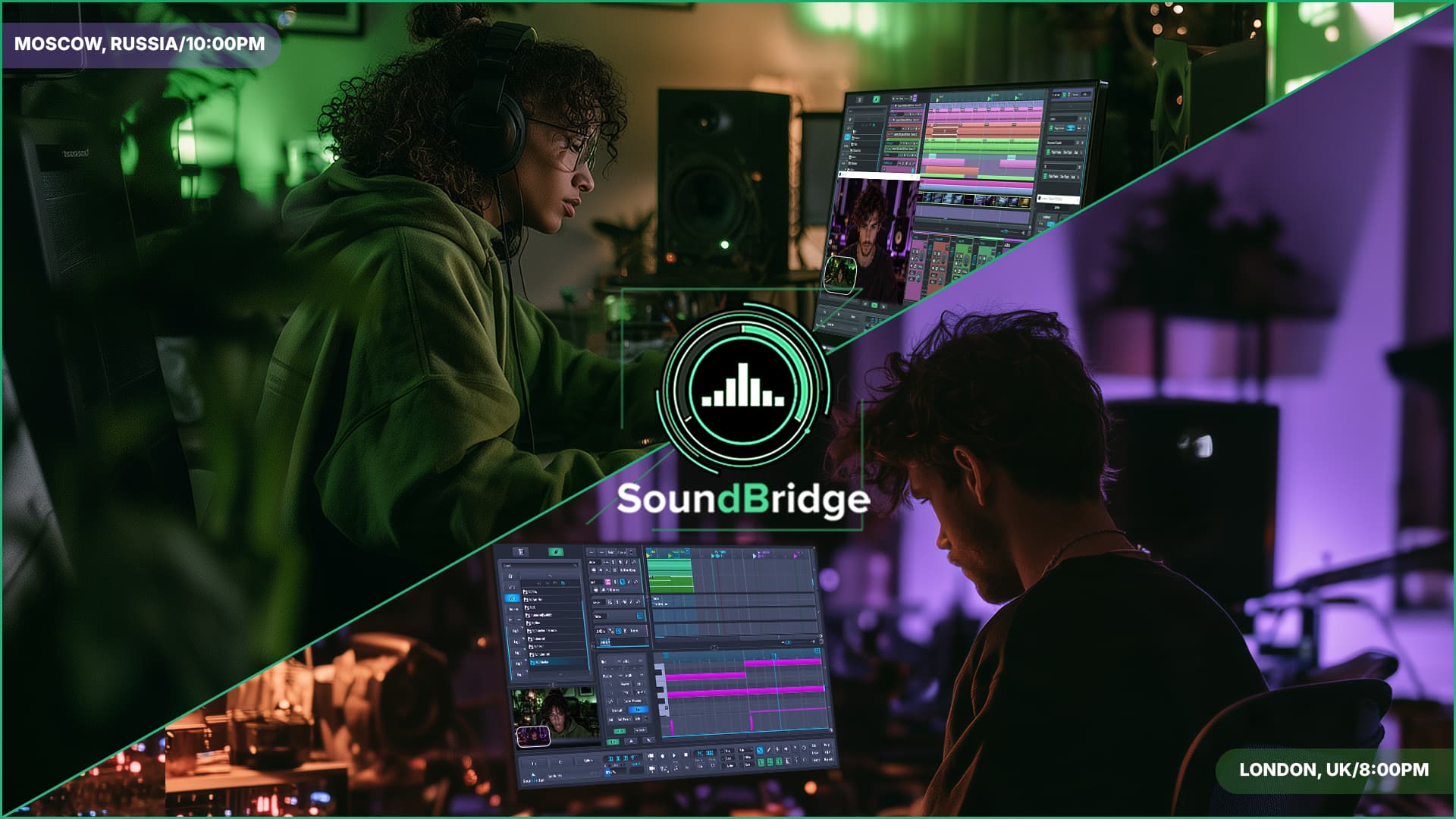
Remote music production has moved a long way beyond sending stems back and forth. Producers can now build projects online, access sessions from different computers, and involve musicians working in another city or even another country. In this article, we'll compare SoundBridge vs. Amped Studio. First, we'll look at SoundBridge's professional remote collaboration workflow, then Amped Studio's browser-based production and project-sharing approach.
SoundBridge approaches virtual collaboration from inside a native desktop DAW. Its system connects host and guest sessions and keeps them synchronized during playback and recording, with remote tracking, communication, and session control built directly into the production workflow.
Amped Studio does things differently. It runs in the browser, stores projects in the cloud, and allows users to share sessions with other producers through project links. A collaborator can open the project, make changes, save their own version, and share the updated version back through a new link.
That can be a practical way to exchange ideas, but it is not the same as working inside two actively synchronized production environments. When collaboration involves recording a vocalist or instrumentalist remotely, timing, monitoring, communication, and session control become critical.
Key Takeaways
| Point | Details |
| Project Sharing | Amped Studio lets users share browser-based projects via links, while SoundBridge connects host and guest DAW sessions for synchronized remote production. |
| Professional Remote Recording | SoundBridge Virtual Collaboration focuses on remote tracking, sample-accurate synchronization, integrated communication, and direct session interaction. |
| VST Integration | Amped Studio uses VST Remote to bridge locally installed plugins into the browser and currently supports one VST plugin per project. SoundBridge provides full VST plugin support directly in its native DAW. |
| Latency and Monitoring | Amped Studio uses adjustable buffer settings and Recording Latency Compensation for local recording, while SoundBridge uses proprietary pre-record buffering for remote tracking and zero-latency monitoring for the musician. |
| Session Control | The Remote Control Plane gives SoundBridge users deeper access to the remote DAW environment, while Amped Studio collaboration centers on shared project versions and browser-based production. |
SoundBridge Remote Workflow vs Amped Studio Project Sharing
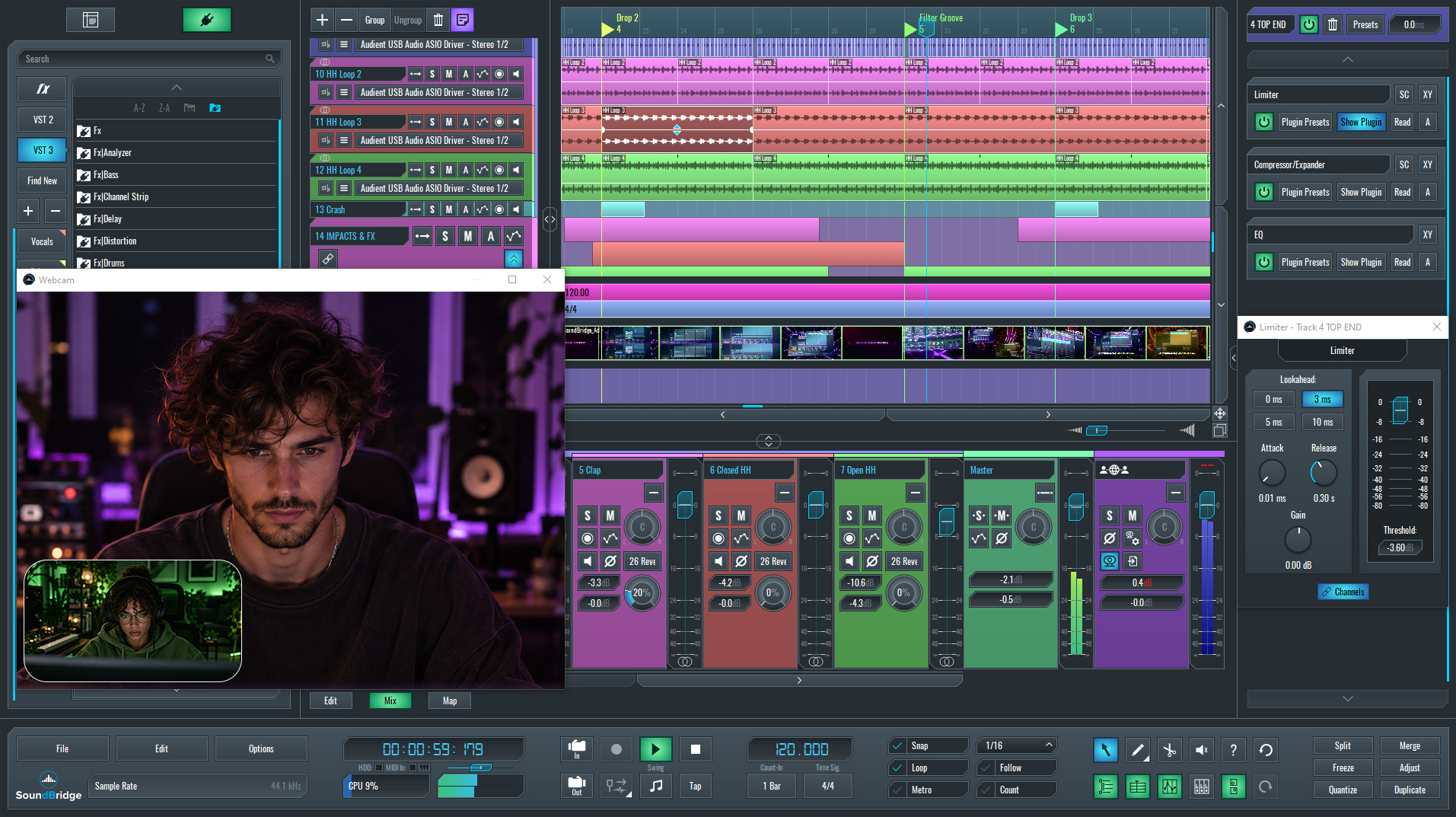
SoundBridge and Amped Studio both let you work with people remotely, but their collaboration processes differ.
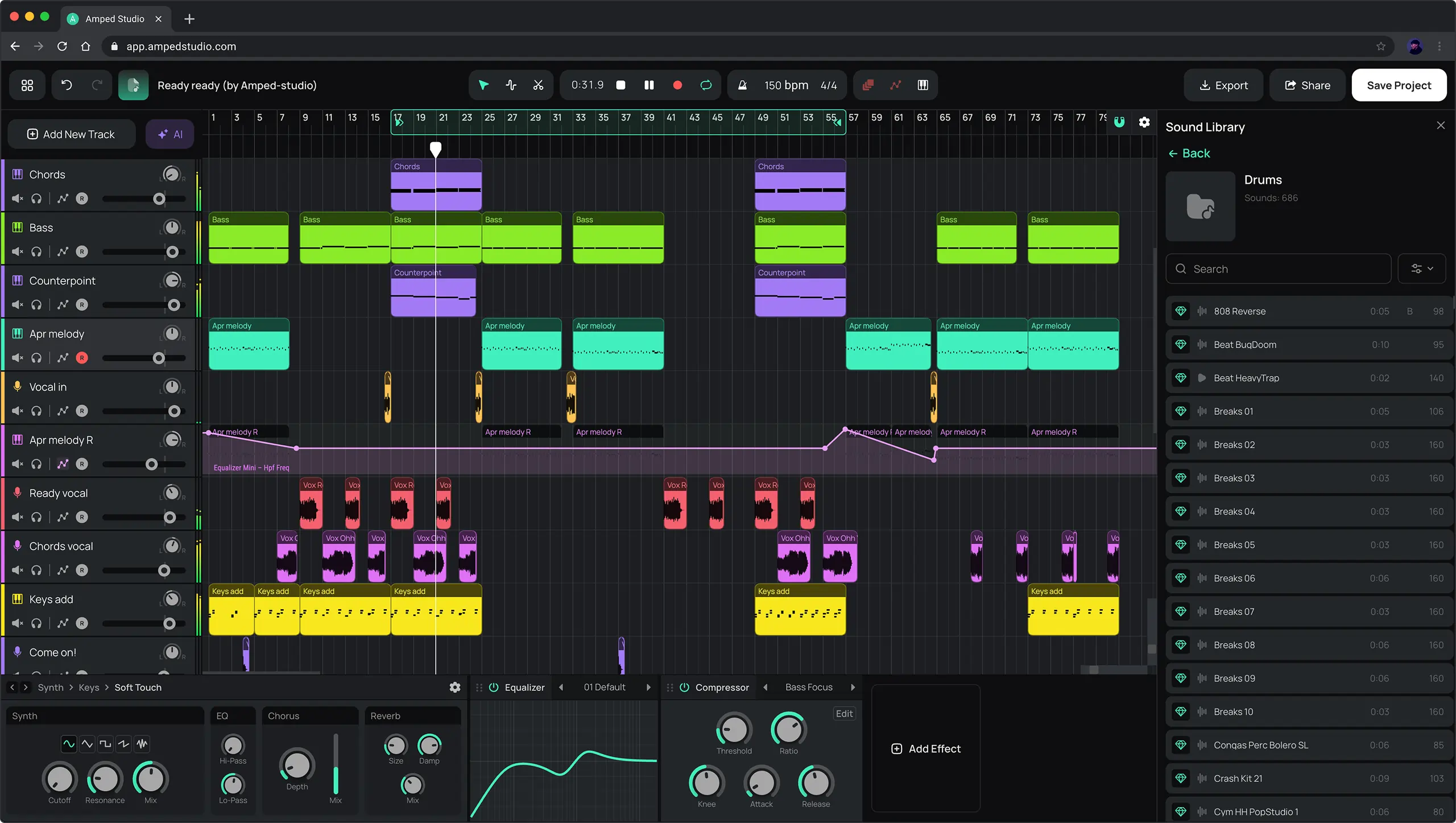
Amped Studio is built around cloud projects and link sharing. A producer can send a project to another user, who can open it in the browser, make changes, and save a new version to their own account. If those changes need to return to the original producer, they have to share the updated project again through a new link.
That workflow works well for exchanging ideas or passing a project between collaborators. However, it still relies on project versions rather than two production environments working together at the same time.
SoundBridge Virtual Collaboration keeps separate host and guest DAW sessions connected during playback and recording. Project timing, session positions, and recording activity stay synchronized, so the collaboration feels closer to working in one connected studio rather than handing project versions back and forth.
For producers working with remote vocalists or musicians, this makes SoundBridge better suited for active production sessions where decisions, recording, and communication need to happen together.
SoundBridge Native Production and VST Integration
Third-party plugins are often a major part of a producer's setup. This is especially true once a project moves beyond basic writing and arrangement. SoundBridge handles this directly in its native desktop environment. It supports VST2 and VST3 instruments and effects as part of the regular production workflow.
Amped Studio takes a different route. Its VST Remote system can connect locally installed VST and VST3 plugins to the browser. However, this requires a separate bridge application running in the background. More importantly, the current VST Remote architecture allows only one VST plugin to be active in a project. To use another plugin, you need to bounce the existing part to audio first.
That limitation becomes noticeable in larger productions. A typical mix may use several synthesizers alongside EQs, compressors, reverbs, saturation, and other third-party effects, often across many tracks at once.
SoundBridge doesn't require that kind of workaround. Producers can build a full plugin-based session directly in the DAW. You can combine multiple instruments and effects, and keep using the same tools during Virtual Collaboration. For producers who already rely heavily on a personal VST collection, this makes the workflow much closer to a conventional professional studio setup.
SoundBridge vs Amped Studio: Remote Recording, Monitoring, and Latency
Latency matters much more once someone is actually performing. A small delay can be manageable while editing. However, during a vocal or instrument take, it can quickly affect timing and make headphone monitoring uncomfortable.
Amped Studio handles local recording latency through adjustable buffer settings and Recording Latency Compensation. Lower buffer values reduce latency but increase CPU load, while higher values improve stability at the cost of more delay. Its calibration tool can also measure and correct the timing offset caused by the user's audio hardware.
SoundBridge Virtual Collaboration focuses on remote tracking rather than local browser recording alone. Its proprietary pre-record buffering gives the musician zero-latency monitoring, while the producer receives a latency-compensated preview of the performance. SoundBridge also uses sample-accurate synchronization to keep recordings aligned between the two DAW sessions.
Once the take is finished, SoundBridge transfers the lossless recording and places it at the correct position in the session. This keeps the remote recording process connected to the project without requiring manual file transfers or realignment after every take.
For remote vocalists and instrumentalists, that creates a very different workflow than simply adjusting a browser DAW's local buffer.
SoundBridge Virtual Collaboration and Session Control
Remote collaboration can get messy when communication, technical setup, file exchange, and recording happen across different tools. SoundBridge Virtual Collaboration keeps those parts of the session much closer together inside the DAW.
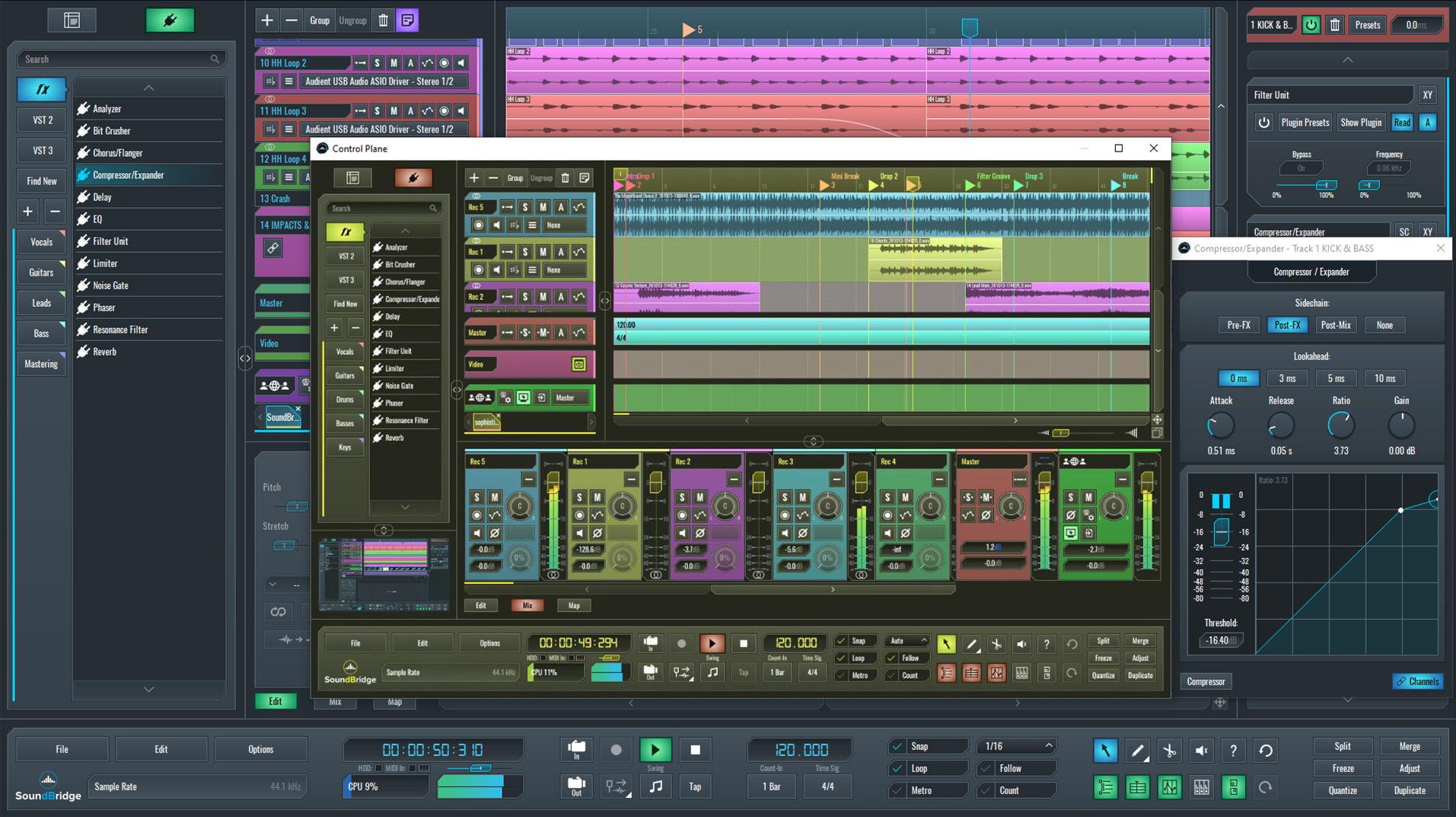
The Remote Control Plane gives the producer bi-directional access to the remote SoundBridge environment. It lets the producer control the remote collaborator's plugins, preferences, hardware I/O, and buffer settings. This is especially useful when a remote musician needs help configuring an input, adjusting a plugin, or troubleshooting a technical issue during a session. SoundBridge 3.1.1 also improved keyboard shortcuts and navigation in Remote Control.
Amped Studio also includes built-in video and text chat, along with screen sharing. SoundBridge takes the session further by combining communication with synchronized remote recording, the Remote Control Plane, and direct File and block transfer within the Virtual Collaboration process.
For active remote sessions, SoundBridge brings communication, recording, and technical session control together in a much deeper production workflow.
SoundBridge vs Amped Studio: Side-by-Side Comparison
The differences become clearer when the two platforms are compared feature by feature.
| Feature | SoundBridge | Amped Studio |
| Platform Type | Native Desktop DAW | Browser-Based Cloud DAW |
| Primary Focus | Professional Production and Remote Recording | Browser-Based Music Production |
| Collaboration Model | Synchronized Host and Guest DAW Sessions | Shared Project Links and Separate Project Copies |
| Remote Recording | DAW-Native Remote Tracking | Local Recording Inside the Browser Project |
| Session Synchronization | Sample-Accurate Synchronization | Shared Project Workflow |
| Remote Monitoring | Zero-Latency Monitoring for the Musician | Local Monitoring With Adjustable Buffer |
| Latency Handling | Proprietary Pre-Record Buffering | Buffer Size and Recording Latency Compensation |
| VST Integration | Complete VST Plugin Support Inside the DAW | VST/VST3 Through VST Remote Bridge |
| Simultaneous VST Use | Multiple Plugins Across the Project | One Active VST Plugin per Project |
| Audio and MIDI Editing | Dedicated Native Audio, MIDI, and Automation Editors | Browser-Based Audio, MIDI, and Automation Editing |
| Session Control | Remote Control Plane | Local Browser Project Control |
| Communication | Integrated Webcam and Talkback | External Communication Required |
| File and Block Transfer | Direct Transfer With Automatic Timeline Placement | Project Sharing and File Import |
| Project Storage | Native Desktop Project Workflow | Cloud-Based Project Storage and Access |
| Best Fit | Professional Remote Production | Portable Browser-Based Production and Project Sharing |
Overall, Amped Studio emphasizes browser accessibility and project sharing, while SoundBridge focuses on deeper control for synchronized remote production and recording sessions.
Final Thoughts
Amped Studio offers a practical way to produce music in the browser. It allows you to store projects in the cloud and share them with other collaborators. Its VST Remote system also extends the browser workflow by letting users access locally installed plugins. However, that setup still requires a separate bridge. It also limits each project to one active VST plugin at a time.
SoundBridge is built around a more complete production and remote collaboration workflow. It is a native DAW environment with complete VST plugin support. It also offers synchronized host and guest sessions, proprietary pre-record buffering, a Remote Control Plane, an integrated webcam and talkback, and direct File and Block Transfer. These features keep both sides connected during the actual session.
The difference becomes most obvious when collaboration shifts from exchanging project versions to real-time recording and production. For producers who need deeper session control, remote tracking, reliable monitoring, and a workflow that stays inside the DAW, SoundBridge provides the more capable option.
If you enjoyed this article, please check these out:
MASTER MUSIC PRODUCTION
Expert-led courses designed to take you from fundamentals to finished tracks.
HOUSEFrom bouncy bass and solid kicks, this course teaches you the most modern House music production techniques needed to succeed and stand out.
TRAPQuit sounding like generic Trap and produce something World with hints of the Far East. Create ethnic soundscapes to put your Trap ahead of the curve.
AMBIENTProduce relaxing, sophisticated psy-influenced ambient. Psychedelic and relaxing to listen to, create meditative soundscapes to put your listeners in Zen.