

Virtual Collaboration for Record Labels: A Practical Guide
Last Edited: Aug 3, 2026

Effective virtual collaboration for record labels relies on four components working together: a collaboration-capable DAW with zero-latency remote tracking, a project-level release workspace that stores audio alongside metadata and splits, rights automation (split sheets, ISRC/UPC, e-signatures), and secure, versioned stem storage. Get all four in place, and your label can sign, produce, and release without anyone sharing a physical room.
Your minimum viable stack, by role:
-
Collaboration-capable DAW (producers, engineers): real-time tracking, waveform commenting, version history
-
Project release workspace (A&R, ops): one project per release containing masters, metadata, agreements, and approval threads
-
Secure stem storage with versioning (engineers, ops): encrypted transport, immutable audit log, enforced naming conventions
-
Rights and metadata automation (ops, finance): split sheets locked as PDFs, ISRC/UPC fields, CSV export for distribution
Every role on your label touches at least two of these layers. A&R lives in the release workspace and approval threads. Producers live in the DAW and stem storage. Ops lives in metadata, splits, and the audit trail. When those layers connect, releases move faster, and disputes shrink.
Why Virtual Collaboration Hits Differently for Record Labels
Most music collaboration guides stop at “share your stems and leave feedback.” That works for two producers finishing a beat. It does not work for a label managing ten active releases, three imprints, and a finance team that needs clean royalty data on release day.
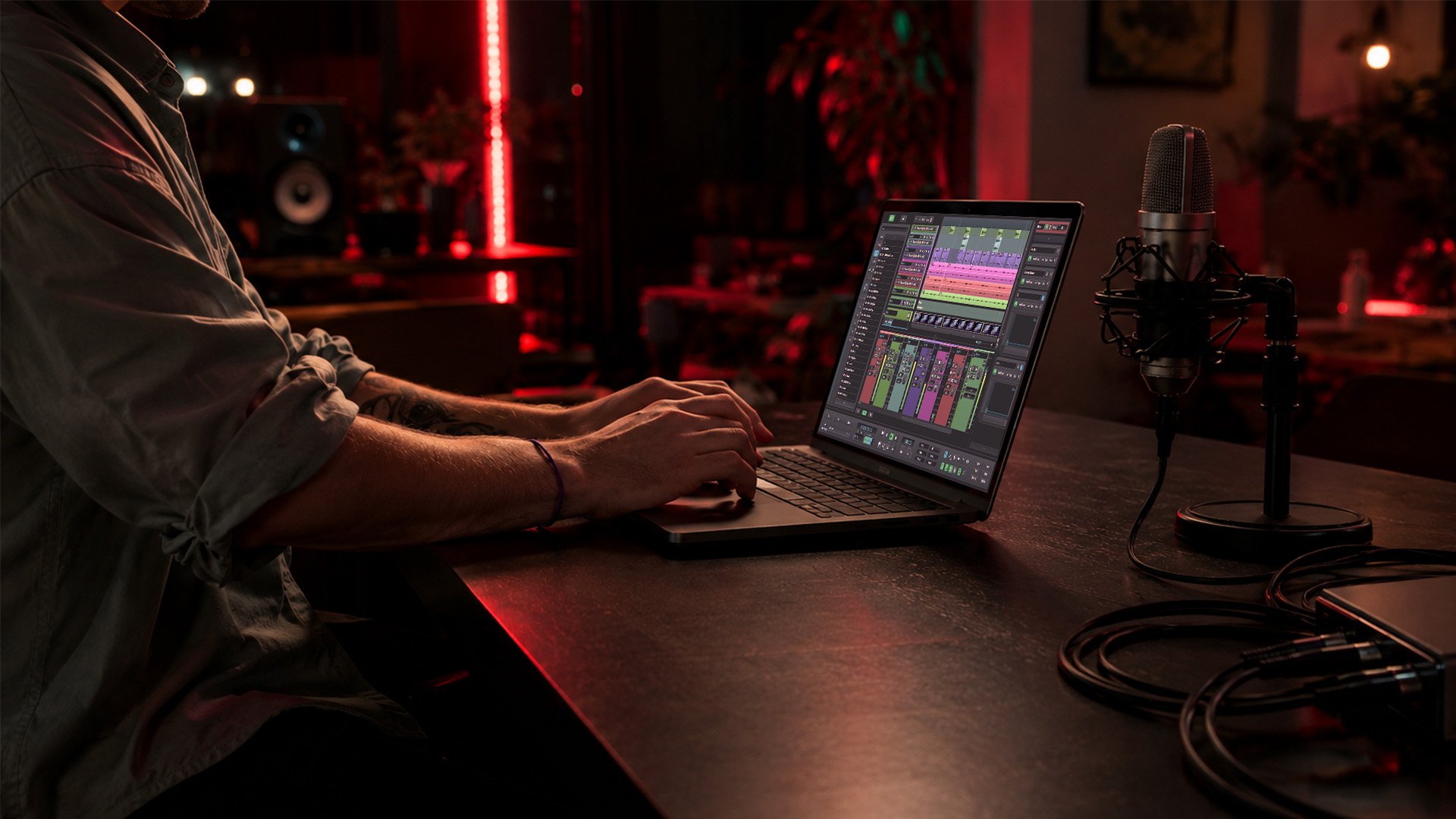
Label-grade collaboration carries artifacts that go well beyond audio. Every release needs contributor metadata, percentage splits, signed agreements, ISRC and UPCs, territory restrictions, and a documented approval chain. Lose any one of those, and you are looking at delayed distribution, disputed royalties, or a master that cannot be licensed. Modern label management platforms consolidate demos, release pipelines, contracts, and metadata into a single workspace precisely because fragmented tools like spreadsheets and email create those gaps.
The technical risk is just as real. Network latency typically ranges from 50–100+ milliseconds depending on distance, which makes true real-time jamming impractical across long distances. Labels that try to force synchronous sessions across time zones end up with frustrated producers and unusable takes. Design around that constraint rather than against it.
Common failure modes and their downstream costs:
- Lost or overwritten masters — no version history means no recovery; re-recording costs time and budget
- Split sheet errors — a wrong percentage discovered post-release triggers disputes and can freeze royalty payments for months
- Metadata gaps at distribution — missing ISRC or incorrect contributor credits cause rejection or mis-attribution on DSPs
- Missed approval gates—artwork or mix approved verbally but never documented—create legal exposure.
- Scattered agreements — contracts living in email threads instead of the project record make audits painful and slow
Secure, encrypted file sharing with version history reduces the risk of leaked or lost masters. But security alone is not enough. The bigger operational win comes from treating every release as a unified project that brings together audio, legal agreements, and split sheets, rather than scattering them across drives and inboxes.
Real-Time vs. Asynchronous: Which Mode Fits Your Workflow?
The answer-first rule: default to asynchronous for mixing, mastering, and approvals. Reserve real-time sessions for songwriting, overdubs, and tracking when participants are geographically close or connected through a dedicated low-latency server.

Experts recommend distinguishing between real-time and asynchronous needs and designing workflows around that split. The reason is physics. At 50–100+ ms of round-trip latency, playing in sync feels like performing through a bad phone call. Async workflows sidestep that entirely: a producer uploads stems, an engineer leaves timestamped comments, a vocalist records an overdub, and everyone works on their own clock without waiting for a synchronized window.
Pro Tip: Before booking a live remote session, run a latency test between all participants. A round-trip below 20–30 ms is workable for tracking with a click. Above 50 ms, switch to async overdub exchange. Tools like SoundBridge’s zero-latency remote tracking use server-side routing to push that threshold lower, but geography still sets the floor.
When to use real-time collaboration:
-
Songwriting sessions where creative momentum matters more than perfect sync
-
Overdub tracking when participants share a low-latency server connection
-
Virtual meetings for record labels: A&R listening sessions, mix playbacks with the artist present
-
Talkback and direction during a tracking session
When async is the better call:
-
Mix passes and revision rounds across time zones
-
Mastering review and approval
-
A&R demo intake and feedback
-
Contract review and e-signature workflows
-
Any stage where a documented, timestamped record of decisions matters
The decision flow is simple. If all participants are within a short geographic range or have access to a dedicated low-latency server, a real-time session is worth scheduling. Otherwise, build an async pipeline with clear upload deadlines, versioning rules, and a feedback window. Cloud-based DAW workflows make async the default without sacrificing audio quality.
What Features Does a Label Collaboration Stack Actually Need?
Product-agnostic answer first: require these eight features from any toolset before evaluating price or interface.
- Project-level versioning — every file change is logged, timestamped, and reversible; no more “master-v8-final-final.wav”
- Waveform commenting and timestamped feedback — engineers and A&R can pin notes to exact moments in a track, not just leave general comments
- Metadata export — contributor credits, ISRC, UPC, and territory data export as CSV or structured file for distribution
- Embedded split sheets — percentage splits captured inside the project, locked as a signed PDF, not managed in a separate spreadsheet
- Role-based permissions — A&R sees the release readiness view; producers see the session files; finance sees splits and export; no one sees what they should not
- Secure encrypted storage — transport encryption and an immutable audit log for masters and associated metadata
- DAW integration — direct plugin or session import/export so producers do not rebuild sessions when handing off to engineers
- Low-latency remote tracking — server-side routing that makes real-time overdubs viable when geography allows
- Integrated video and talkback — direction and playback review without switching to a separate video call app
- Approval and audit trail — every gate (mix approval, artwork sign-off, split agreement) logged with timestamp and signatory
Callout by use case:
| Use Case | Priority Features |
|---|---|
| Songwriting sessions | Real-time tracking, talkback, waveform commenting |
| Mixing and mastering | Versioning, timestamped feedback, stem export |
| Label ops and release | Metadata export, split sheets, role-based permissions, audit trail |
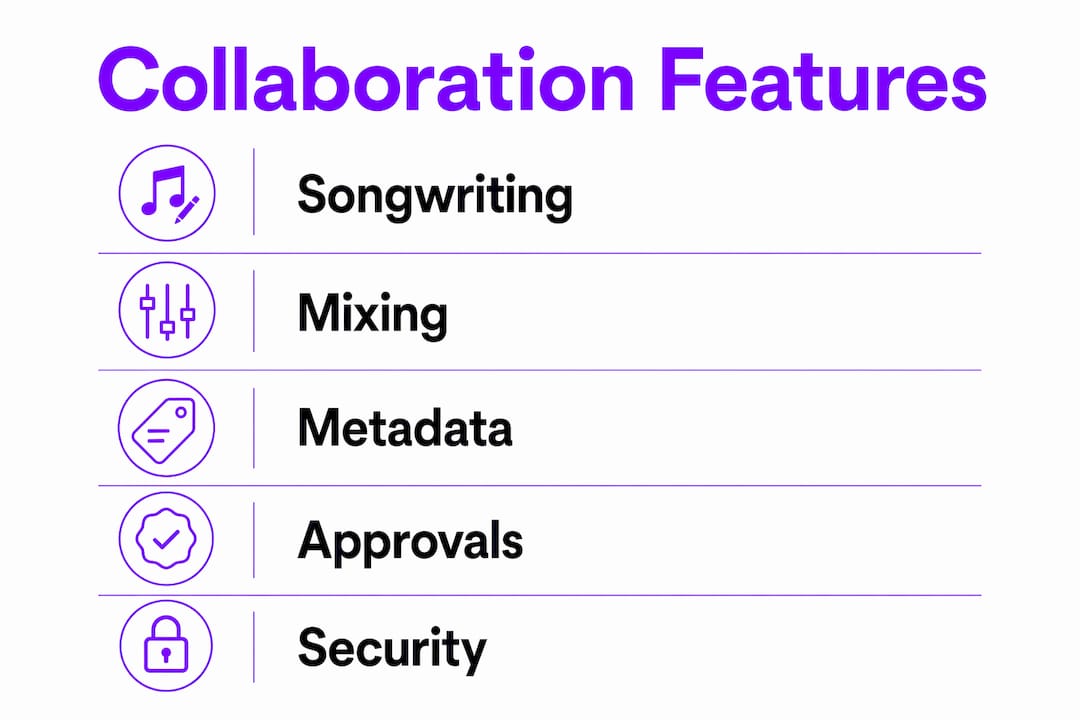
On pricing models: per-seat subscriptions scale predictably for small labels but quickly become expensive as rosters grow. Server-fee models (common in low-latency tracking infrastructure) add a variable cost based on session hours. Storage costs compound over time if you keep every stem version indefinitely. Audit your active release count and average session frequency before committing to any pricing structure.
How Do Label Workflows Run From Demo Intake to Release?
Every release gets one project. That project holds the audio, metadata, splits, agreements, and approval threads. Nothing lives outside it. Project-based release views that attach masters, metadata, splits, and agreements to a single release reduce errors and significantly speed approvals.
Stage-by-stage workflow:
| Stage | Required Artifacts | Responsible Role | Typical Timeline |
|---|---|---|---|
| Demo intake | Demo file, contributor list, preliminary split | A&R | Day 1–3 |
| A&R review | Feedback notes, pass/hold decision, version tag | A&R | Day 3–7 |
| Production | Session files, stems (versioned), producer agreement | Producer, Engineer | Week 2 |
| Mixing | Mix versions, waveform comments | Mix Engineer | Week 5 |
| Mastering | Master file, loudness spec, format variants | Mastering Engineer | Week 7 |
| Release ops | ISRC, UPC, metadata sheet, signed splits, distribution checklist | Ops, Finance | Week 8–10 |
Workflow template rules to enforce from day one:
- Demo intake rule: every demo uploaded must include a contributor list and a preliminary split percentage before A&R review begins; no split, no review
- Versioning policy: file names follow the convention
[ArtistName]_[TrackTitle]_[Stage]_v[##].[ext]; the word “final” is banned from file names - Naming conventions: folders mirror the stage table above; no files live at the root level of a project
- Approval gate checklist: mix approval requitimestampedtamped comment from the artist and A&R lead; mastering approval requires a written sign-off from the label head; distribution submission requires all metadata fields complete and splits signed
A project-centered approach also preserves the chain of custody for masters, artwork, and agreements so that post-release analytics can be attached back to the original project record. That matters when you are licensing a track two years after release and need to prove who contributed what.
For the actual mix handoff, a clean step-by-step mixing workflow keeps engineers and producers aligned on session format and export specs.
Technical Checklist for Remote Recording and Low-Latency Sessions
Audio path integrity comes first. Before you worry about which collaboration platform to use, confirm that every participant in a remote session has a stable audio interface, correct buffer settings, and a monitoring setup that does not introduce additional latency.
Session setup checklist:
- Sample rate: record at 48kHz minimum; use 96kHz for sessions destined for film or high-res distribution; avoid mixing sample rates within a project
- Bit depth: 24-bit for all tracking and mixing; 32-bit float for stems if your DAW supports it
- Buffer size: set to 64–128 samples for tracking sessions; 256–512 samples is acceptable for mixing passes where latency is not critical
- Audio interface: use a dedicated USB or Thunderbolt interface rather than a built-in sound card; audio interfaces directly elevate sound quality and reduce driver-related latency
- Monitoring: use closed-back headphones or studio monitors with acoustic treatment; avoid Bluetooth monitoring during tracking
- Codec for stem exchange: export stems as WAV (24-bit, matching session sample rate); avoid MP3 or AAC for anything that will be mixed or mastered
- Network for real-time sessions: wired Ethernet preferred; minimum 10 Mbps upload per participant; turn off VPNs during live sessions unless the server requires them
- Port configuration: check that your DAW’s collaboration server ports are open on your router; consult your DAW’s documentation for specific port ranges
Pro Tip: Run a round-trip latency test before every live session, not just at setup. Use your DAW’s built-in latency measurement or a dedicated tool. Log the result. If round-trip exceeds 30 ms, switch to async overdub exchange for that session. Consistent logging lets you spot network degradation before it ruins a take.
DAW-first collaboration tools can offer studio-accurate sync and bi-directional plugin and hardware control to make remote tracking workable for professional sessions. The key is server-side low-latency routing combined with a local interface that keeps the monitoring path clean.
How Do You Protect Metadata, Splits, and Rights During Remote Collaboration?
Treat metadata, splits, and signed agreements as the canonical release record. Keep them within the project, not in a spreadsheet on someone’s laptop. Automating split sheets and capturing them within project metadata prevent disputes and make finance exports clean and auditable.
Required metadata fields for every release:
- Track title, artist name(s), featured artists
- Contributor names and roles (producer, songwriter, mixer, mastering engineer)
- Percentage splits per contributor
- ISRC code (one per recording)
- UPC (one per release)
- Release date and territory restrictions
- Publisher and label name
- Licensing terms and sync restrictions
Split sheet and approval workflow:
- Capture splits at demo intake, not at release ops; disputes are easier to resolve before a track is mixed
- Lock splits as a signed PDF attached to the project; when splits are locked as PDFs and exported as CSV for finance, labels avoid the spreadsheet-as-system-of-record problem
- Require e-signature from every contributor before the project advances past the production stage
- Export the signed PDF and a CSV summary for your accounting and distribution pipeline
Audit trail requirements:
| Export Format | Use Case |
|---|---|
| CSV | Finance reconciliation, royalty accounting |
| PDF with e-signature timestamps | timestamps, dispute resolution |
| JSON (project export) | Distribution platform metadata ingestion |
Modern label platforms include automated royalty splitting and secure document signing inside a unified project workspace. That combination means your finance team gets clean data without having to chase contributors for signatures the week before release.
How Do You Roll Out a Virtual Collaboration System Across a Label?
Run a multi-week pilot with a single A&R roster, iterate on templates, then scale by imprint and role. Trying to migrate every active release at once is the fastest way to create chaos.
Pilot timeline and milestones:
- Week 0: select one active release as the pilot project; choose your toolset; assign a project admin
- Weeks 1–3: onboard the producer, engineer, and A&R lead for the pilot release; enforce naming conventions and the split-at-intake rule from day one
- Weeks 4–6: collect metrics (time-to-release, metadata completeness rate, signed-splits rate); identify friction points in the workflow; iterate on templates
- Week 7: present findings to label leadership; finalize templates and permission structures; begin onboarding the next roster
Training checklist:
- Naming convention rules and why “final” is banned
- How to upload a demo with a contributor list attached
- How to leave timestamped form comments instead of email feedback
- How to review and sign a split sheet inside the project
- Role-based permission overview (who sees what)
- How to export metadata and splits for distribution
KPIs to track from week one:
- Time-to-release from demo intake (target: reduce by 20% after pilot)
- Metadata completeness rate at distribution submission (target: 100%)
- Signed-splits rate before production stage (target: 100%)
- Number of version conflicts or overwritten files (target: zero after naming convention enforcement)
Role-based views for A&R, ops, marketing, and legal so the same release shows different role-relevant readiness states are worth prioritizing during onboarding. When each team member sees only what they need to act on, adoption accelerates.
For hands-on remote session setup, expert tips for remote music collaboration cover the practical details that training decks often miss.
How Does a DAW-Integrated Workflow Solve Real Label Problems?
DAW-integrated collaboration reduces context switching and preserves studio artifacts inside the project. When your DAW handles versioning, waveform comments, and low-latency tracking natively, producers do not need to export files to a separate platform for every review cycle.
Feature-to-problem mapping:
| Label Problem | DAW/Collaboration Feature | How It Helps |
|---|---|---|
| Overwritten masters | Project-level versioning | Every save is logged; any version is recoverable |
| Vague mix feedback | Waveform timestamps | Notes pin to exact moments; no ambiguity |
| Long-distance tracking latency | Server-based zero-latency routing | Round-trip pushed below practical threshold |
| Scattered metadata | Native metadata capture in project | Fields populated at session time, not at release ops |
| Unsigned splits at distribution | E-sign integration | Contributors sign inside the project before advancing |
| Context switching between tools | DAW-native collaboration | One environment for audio, feedback, and admin |
SoundBridge maps directly to this table. Its zero-latency remote tracking uses server-side routing, bidirectional plugin and hardware control so that producers can track remotely with studio-accurate sync. Integrated video and talkback keep direction in the same session window. Support for 192kHz sample rates means the audio path never becomes the bottleneck, even for high-res deliverables.
For labels evaluating DAW options, understanding essential DAW features for music production helps you separate genuine collaboration capability from marketing copy.
Key Takeaways
Effective virtual collaboration for record labels requires a DAW-capable workflow, project-level rights automation, and enforced naming conventions working together from demo intake through distribution.
| Point | Details |
|---|---|
| Default to async workflows | Use asynchronous pipelines for mixing, mastering, and approvals; reserve real-time sessions for tracking with low-latency server access. |
| Lock splits at intake, not release | Capture and e-sign percentage splits when a demo enters the project to prevent disputes and clean up finance exports. |
| One project per release | Keep audio, metadata, agreements, and approval threads in a single project record to preserve chain of custody and speed audits. |
| Enforce naming conventions from day one | Ban “final” from file names; use a consistent [Artist]_[Title]_[Stage]_v[##] convention to eliminate version conflicts. |
| SoundBridge for DAW-led label collaboration | SoundBridge’s zero-latency tracking, integrated talkback, and 192kHz support make it a strong DAW-first option for labels building remote production workflows. |
What Running a Remote Label Actually Taught Me.
Conventional wisdom says the hardest part of virtual collaboration is audio quality. It is not. The hardest part is the moment a release is ready to distribute, and someone asks, “Wait, did everyone sign the split sheet?” That question, asked at the wrong moment, has delayed more releases than any latency issue ever will.
The real lesson from running distributed label operations is that the admin layer is where most virtual setups break down. Labels invest in great microphones and fast interfaces, then manage splits in a Google Sheet that three people have edited without version history. The audio is pristine. The rights record is a mess.
The fix is not complicated, but it requires discipline from the first demo upload. Build the split sheet into the intake form. Make it impossible to move a project past A&R review without an attached contributor list. That one gate, consistently enforced, eliminates the scramble during release ops.
Pro Tip: Create a project template with every required field pre-populated as a placeholder. When a new release enters the system, the template forces the intake person to fill in contributor names, splits, and ISRC before the project is considered “open.” A blank field is visible to everyone. Social pressure does the rest.
For labels exploring independent musician platform options, the same principle applies: choose tools that make the right workflow the path of least resistance, not the one that requires the most discipline to follow.
SoundBridge Gives Your Label a DAW-First Collaboration Foundation
If you have worked through this guide and you are ready to put a real system in place, SoundBridge is built for exactly this workflow. Where most browser-based tools ask you to leave your DAW to collaborate, SoundBridge keeps everything inside a single production environment. Zero-latency remote tracking with server-side routing means your producers can track overdubs at studio-accurate sync without a round-trip delay killing the take. Integrated video and talkback keep direction in the session window. High-fidelity audio processing up to 192kHz means your stems are release-ready from the first bounce.

SoundBridge runs on both Mac and Windows, with free and paid tiers so you can pilot it on a single release before committing the whole label. The virtual collaboration workflow maps directly to the feature checklist in this guide: versioning, waveform commenting, zero-latency tracking, and integrated talkback, all within a single DAW environment. Start your pilot session today at soundbridge.io and see how fast a release moves when the audio and the admin live in the same place.
Useful Sources and Starter Templates
The sources below back the workflows and recommendations in this guide. Use them to go deeper on specific topics or to pull starter templates for your label’s rollout.
- LabelBase — label management software covering demo intake, release pipelines, royalty splitting, and contract management in a unified workspace
- Vandall for Labels — project-based release management with version history, e-signature locking, and readiness scoring across assets
- Label Spark — split sheet automation and metadata capture with CSV export for finance and distribution
- ProCollabs — async collaboration platform with timestamped feedback, version management, and encrypted file sharing
- SoundBridge Virtual Collaboration — SoundBridge’s overview of zero-latency remote tracking, integrated talkback, and project workflows for music production
- Cloud-Based DAW Collaboration Guide — practical guide to cloud and DAW convergence, best practices, and trade-offs for remote production teams
- Remote Music Collaboration Tips — producer-level tactical advice for setting up and troubleshooting remote sessions
Templates to build or download for your rollout:
- Split sheet CSV template — columns: contributor name, role, percentage, ISRC, signature, date/timestamp
- Release project JSON template — pre-populated fields for track title, contributors, metadata, stage status, and approval gates
- Naming convention sample —
[ArtistName]_[TrackTitle]_[Stage]_v[##].[ext]with a stage vocabulary list (DEMO, PROD, MIX, MASTER, RELEASE) - One-week rollout checklist — create a release project template, require splits on upload, run a latency test, schedule your pilot session, assign a project admin, and set your first KPI baseline
Recommended
MASTER MUSIC PRODUCTION
Expert-led courses designed to take you from fundamentals to finished tracks.

HOUSEFrom bouncy bass and solid kicks, this course teaches you the most modern House music production techniques needed to succeed and stand out.
TRAPQuit sounding like generic Trap and produce something World with hints of the Far East. Create ethnic soundscapes to put your Trap ahead of the curve.

AMBIENTProduce relaxing, sophisticated psy-influenced ambient. Psychedelic and relaxing to listen to, create meditative soundscapes to put your listeners in Zen.