

Virtual Songwriting Room: Setup, Gear, and Live Session Guide
Last Edited: Aug 3, 2026
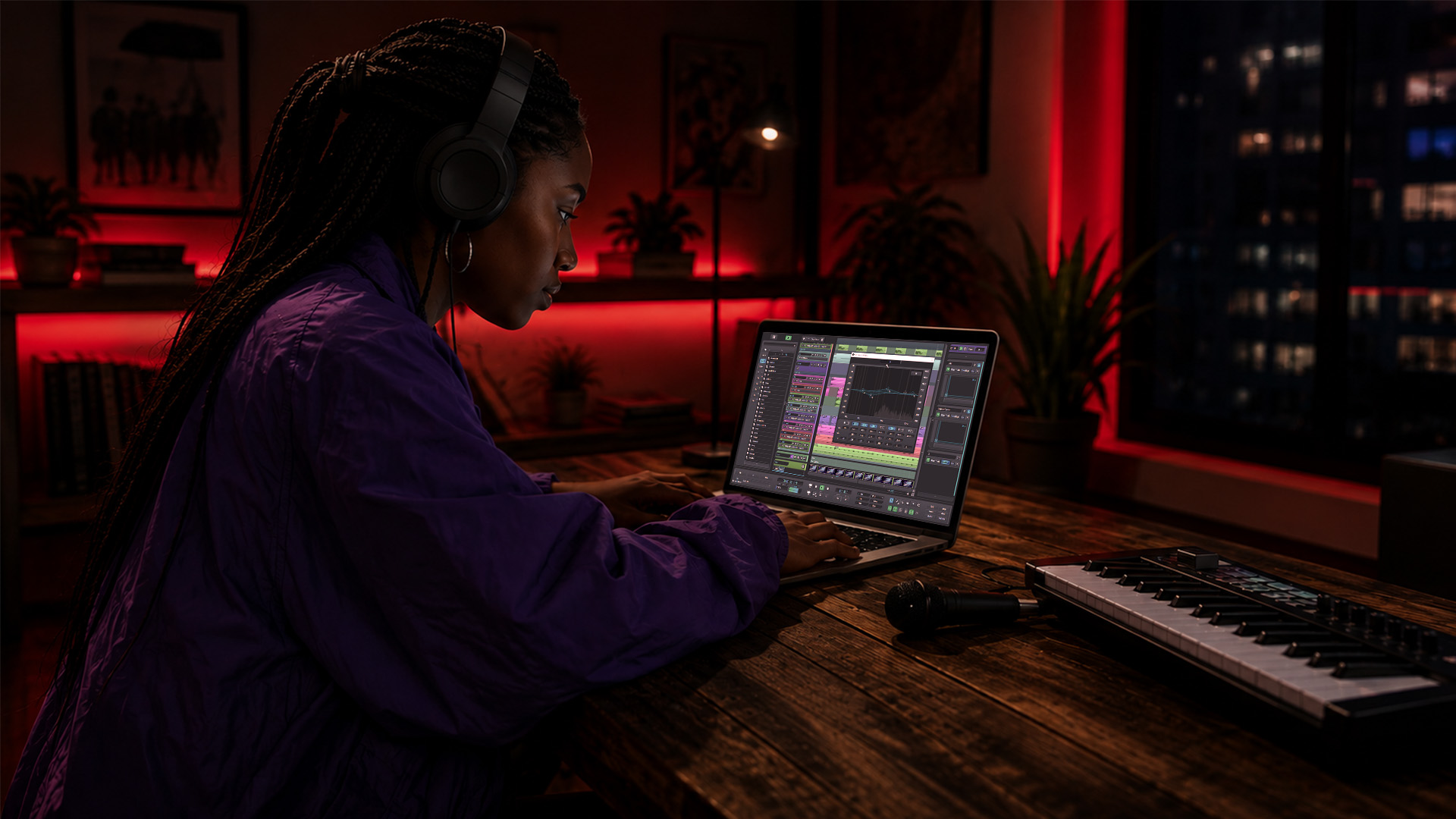
A virtual songwriting room is a real-time, project-based online workspace where co-writers synchronize audio, share lyrics and song structure, and manage file versions without being in the same room. The practical recommendation here is SoundBridge — a full DAW with zero-latency remote tracking and built-in project workflows that map directly to what live co-writes actually need.
Here is what that means in practice:
- Sync audio + shared song project: SoundBridge keeps every collaborator on the same timeline, with integrated talkback so communication never breaks the creative flow.
- Why choose it: Zero-latency tracking, version-controlled project files, and integrated video eliminate the three biggest friction points in remote sessions.
- Immediate next step: Run the preflight checklist in the gear section below, then open a short test co-write session before your first real session.
What Gear Do You Need for a Virtual Songwriting Room?
Getting your setup right before the session starts saves you from losing a great hook to a dropout or a feedback loop. Think of it in two tiers: the minimum that gets you live, and the recommended setup that keeps you there without drama.
| Component | Minimum | Recommended |
|---|---|---|
| Computer | Any modern laptop (Mac or Windows) | Dedicated session machine, sufficient RAM |
| DAW | SoundBridge (free tier) | SoundBridge paid tier with server access |
| Microphone | Built-in laptop mic or clip-on | Large-diaphragm condenser, XLR |
| Audio interface | None (built-in audio) | Low-latency USB/Thunderbolt interface |
| Headphones | Consumer earbuds | Closed-back studio headphones |
| Internet | Stable 10–20 Mbps upstream | High-speed wired Ethernet connection |
| Monitoring | Single screen | Dual monitors (DAW + video/chat) |
For sample rate and buffer, a standard 44 kHz rate with a moderate buffer size is the practical sweet spot for most co-writing sessions. It keeps CPU load manageable and latency low enough for real-time playing. Higher sample rates (88.2 kHz or above) increase bandwidth and CPU demand, so save those for post-session mixing or film-scoring work where high-fidelity audio up to 192 kHz genuinely earns its place.
Most songwriters juggle seven to nine disconnected tools across a single project — voice memos, notes apps, chat threads, cloud drives. Centralizing everything in a single project environment before you go live reduces the chaos to a single folder and a single session file.
Preflight quick-check (run before every session):
- Audio interface drivers updated and selected as default device
- Headphones plugged in, local speaker monitoring off
- DAW project file named and saved (use versioning:
SongTitle_v01_YYYYMMDD) - Internet connection tested (wired preferred)
- Collaborator invite sent and accepted
Pro Tip: Keep pre-production work — lyrics, rough melody, chord sketches — in a lightweight project folder or notes app. Open the DAW only when the song’s structure is settled to keep your session CPU free for audio and prevent slowdowns mid-write.
How Do You Set Up and Run a Live Virtual Songwriting Session?
Structure is what separates a productive co-write from an hour of troubleshooting. Follow this sequence,e and you will finish every session with editable files and a clear next step.
Pre-session prep
- Create a new DAW project in SoundBridge and name it with a version suffix (
HookIdea_v01_20260610). - Send collaborator invites and assign roles: host (owns the session file and backup recording), scribe (captures lyrics and structure notes in real time), guide (keeps the agenda and calls time on sprints), and recorder (arms tracks and manages takes).
- Set file permissions — the host controls the master project; co-writers get editor access to lyrics and structure, and view-only access to the master mix.
- Share a pre-session brief: key, tempo, reference track, and the one creative goal for the session.
On-the-day startup
- Open SoundBridge and run a 5-minute audio/video test with all collaborators before the creative work begins.
- Check latency: if you hear more than a 20–30 ms round-trip delay, reduce buffer size or switch to a wired connection.
- Patch inputs, enable talkback, and arm the host’s local track for a parallel backup recording. This is non-negotiable — network glitches happen, and the host backup ensures no idea is lost.
- Confirm everyone can hear the click track and the shared reference.
During the session
- Work in short sprints with brief breaks between them. These keep energy high and reduce the fatigue that kills remote creativity.
- Capture takes as stems where possible (separate vocal, guitar, keys). A single-track reference mix is fine for idea capture, but stems give you editing flexibility later.
- The scribe logs lyrics and chord changes in real time — even rough phonetics beat nothing.
- The guide calls time, keeps the agenda visible, and flags when the group is circling rather than progressing.
Post-session wrap
- Export all stems and the full DAW project file immediately after the session ends.
- Save a versioned backup to a shared cloud folder (
/ProjectName/Sessions/v01/). - Share a session summary with collaborators: what was captured, what the next session goal is, and who owns the master file.
For workshop-style sessions with larger groups, breakout rooms and co-hosting help manage small-group co-writes within a bigger facilitated event.
What Technical Features Does Your Virtual Music Writing Space Need?
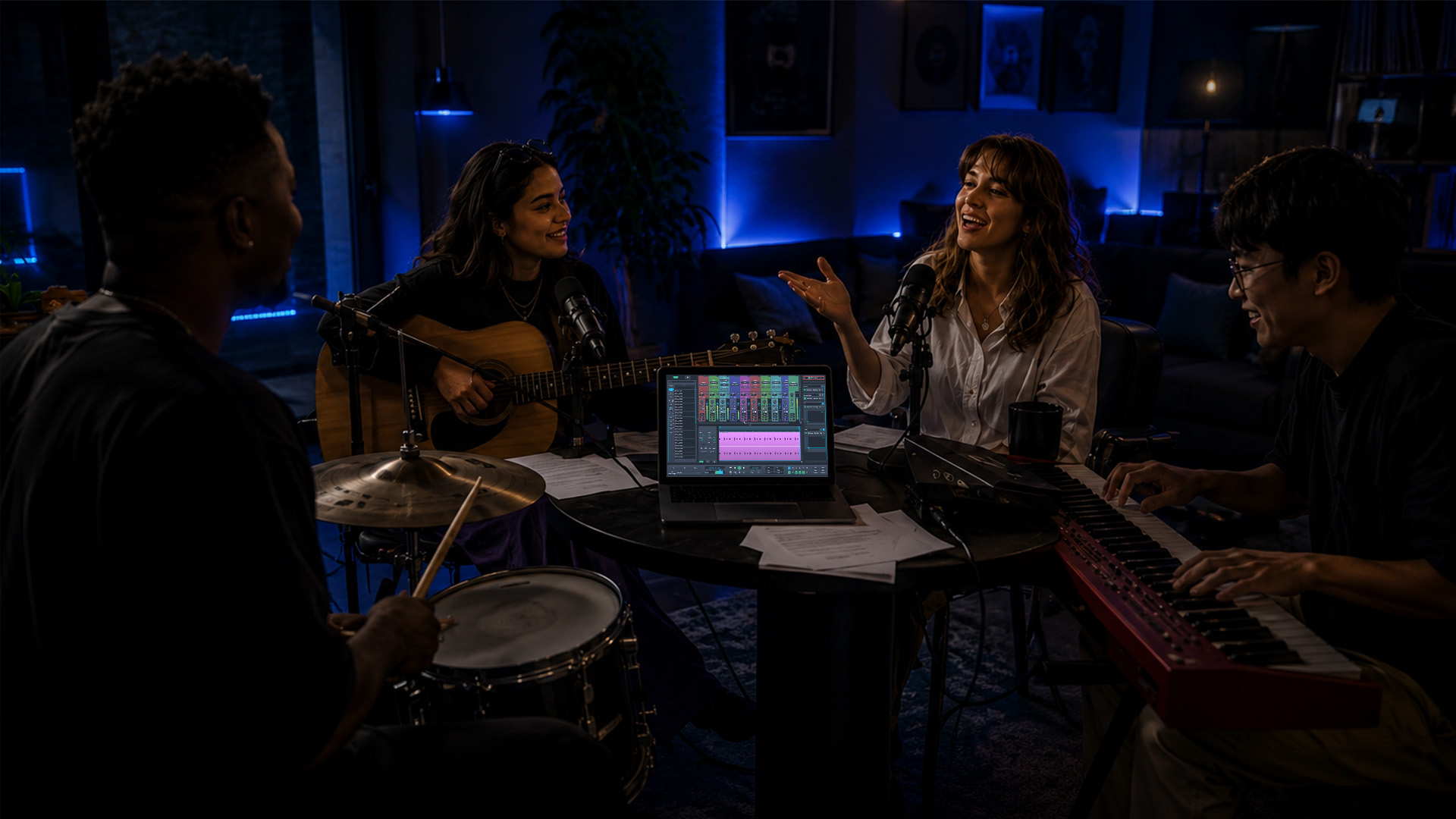
Not every platform delivers what a live co-write actually demands. Here is how to evaluate any digital songwriting platform against real session needs.
| Feature category | Priority | Technical note |
|---|---|---|
| Zero/low-latency audio routing | Must-have | Target under 20 ms round-trip; buffer size controls this |
| Synchronized timeline | Must-have | Prevents timing confusion when multiple writers play simultaneously |
| Integrated talkback + video | Must-have | Eliminates awkward audio routing for communication |
| Reliable file transfer + version control | Must-have | Prevents lost takes and merge conflicts |
| Role-based permissions | Very useful | Editor/viewer roles prevent accidental overwrites |
| Shared lyrics/structure editor | Very useful | Keeps everyone on the same song map |
| Background auto-sync | Very useful | Saves changes without manual exports mid-session |
| Smart chord/structure suggestions | Nice-to-have | Helps when writers get stuck on transitions |
| High-fidelity sample rate support (192 kHz) | Nice-to-have | Relevant for film scoring and sound design, not typical co-writes |
The synchronized timeline is the one feature most songwriters underestimate until they lose it. When two writers are playing in real time,e and the timeline drifts, the session falls apart fast. Integrated talkback matters for another reason: routing a separate communication channel over a video call while your DAW handles audio creates echo, feedback, and confusion. Having both in one environment eliminates that problem.
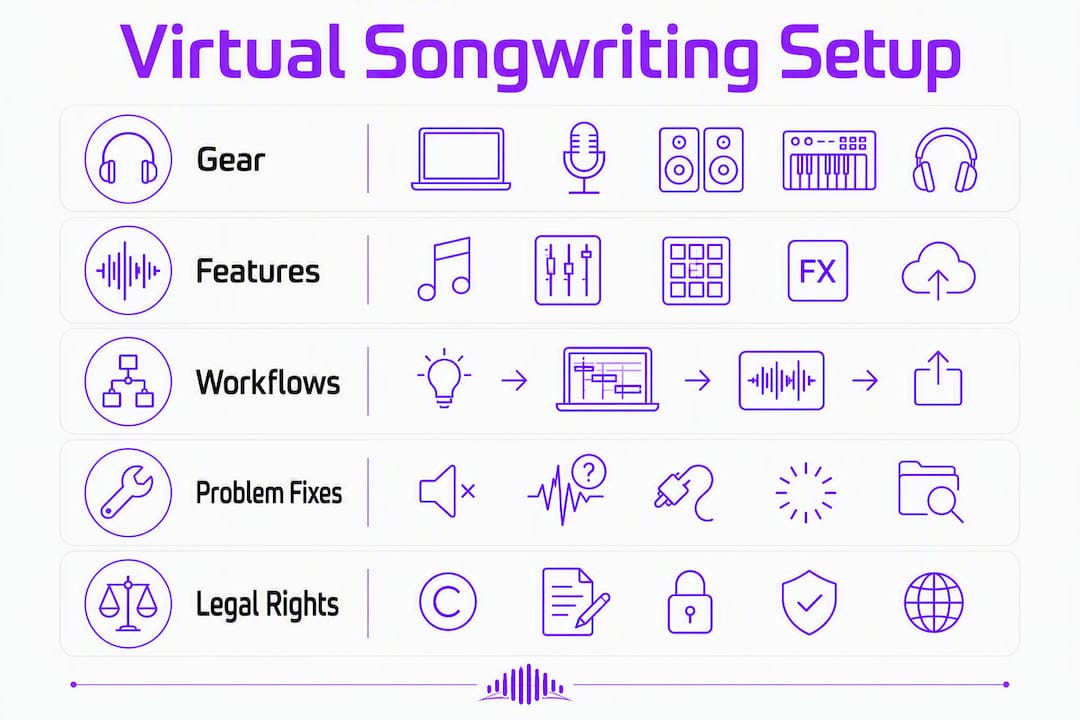
SoundBridge’s remote collaboration workflow covers all the must-have categories, including bi-directional plugin control that lets collaborators adjust effects in real time without file transfers. For sessions where audio quality is the priority, its support for up to 192 kHz sample rates handles the most demanding sound-design and film-scoring workflows — though for a standard co-write, 44.1 kHz keeps things lean and fast.
Role-based permissions and background sync reduce merge conflicts during collaborative edits, which is where most multi-writer sessions lose time. When everyone can see the same chord sheet, lyric draft, and structure map without overwriting each other, the creative conversation stays focused on the music.
How Do You Fix Common Problems in Live Songwriting Sessions?
Even a well-prepared session hits snags. These are the most common ones and the fastest fixes.
Quick-troubleshoot checklist (under 5 minutes):
- Audio dropouts: Restart the audio engine in SoundBridge, increase buffer size to 512 samples, and switch to a wired connection if on Wi-Fi.
- Echo or feedback: Mute local speaker monitoring immediately. Every collaborator should be on headphones. Check that no one has both the DAW and a video call routing audio simultaneously.
- Sync drift: Stop playback, re-sync the session clock, and confirm all collaborators are on the same project version. If drift persists, reduce sample rate.
- Audio glitches: Close background apps (browsers, streaming services) to free CPU. Lower the buffer size if glitches are random; raise it if they are consistent.
- Permission or file access failures: The host re-shares the project link with the correct role assigned. Never share the master project file directly — use the platform’s invite system.
When a network failure is severe enough to break the session, fall back to an asynchronous workflow: each collaborator records their part locally and uploads stems to the shared project folder. The host assembles the takes in SoundBridge after the call. Session continuity is preserved, and you lose no more than the time between the last export and the failure.
Pro Tip: Set up a “session safety net” before every call: arm the host’s local track for a parallel recording that runs the entire session, independent of the network stream. Export stems the moment the creative work ends, before anyone closes the DAW. Those two habits prevent the most common cause of lost work in remote co-writes.
For deeper strategies on remote collaborations, expert tips on remote music collaboration cover additional workflow optimizations worth bookmarking.
What Session Workflows Keep Virtual Co-Writes Productive?
Structure is the difference between a session that finishes a chorus and one that ends with a voice memo and a vague plan to “pick it up next time.” Two templates cover most co-writing scenarios.
Fast sprint session (45–60 minutes, one goal: chorus or hook)
Open with a brief reference track listen and a single constraint — pick a tempo, a key, and one emotional target for the hook. Then run two focused writing blocks with a short break between them. The constraint is the creative engine here. Giving writers a fixed tempo and key removes the “where do we start?” paralysis that kills the first 20 minutes of most remote sessions.
Deep write session (2 hours, full song structure)
Start with a brief warm-up: each writer shares one reference track and names one thing they want to try today. Then run four 20-minute blocks, each targeting a specific section (verse, pre-chorus, chorus, bridge). Rotate roles between blocks so the beat-maker becomes the lyricist and the arranger takes notes. Rotation keeps everyone invested and surfaces ideas that role-locked sessions miss.
Role rotation is worth emphasizing. When the beat-maker spends one block focused solely on lyrics, they often write the melodic phrase the lyricist had been circling for 20 minutes. Cross-role thinking is one of the most underused techniques in remote songwriting.
To overcome writer’s block mid-session, smart chord suggestions and structural templates help writers move past stuck moments without derailing creative momentum. The key is using them as a prompt, not a prescription — let the suggestion spark a direction, then write your own version of it.
Pro Tip: Try a “riff relay” when energy drops: one writer plays a 4-bar loop, the next adds a melodic idea on top, the third writes a lyric phrase to fit. No stopping, no critiquing mid-relay. You will generate more usable material in 10 minutes than in an hour of open discussion.
Remote music teaching platforms that handle online music instruction use similar sprint-and-rotate structures for group lessons — the facilitation logic transfers directly to co-writing sessions.
Why Does SoundBridge Work as a Virtual Songwriting Room?
The gap between a platform that supports remote audio and one that actually works for live co-writing comes down to how well the features map to real session problems. SoundBridge closes that gap at every critical point.
- Zero-latency remote tracking means collaborators can play in real time without the timing slippage that makes remote jamming feel disconnected. The synchronized timeline keeps everyone on the same beat, literally.
- Built-in project workflows give you centralized assets and version control from the first session—no emailing files, no “which version is current?” confusion.
- Integrated talkback and video keep communication inside the DAW environment. You are not splitting your attention between a video call and your session window.
- Bi-directional plugin control lets collaborators adjust effects and instruments in real time, which is genuinely useful when a producer and a songwriter are shaping a sound together.
- High-fidelity audio up to 192 kHz handles the full range from a quick co-write reference at 44.1 kHz to a film-scoring session that demands studio-accurate output.
For your first 30-minute test session, validate three things: audio sync (can you play together without timing drift?), talkback (can you communicate without switching windows?), and host backup recording (does the parallel local track capture cleanly?). Those three checks tell you whether the session architecture is solid before you commit to a full co-write.
Pro Tip: On your first SoundBridge session, set the server access option to the host’s machine and keep the buffer at 256 samples. Once you confirm sync is stable, you can experiment with lower buffer sizes for tighter real-time feel. Start conservative, then dial in.
The cloud-based DAW collaboration guide covers the trade-offs between server-hosted and local session architectures in more detail — worth reading before you choose your session setup for larger groups.
What About Legal Rights in Collaborative Songwriting Sessions?
Co-writing creates shared intellectual property the moment two people contribute to a song, and the default legal position in the United States is that co-authors own equal shares unless a written agreement says otherwise. That default can create problems fast when one writer contributed the hook, and another wrote the bridge, but both legally own 50%.
The practical fix is a split sheet: a simple written document that records each contributor’s name, their contribution (lyrics, melody, chords, arrangement), and the agreed ownership percentage. You do not need a lawyer to create one. A shared Google Doc signed by all parties at the end of the session is legally meaningful and takes less than five minutes.
A few points worth knowing for U.S.-based co-writers:
- Copyright attaches automatically to an original work the moment it is fixed in a tangible form — a DAW project file, a voice memo, or a written lyric qualifies.
- Registration with the U.S. Copyright Office is not required for ownership, but it is required before you can sue for statutory damages if someone infringes your work. Registration costs $65 for a single work filed online.
- Work-for-hire agreements change ownership entirely: if you are hired to write a song for a third party under a written work-for-hire contract, the hiring party owns the copyright, not you.
- Publishing rights are separate from songwriting rights. If you sign with a publisher, read the agreement carefully — some deals transfer a portion of your songwriting copyright, not just the publishing administration rights.
The cleanest habit is to complete a split sheet at the end of every session, before anyone leaves the call. Treat it the same way you treat exporting stems: a non-negotiable part of the post-session wrap.
This section is general information, not legal advice. For your specific situation, consult a music attorney or confirm current rules with the U.S. Copyright Office.
Key Takeaways
A virtual songwriting room works when you pair the right gear with a structured session workflow, a reliable DAW, and a split sheet at the end.
| Point | Details |
|---|---|
| Minimum gear first | Wired internet, closed-back headphones, and a low-latency audio interface get you session-ready before anything else. |
| Run the preflight checklist. | Test audio, latency, and talkback before every session to prevent mid-write technical failures. |
| Use role-based session agendas. | Assign the host, scribe, guide, and recorder roles at the start; rotate them during longer sessions to maintain momentum. |
| Record host backups always | Arm a parallel local track on the host machine every session — it is your safety net against network failures. |
| SoundBridge for live co-writes | SoundBridge’s zero-latency tracking and integrated project workflows cover the must-have features for real-time remote sessions. |
The Learning Curve Is Shorter Than You Think
The first remote co-write almost always has a snag. Audio routing takes longer than expected, someone’s buffer is set too high, and the first 10 minutes feel like a tech support call. That is normal. By session three or four, the preflight routine takes five minutes, and the creative work starts on time.
What actually changes after a few sessions is not the gear or the platform — it is your instincts. You learn to spot a dropout before it kills a take, to call a quick buffer adjustment without breaking the creative flow, and to wrap the session with a versioned export before anyone closes their laptop. Those habits are what make remote co-writing feel as natural as being in the same room.
One practical note on rights: get a split sheet signed at the end of every session, even informal ones. A quick shared document with names, contributions, and percentages takes three minutes and prevents the kind of disagreement that ends creative partnerships. It is not a legal formality — it is creative hygiene.
Try SoundBridge for Your Next Remote Co-Write
Zero-latency tracking and integrated project workflows are what separate a real virtual songwriting room from a video call with a DAW open in the background. SoundBridge gives you both, on Mac and Windows, with a free tier that lets you test the full session architecture before committing.

Run a short test co-write session and validate three things: audio sync, talkback, and host backup recording. Those three checks tell you everything you need to know about whether the setup is solid. If you are new to DAW-based collaboration, the musician’s guide to DAWs is the fastest way to get oriented before your first session. Ready to go live? Start your first session on SoundBridge and hear the difference zero-latency tracking makes.
Useful Sources and Deeper References
- SoundBridge virtual collaboration page: Primary technical reference for session setup, server options, and remote workflow documentation. Start here for host settings and talkback configuration.
- SoundBridge main site: Full DAW feature overview, download options, and free/paid tier details. Use this to compare plan features before your first session.
- KraftyLab virtual songwriting workshop: Practical reference for facilitated team songwriting sessions, including breakout room logistics and co-hosting recommendations for larger groups.
- Expert tips for remote music collaboration: SoundBridge’s own guide to optimizing remote workflows — useful for troubleshooting and session architecture decisions.
- Cloud-based DAW collaboration guide: Covers server-hosted vs. local session trade-offs; helpful when choosing your session architecture for multi-collaborator projects.
- Online music teaching and remote lessons: Partner resource exploring remote instruction formats and platform requirements — the facilitation principles apply directly to virtual songwriting workshops.
Recommended
MASTER MUSIC PRODUCTION
Expert-led courses designed to take you from fundamentals to finished tracks.
HOUSEFrom bouncy bass and solid kicks, this course teaches you the most modern House music production techniques needed to succeed and stand out.
TRAPQuit sounding like generic Trap and produce something World with hints of the Far East. Create ethnic soundscapes to put your Trap ahead of the curve.
AMBIENTProduce relaxing, sophisticated psy-influenced ambient. Psychedelic and relaxing to listen to, create meditative soundscapes to put your listeners in Zen.