

Dive Into the Granular World (Part 1)
Last Edited: Dec 7, 2023
Granular synthesis is not new in audio production, but it never ceases to amaze us with the possibilities of bending the sound sources in unique and creative ways. Granular synthesis is a basic sound synthesis method that operates on the microsound time scale. It is based on the same principle as sampling. However, the samples are not played conventionally but are split into small pieces of around 1 to 50 ms. These little pieces are called grains. Moreover, you can layer multiple grains on top of each other. Also, you can play them at different speeds, phases, volume, and frequency, among other parameters.
Exploring Granular Synthesis
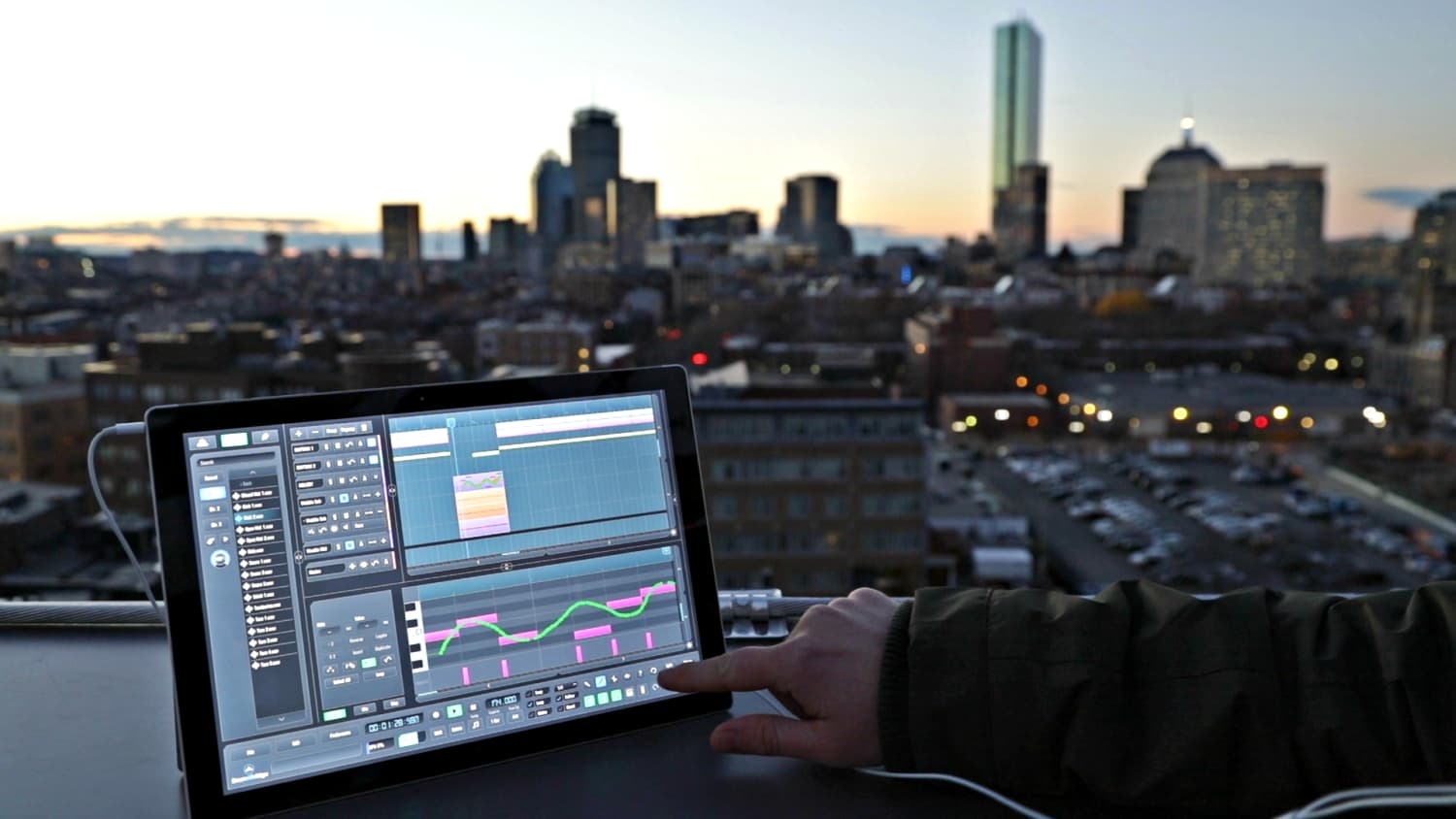
Having this in mind, we have dedicated the next blog to granular synthesis, and with the help of a particular plugin, we will show you endless possibilities for it. There are more alternatives, but we have chosen a new plugin, Portal, designed by Output. Portal is a granular effect plugin that differs from other granular effect plugins in a manner that is centered around the music you make. While past granular sounds have been chaotic and abstract, Portal re-synthesized sounds more closely related to the original input. We will test it on several sound sources, such as vocals, drums, etc. Piano. We have made a short sequence in our SoundBridge: DAW containing those elements, so let's first listen to it unprocessed.
~Vocal - Unprocessed
~Drums - Unprocessed
~El. Piano - Unprocessed

We will add an instance of the Portal plugin to all audio channels by dragging and dropping it to the effect rack of the channels.

The Interface
The initial interface of the Portal might look simple, but with just a couple of shown parameters, it can alter the audio source. First of all, we can see a big X/Y control which is linked to the MACRO 1 & MACRO 2, the two big knobs that you can see on the right side of the interface. Moving that larger dot on the X/Y field allows you to control both macros using a single mouse click. The top right corner has a relatively sizeable preset bank in it. You can save your own by clicking the button next to the preset's name. As mentioned above, the big macro knobs allow controlling multiple parameters. There is also a reverse switch, which turns the audio signal backward.
Furthermore, below, we can see the DRY/WET mix control. In the end, we can see a large numerical display at the bottom of the interface. This section provides adjustment controls for input and output gain and a VU meter to show the output volume of the effect. Finally, red dots at the end of the meter indicate possible clipping of the signal.
Audio Examples
Since we have introduced you to the interface of the Portal and its basic controls, let us move to some practical audio examples. This plugin has much more going on "under the hood," so we will continue discovering its advanced functions in part 2 of this tutorial.
~Vocal - Processed with Portal
~Drums - Processed with Portal
~El. Piano - Processed with Portal
MASTER MUSIC PRODUCTION
Cursos com especialistas para levar você dos fundamentos a tracks finalizadas.

HOUSEDe baixos saltitantes a kicks sólidos, este curso ensina as técnicas mais modernas de produção House para você vencer e se destacar.

TRAPPare de soar como Trap genérica e produza algo World com toques do Extremo Oriente. Crie paisagens étnicas para pôr o seu Trap à frente da curva.

AMBIENTProduza ambient relaxante e sofisticada com influência psy. Psicadélica e relaxante de ouvir, crie soundscapes meditativas para pôr os seus ouvintes em Zen.