

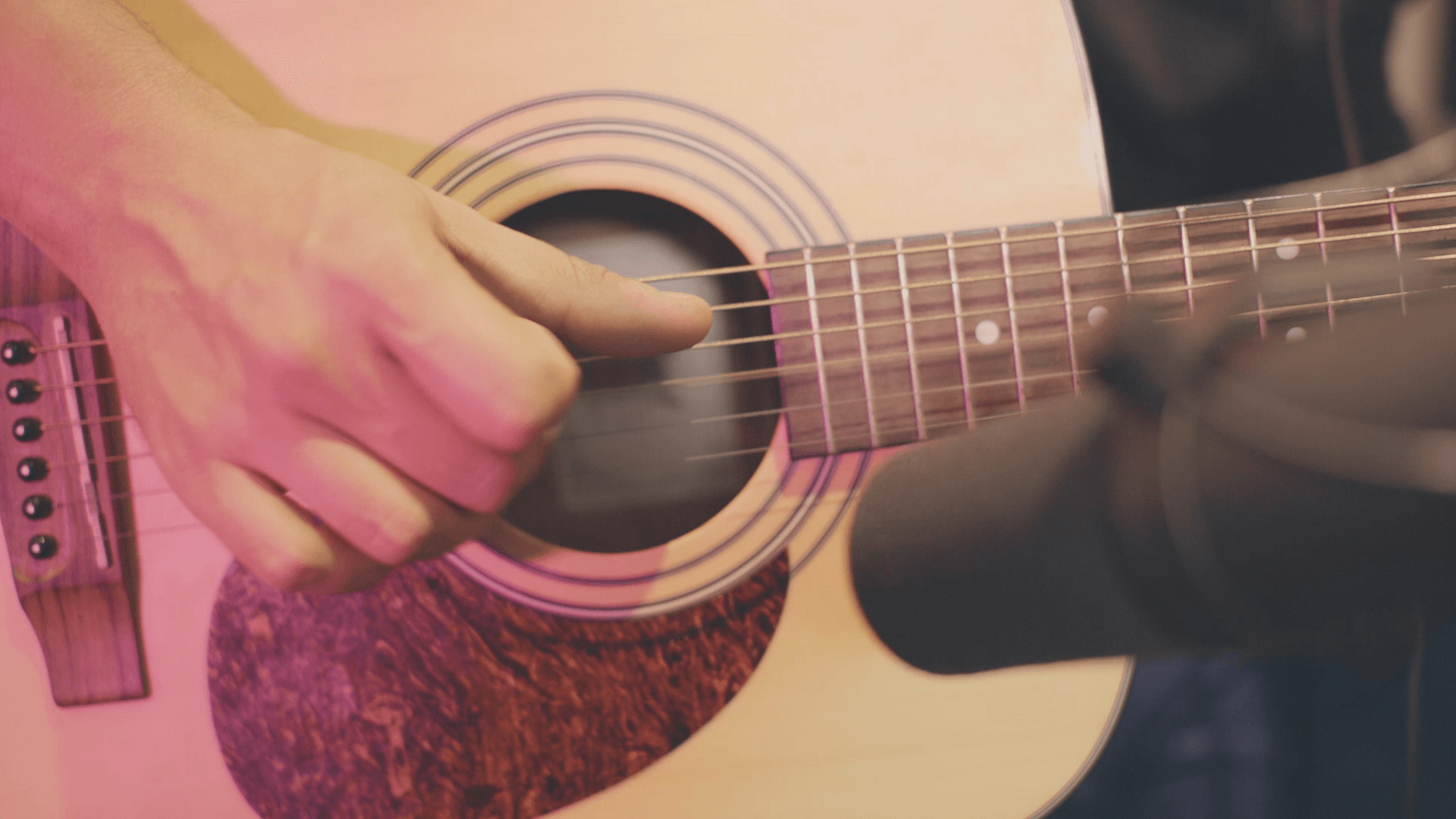
Get a Realistic Acoustic Guitar Sound (Part 1)
Last Edited: Nov 17, 2023
Indeed, you will agree that the acoustic guitar is one of the most used instruments out there. Countless everlasting hits in modern music were written for acoustic guitar, ranging from classical music and rock and roll up to modern hybrids of electronic music. Transferring the exact characteristics of a real acoustic guitar instrument to software while capturing the unique behavior is not simple. However, recently, some companies came close to developing a faithful digital emulation of the mentioned instrument. For this reason, we will divide this tutorial into a couple of parts since the interface and possibilities of the instruments are vast. Finally, we'll show you some practical audio examples.
Evolution Modern Nylon
This library is developed in collaboration with Rosewood Recording Company, one of Utah's most venerable recording studios. Guy Randle, the owner and recording engineer at Rosewood Recording Company, incorporates analog audio equipment to skillfully sculpt and emphasize the rich tonal qualities of the nylon guitar. Guy Randle brought in the versatile and accomplished guitarist Michael Dowdle for the sampling session. Michael Dowdle has an impressive musical history. His session guitar work includes recording for artists such as Marie Osmond, The Osmond Brothers, John Schneider, David Archuleta, and The Jets. He also performed on numerous movie and TV scores. We'll start by loading a new instance of Kontakt player by Native instruments into a fresh MIDI channel within our own SoundBridge: DAW. The digital emulation of the acoustic guitar we are talking about is named Evolution Modern Nylon, and it's made by Orange Tree company.

The Interface and Controls
At the top of the interface, you'll see five sections labeled "Play," "Strum," "Chords," "Tone," and "Setup." These buttons navigate to each of the sections of the interface. The organization of the interface and the controls enables you to get to the options you're looking for easily. The guitar fretboard view lets you see the notes as you play them. That way, you can see which strings you are playing and their location on the neck. It also helps to visualize playing the elements on the fretboard, like the fretting position, capo, and guitar tuning. Finally, at the bottom, we can see a piano roll. The blue keys represent the range of octaves. On the far left, we can see a range of yellow keys. The house guitar sounds like tapping, sliding, and so on. You are moving to the most essential part of this interface page, "Mapping."

Mapping
In the "Mapping" section, you have controls to customize how you want to trigger the included articulations. For example, you can set articulations to velocity ranges, latching and unlatching key switches, MIDI CCs, and more. As you can see, there are options for articulations like palm mute, harmonics, buzz trill, or whole-step slide-in. By setting the articulations to the appropriate key switches, we can see that the right part of the piano roll turned red. This shows you the setting of the key switches range.

Audio Examples
Setting the articulations we like to key switches lets us hear how Evolution Modern Nylon sounds.

~EMN Acoustic Guitar - Riff 1
~EMN Acoustic Guitar - Riff 2
MASTER MUSIC PRODUCTION
Expert-led courses designed to take you from fundamentals to finished tracks.

HOUSEFrom bouncy bass and solid kicks, this course teaches you the most modern House music production techniques needed to succeed and stand out.

TRAPQuit sounding like generic Trap and produce something World with hints of the Far East. Create ethnic soundscapes to put your Trap ahead of the curve.

AMBIENTProduce relaxing, sophisticated psy-influenced ambient. Psychedelic and relaxing to listen to, create meditative soundscapes to put your listeners in Zen.