

Tame Your Kick Drum With a Multiband Transient Shaper
Last Edited: Dec 4, 2023
The kick drum may be considered the foundation of club-oriented electronic music. In order to achieve dancefloor success, every producer should learn this instrument's sound attributes. While our music-making predecessors had no other option but to record actual bass drums to tape, we now have many professional-quality kick drum samples, specialized kick drum designer instruments, and many audio effects for processing our kick drums. In this tutorial, we will show you how to use a specific tool that will significantly help you glue the kick drum to the rest of the elements of your mix. We believe using a multiband transient shaper as the primary tool for processing the kick drum saves time and produces better results.
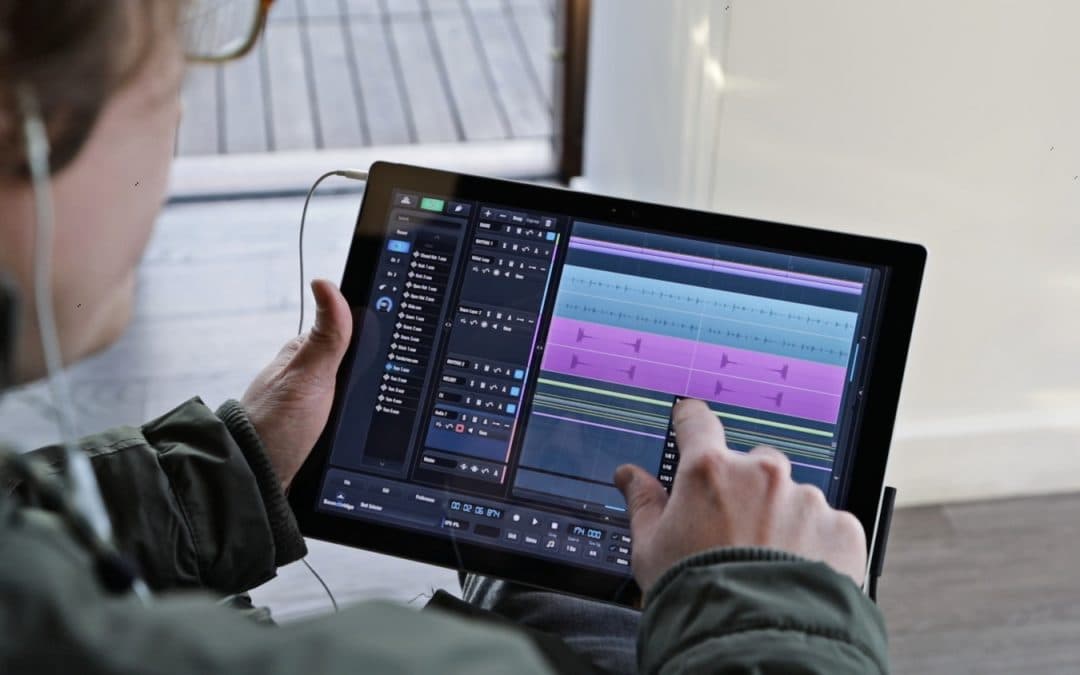
As is customary, we prepared a short sequence in our SoundBridge: DAW containing most of the elements of the whole mix, including a partially processed kick drum. Let's hear how that sounds.

We could argue that our kick drum could sound better in the context of the overall mix. We'll listen to it again to get a better sense of its sonic attributes. But this time, only with the bassline and a few rhythm elements.
As heard in the audio example above, the kick drum is perhaps too prominent. It has a lot of punch in the mid and high-frequency spectrum. To resolve this, we could use conventional compression or EQ. However, we believe that using the multiband transient shaper as the primary tool for processing our kick drum will save us time and produce better results. First, insert a multiband transient shaper instance onto the kick drum's effects rack.

Transient shapers and designers are valuable tools for more than just drum processing since they provide independent level adjustment of the attack and sustain brief portions. When compared to other devices, multiband characteristics give far greater control. In this example, we've chosen MeldaProduction's MTransientMB, a multiband transient shaper processor with some added functionality. At first, we'll start with the midsection of its interface. We can see controls for three distinct bands (bass, mid, and high) to increase or decrease the attack. Below that, we have a crossover filter section that lets us separate the signals for each band. An excellent addition is the saturation knob. It defines the amount of saturation applied to the attack signal. Moreover, it can be helpful if we want to make our transients even warmer.
After adjusting the parameters to our liking, let's make an A/B test. Finally, we will compare the unprocessed kick drum to the processed version with MTransientMB applied.
We might argue that the processed version sounds considerably better to our ears. So, let's check how our processed kick drum sounds in the context of the whole mix.
If you liked this article, here are some more on transient shapers and mixing:
MASTER MUSIC PRODUCTION
Expert-led courses designed to take you from fundamentals to finished tracks.

HOUSEFrom bouncy bass and solid kicks, this course teaches you the most modern House music production techniques needed to succeed and stand out.

TRAPQuit sounding like generic Trap and produce something World with hints of the Far East. Create ethnic soundscapes to put your Trap ahead of the curve.

AMBIENTProduce relaxing, sophisticated psy-influenced ambient. Psychedelic and relaxing to listen to, create meditative soundscapes to put your listeners in Zen.